We repair computers for a living, but that doesn’t mean we think every computer deserves another repair bill. Sometimes a sensible fix gives you several more years of comfortable use. Sometimes it means spending hundreds of dollars on a machine you’ll still be frustrated with when you get it home. The important question is what you’ll have once the work is finished, and whether that result is worth the total cost.
The Warranty Expired. Your Rights Might Not Have.
Many laptops come with a one-year manufacturer’s warranty, but that doesn’t mean they’re only expected to last a year. Under Australian Consumer Law, products must be of acceptable quality, including reasonable durability, and your rights can continue after the written warranty expires. There’s no fixed legal lifespan for every laptop: price, quality, normal use and other circumstances matter.
A reasonably cared-for laptop, especially an expensive one, should generally last well beyond its first birthday. If a relatively new machine develops a fault, contact the retailer before paying for repairs. “It’s out of warranty” isn’t the whole answer.
The practical catch is getting it sorted. Sending a laptop away can mean two weeks without it, sometimes longer, while it travels through the retailer and the manufacturer’s repair process. That’s inconvenient for a home user and potentially expensive if you depend on it for work.
There’s also the data issue: repairs can involve a factory reset, a replacement drive or a replacement computer, and your files and installed programs may not come back with it. Back up first, ask about turnaround time, and find out how your data will be handled before handing it over. A repair that costs you nothing can still involve plenty of disruption.
The $800 HP That Needs “Just a Battery”
Here’s a typical situation we see: a five-year-old HP laptop, originally bought on sale for around $800, comes in because the battery only lasts half an hour. On the surface, it sounds straightforward. Replace the battery, which costs around $250 on average depending on the model, and it should be good to go. If the rest of the computer is working well and you’re happy with it, that may be all it needs. But once we assess the machine, we often find that the battery is only the most obvious part of a much more tired computer.
The SSD is slowing down, the laptop only has 8 GB of RAM, Windows is full of accumulated junk, and doing your regular tasks feel like a chore and frustration. A new battery will let you sit away from the power point for longer, but it won’t fix any of that.
To make the laptop pleasant to use again, it may also need an SSD replacement, more memory if the model allows it, and a proper software tune-up. By the time we add the necessary work, the total can easily reach $500 or more. Suddenly, the modest battery replacement has become a substantial investment in an ageing budget laptop.
Even after that work, you still have the original processor, basic screen, cheap-feeling plastic case and five years of wear on the keyboard, hinges and other components. Depending on its condition and your needs, we might realistically be aiming for another two or three useful years, rather than a fresh five-year run.
That isn’t a guarantee of when it will fail; it’s the sort of remaining life we need to weigh up before recommending the expense. If you were already unhappy with how the machine felt, spending $500 doesn’t turn it into the laptop you wish you’d bought in the first place.
Cheap Parts Don’t Make The Labour Disappear
We sometimes hear, “But I found the battery online for $50!” That may be true, but buying a component and completing a reliable repair are different things. A laptop that won’t charge could have a faulty charger, battery, charging socket or motherboard.
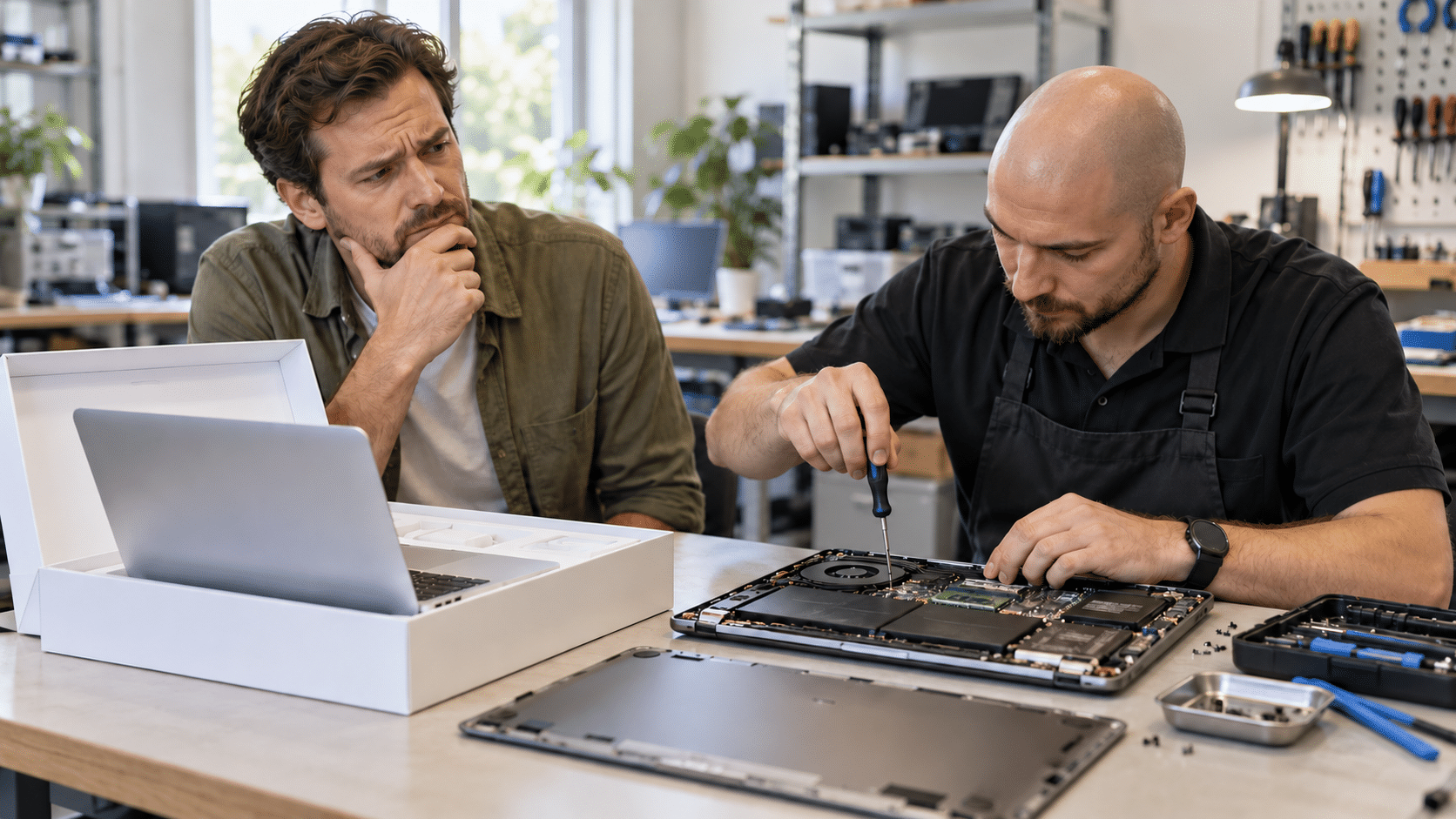
We need to establish which one is responsible, source the correct part, dismantle the machine, fit it, put everything back together and test the result. Some jobs are straightforward; others involve removing most of the internals just to reach a keyboard or a small charging board. The component might be cheap, but the time to diagnose and replace it still adds up.
This is why an older bargain laptop can be technically repairable without being economical to repair. A failed charger or another small fix may be worthwhile, but a machine with several problems deserves a different recommendation.
DIY has the same trap: replacing one part, then another, then spending three evenings troubleshooting can turn into quite a project. That’s fine if you enjoy it. If you just need a dependable computer for work, those hours and unsuccessful purchases belong in the calculation too.
A Better Laptop Deserves a Different Conversation
Now consider a good-quality business laptop or MacBook that originally cost $2,000 or $3,000. It still feels responsive, the case and hinges are sound, and it does everything its owner needs, but the battery is worn out or the screen has been damaged. That’s a very different proposition from the tired $800 HP.
Fixing one failed component can preserve a computer that is still comfortable and capable, without forcing you to buy a replacement of comparable quality. Spending a few hundred dollars on that machine may be a much better use of the budget than replacing it with a cheap new laptop that feels like a downgrade.
We also see decent computers whose main problem is a specific bottleneck: insufficient memory, a struggling drive or cooling that needs attention. Where the hardware is suitable and the rest of the machine is healthy, the right repair or upgrade can make a noticeable difference.
The distinction is whether we’re fixing a particular weakness in a good computer or trying to compensate for an entire machine that feels worn out. An expensive original price doesn’t justify every repair, either. Extensive liquid damage, multiple faults, an expensive motherboard replacement or hard-to-find parts can still make replacement the sensible choice.
Replacing It Has Costs Beyond The Price Tag
A new computer doesn’t arrive with your files, email accounts, applications, printers and familiar setup ready to go. Someone still has to transfer the data, install programs, find licence details, passwords for email accounts, and get everything working again.
If the old computer has already failed, recovering the files may be a separate job regardless of whether you repair it or replace it. Include that setup work and the disruption when comparing your options, especially if the computer earns its keep in your business. And think about backups before either decision: a laptop can be replaced much more easily than the only copy of your family photos or business records.
Get an Assessment Before Spending Twice
At Fix My Laptop, we look at the whole computer before recommending where to spend your money. A battery replacement may be all you need, or it may be the first expense on a machine that has several other problems waiting their turn. We’ll help you weigh up the fault, overall condition, repair cost and likely remaining usefulness.
If repairing it makes sense, we’ll explain why. If you’re better off putting that money towards a replacement, we’ll tell you that too. Contact us and we’ll help you decide whether your computer deserves another few years of service or a well-earned retirement.