
MacBook Repairs in Clayfield, Brisbane Northside
If your MacBook is broken, you are likely facing a tough decision: Should I repair it, or is it time for a new one? At Fix My Laptop, we do not just replace parts; we help you make the smartest financial decision for your device. If your Mac has been declared dead, uneconomical to repair, or “vintage” by Apple, it may still be worth a second opinion.
Whether you have a brand-new MacBook Neo or an aging Intel MacBook Pro, here is everything you need to know about MacBook repairs, why they cost what they do, and how to decide your next move.
★ 4.8
Google Rating
⚙ Over 50,000 Successful Repairs
✓ Trusted by Brisbane locals since 2009
What’s Wrong With Your MacBook?
You don’t need to know the technical name for what’s broken, just tell us what it’s doing (or not doing). We test the hardware first, then give you straight options: fix it, recover your data, or replace the machine.
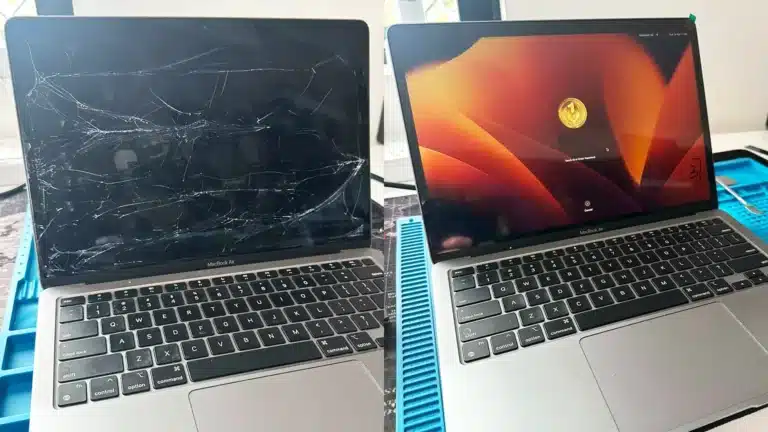
Cracked or Flickering Screen
Unlike Apple (who forces a whole top-lid swap every time), we can actually unglue the damaged panel and replace just the glass on most MacBook Airs and MacBook Pros. This saves you hundreds of dollars while preserving your original camera and TrueTone functionality. For high-end 16″ Pro models with complex mini-LED assemblies, we fit complete factory-grade display units.
Typical costs: $550 – $1200 including labour
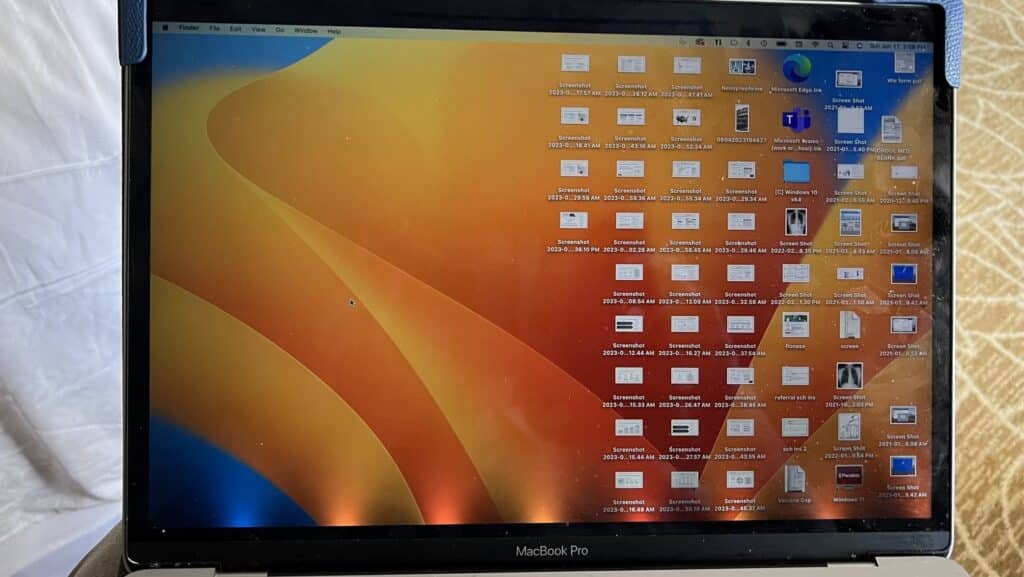
Flexgate Repair
Is your screen showing a “stage light” pattern at the bottom, or going completely blank when opened past a certain angle? That’s the classic Flexgate issue caused by Apple’s overly short backlight cables wearing out. We can fix or extend the flex cable, usually without replacing the whole display assembly.
Typical costs: $250 – $350

MacBook Not Turning On or Liquid Damage
A dead Mac could have a bad battery, a burned USB-C charging port, or a logic board short, commonly due to liquid damage. The hard reality with modern MacBooks: storage (SSD) drives are soldered directly to the logic board. If your machine won’t turn on and hasn’t been backed up to Time Machine, iCloud, or OneDrive, your data cannot be extracted without repairing the board first. Not all hope is lost though – we can clean up the liquid damage and replace the failed components without replacing the whole logic board.
Typical costs: $300 – $700
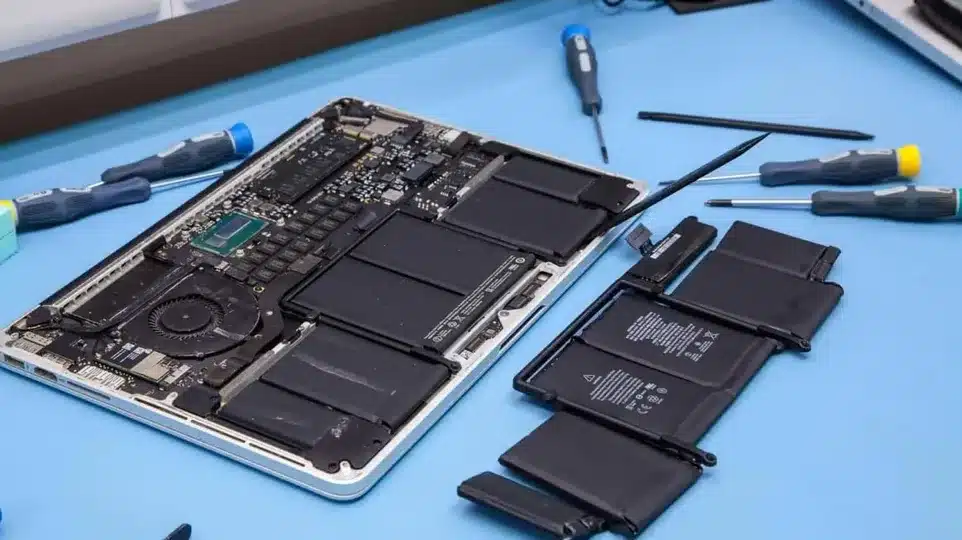
Battery Not Holding Charge
If your Mac has a swollen battery, dies at 30%, lags severely, or won’t boot at all, the battery is likely the culprit. On some Macbook models, a failing battery forces the CPU into extreme power-throttling mode or prevents the machine from starting entirely – even when plugged in. We stock common MacBook batteries at our Clayfield workshop, so we can test and replace the batteries without long waiting times.
Typical costs: $350 – $550
Understanding Your MacBook: Models, Sizes & Chips
Before diagnosing the cost of a repair, it helps to understand exactly what kind of hardware you are working with. The Apple ecosystem has evolved rapidly over the last few years, and repairability heavily depends on the model and chip inside your machine. Today’s MacBook family spans a wide range of sizes and capabilities.

MacBook Neo (13″)
Apple’s newest entry-level laptop. Powered by the A18 Pro chip (the same architecture used in iPhones), it is highly integrated, lightweight, and completely fanless.

MacBook Air (13″ & 15″)
The standard for everyday use. Modern Airs use Apple’s M-series chips (M1 through M5) and feature incredibly thin, glued-in batteries and unified logic boards.

MacBook Pro (14″ & 16″)
The heavy hitters for professionals. While they boast robust cooling and massive M-series Pro/Max chips, their complex displays and dense internal engineering make repairs delicate and labour-intensive.
The Chip Divide: Apple Silicon vs. Intel

The single biggest factor in the lifespan and repair value of your Mac is the processor.
Apple Silicon (A-Series & M1 – M5)
Extremely powerful, efficient, and built for modern macOS. If you have an Apple Silicon Mac, it is generally highly worth repairing due to its longevity and retained market value.
Intel-Based Macs (Pre-2020)
Older Intel models run much hotter, have significantly less battery life, and are fast losing software support. In 2026, most Intel Macs are no longer worth major investments. If the repair quote approaches the laptop’s value, we usually advise upgrading.
The Real Cost: Why Are MacBook Repairs Often Expensive?
If you have ever been shocked by an Apple repair quote, you are not alone. There are three primary reasons why fixing a MacBook costs a premium.
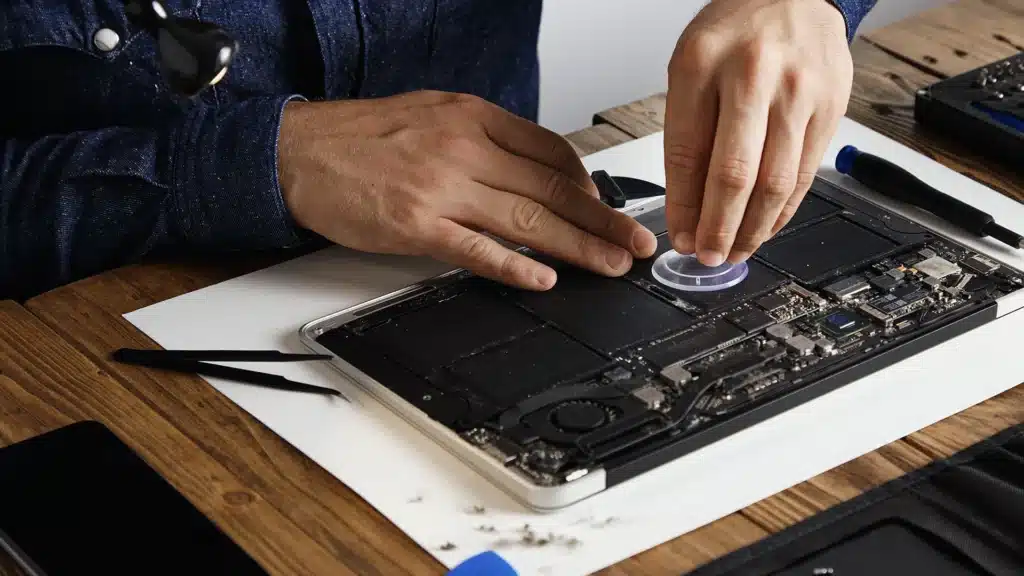
1. Parts are Expensive and often Hard to Get
The biggest driver of Apple repair pricing is simple: parts cost a lot. Unlike many Windows laptops where parts are widely available from multiple suppliers, Apple controls its supply chain tightly. Genuine parts are limited in availability, often tied to specific models and serials, and are priced at a premium.
- A genuine MacBook screen can cost several hundred dollars on its own.
- Logic boards can cost close to the value of the entire laptop.
- Even smaller components like batteries or trackpads are more expensive than their Windows equivalents.
While third-party parts exist, quality varies wildly. For many newer models, aftermarket parts are either unavailable or unreliable. Right out of the gate, your repair starts from a high baseline cost.
2. Thin and “Premium” Design = Difficult Repairs
Modern MacBooks are engineered to be thin, light, and visually flawless. That comes at the cost of repairability. Instead of replacing a single failing component, technicians often have to replace entire assemblies:
Keyboard issue
We have to replace the whole top case because keyboards are riveted in.
Battery issue
We must carefully remove glued cells, which is risky and time-consuming.
Screen issue
We must replace the entire fully laminated display unit.
Storage/RAM issue
These are soldered directly to the board, meaning the whole logic board has to be replaced.
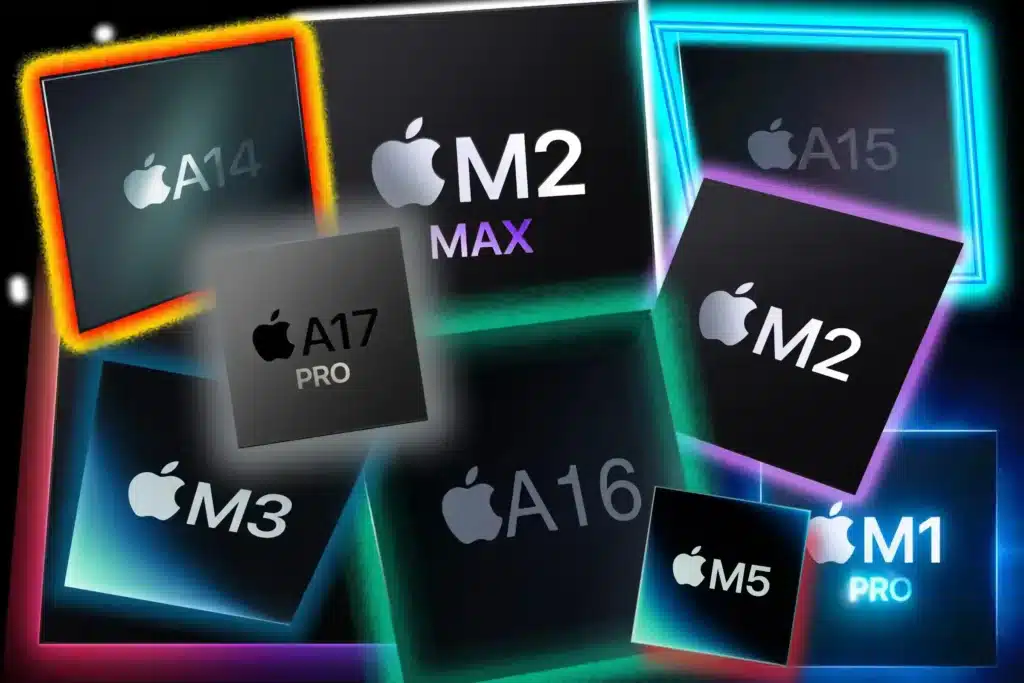
3. Apple Silicon Made Performance Better
But Repairs HarderApple’s move to its own chips dramatically improved performance and efficiency. However, it also made the machines hyper-integrated. With unified memory and storage built directly into the chip architecture, failures that used to be isolated are now tied to the logic board. If something goes wrong, we aren’t just swapping a part, we are replacing one of the most expensive components in the machine.
The Awkward Reality: Old Macs vs. Repair Costs

This is where things get frustrating for customers. Pre-M1 MacBooks (especially high-end Intel models) used to cost $2,000 – $4,000. Today, many of them are worth a fraction of that, but repair costs haven’t dropped at the same rate. A Typical 2026 Scenario:
2013 – 2020 Intel MacBook Pro
- Market Value Today: $200 – $800
- Screen Replacement Cost: $500 – $900
- Logic Board Repair: $300 – $700
You often end up in a situation where the repair costs as much as the laptop is worth. The pricing isn’t “wrong” – it accurately reflects the cost of parts and expert labour – but it drastically changes your decision-making process.
We’ll Help You Decide (Without the BS)
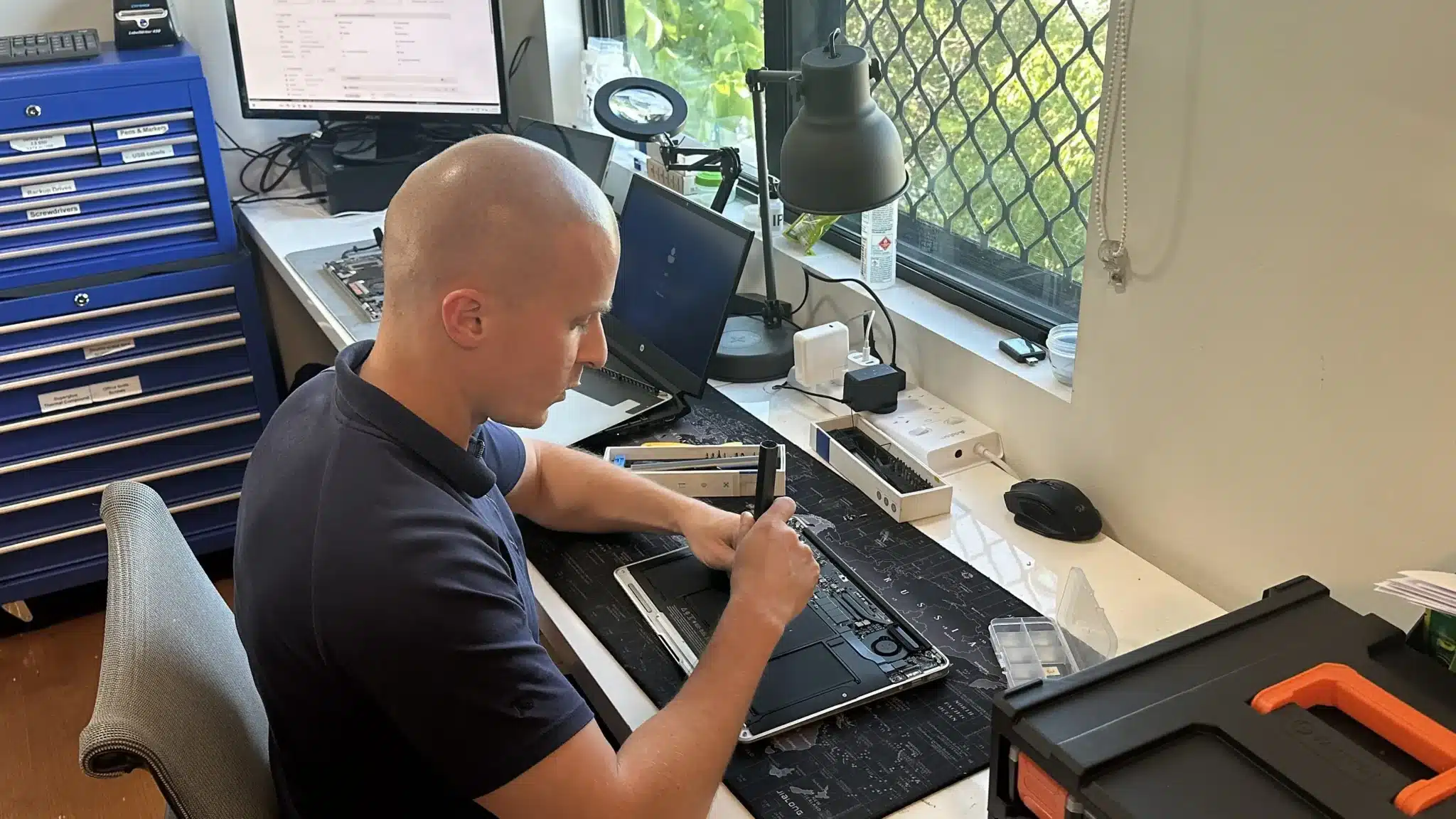
This is where most people get stuck. You have a MacBook that cost thousands a few years ago, and now you’re facing a repair quote that feels high relative to what the laptop is worth today. The instinct is either to repair blindly or give up too quickly.
At Fix My Laptop, we take a better approach. We assess your device in context: the exact model, age, current market value, and the actual fault. Then, we give you a clear, honest recommendation:
- Repair it (when it makes long-term financial sense)
- Repair it short-term (just enough to recover data or extend life briefly)
- Replace it (to avoid sinking good money into a dying, aging machine)
If a repair is worthwhile, we will carry it out using quality parts and proper diagnostics. If it’s not, we’ll tell you directly, there is no point spending $800 on a laptop worth $600.
Come to Our Clayfield Workshop, Parking On-Site
Fix My Laptop is conveniently based in Clayfield, providing fast and quality repairs for customers across Brisbane Northside.
Most hardware problems require proper testing, the majority of our customers visit our workshop for hands-on diagnostics, repairs, and data recovery.
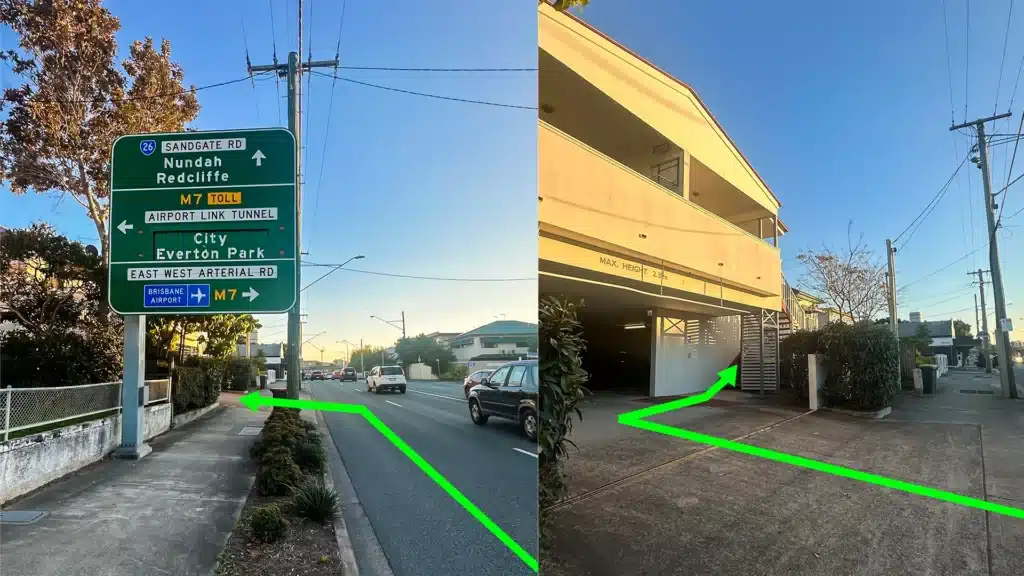
Our address is 2/890 Sandgate Road, Clayfield, QLD 4011
Easy visitor parking available on-site! Turn left into the units right after the Airport Link sign. Please use the guest parking spots. If not available, you can use parking on Kedron Street.
| Monday | 10:00 AM — 6:00 PM |
| Tuesday | 8:00 AM — 6:00 PM |
| Wednesday | 10:00 AM — 6:00 PM |
| Thursday | 8:00 AM — 6:00 PM |
| Friday | 10:00 AM — 4:00 PM |
| Saturday | 10:00 AM — 4:00 PM |
| Sunday | Closed |
See our updated hours on Google Maps before visiting. Appointments are preferred to ensure service on time.
Frequently Asked Questions
Ready to Upgrade Instead?
If you decide to replace your Mac, we handle the entire transition. We take care of your data transfer, account setup, Microsoft 365, cloud apps, and ensure everything works seamlessly on your new device from day one. The goal isn’t just to fix laptops. It’s to make sure you make the right decision with your money.