
Laptop & MacBook Liquid Damage Repair in Clayfield, Brisbane Northside
Spilled water, coffee, or liquid inside your laptop? Acting fast can mean the difference between a simple clean and a full board repair.
Liquid damage spreads quickly and often causes hidden corrosion. At Fix My Laptop, we inspect, clean, and repair internal components to recover your device safely. We focus on saving your data and avoiding unnecessary replacements whenever possible.
★ 4.8
Google Rating
⚙ Over 50,000 Successful Repairs
✓ Trusted by Brisbane locals since 2009
Signs of Laptop Water Damage
Liquid damage does not always show immediately, but symptoms appear quickly.
Laptop not turning on
Liquid damage can short internal components and prevent startup. Even small spills can stop your laptop from powering on completely.
Keyboard keys not responding
Moisture under the keyboard can block signals or cause random inputs. This often worsens over time as corrosion spreads inside.
Screen flickering
Liquid exposure can affect display circuits and connectors. This results in flickering, ghosting, or a completely unusable screen.
Battery not charging properly
Corrosion near power circuits can interrupt charging. Your laptop may charge slowly, inconsistently, or stop charging altogether.
Random shutdowns
Liquid can disrupt thermal sensors and internal components. This leads to overheating, sudden shutdowns, or unstable performance.
Visible corrosion
Dried liquid leaves residue that damages components over time. Without cleaning, this continues to spread and cause further failure.
Proper Liquid Damage Assessment
We check beyond the surface to find hidden damage.
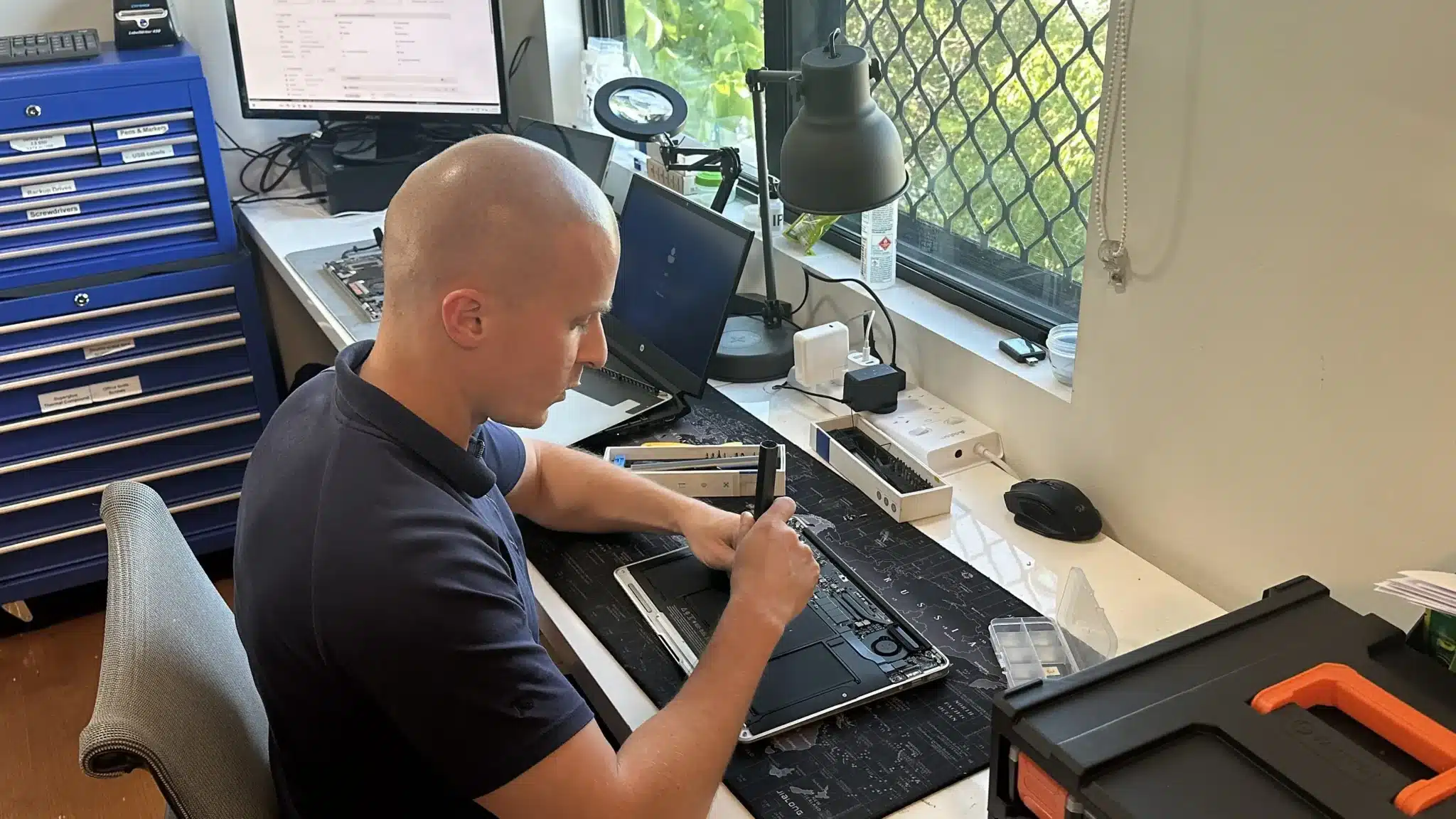
Liquid damage is rarely limited to one part. Therefore, we fully disassemble the device and inspect the motherboard, connectors, and power circuits.
We look for corrosion, short circuits, and damaged components. Then we test which parts can be saved and which require replacement.
Because every spill behaves differently, we confirm the extent of damage before recommending any repair. This avoids wasted cost and incorrect fixes.
Laptop Water Damage Repair Solutions
We focus on cleaning, recovery, and targeted repairs.
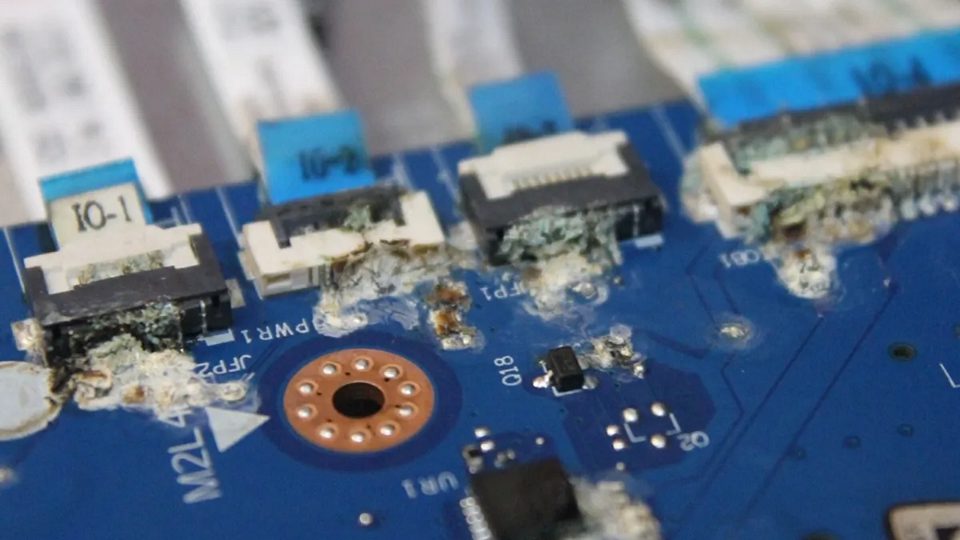
Liquid damage needs to be handled quickly and properly. We open the laptop, clean internal components, and remove corrosion before it spreads further. This step is critical, because leaving residue inside will continue to damage the board and connections over time.
After cleaning, we test the system and repair or replace any affected parts such as the keyboard, battery, charging circuits, or screen. If the motherboard is involved, we attempt board-level repair where possible. The goal is simple: restore your laptop safely without replacing more than necessary.
Why Choose Fix My Laptop
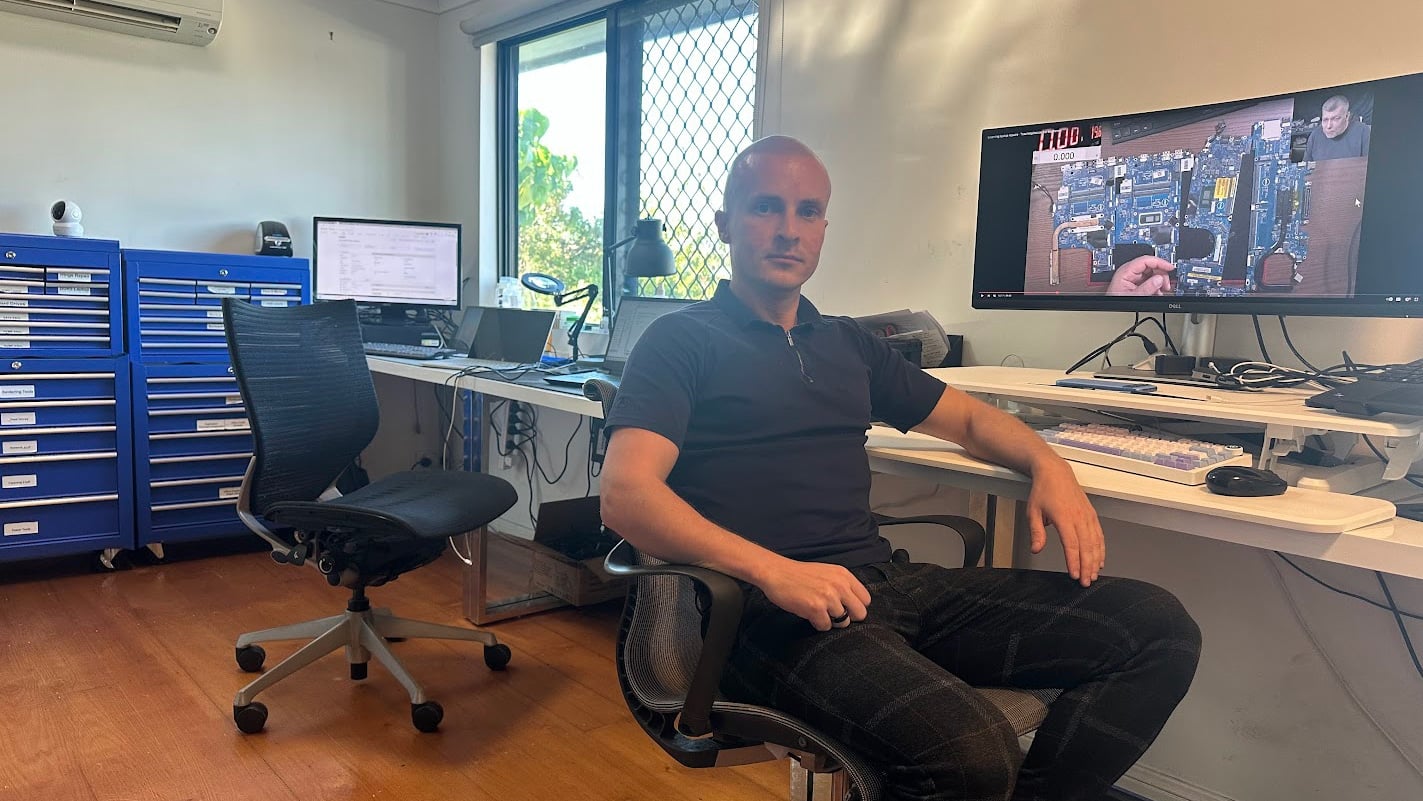
Liquid damage needs proper handling, not guesswork. We inspect the internal condition first, then explain what can be repaired and what cannot. Because we handle cleaning, component repair, and board-level work, we can often recover devices others would replace. This means you get a clear plan and avoid unnecessary costs.
Laptop Water Damage Repair Cost
Costs depend on severity, affected parts, and recovery work required.
Liquid damage repair varies because every spill affects different components. In some cases, a full internal clean is enough. In others, parts such as the keyboard, battery, or motherboard may need repair or replacement.
Because corrosion can spread over time, we assess the internal condition before confirming pricing. This ensures you receive an accurate quote based on real damage, not assumptions.
Early action often reduces cost and improves recovery success.
Typical Price Range
$300 – $600
Our Repair Process
Simple steps to recover your laptop safely from drop off to working device.
Visit & Drop-off
Bring your laptop in as soon as possible after liquid exposure. Fast action improves the chances of successful repair and reduces damage spread.
Data Recovery
If your data is important, we can try to recover it before attempting the repairs. We can’t guarantee specific results.
Check & Repair
We will open your laptop and judge whether we should even try the repair. Liquid damage repair is always on a best effort basis.
What If…
If your laptop is uneconomical or impossible to repair, we will let you know so. If we have your data backup handy, we can restore it on another device.
Come to Our Clayfield Workshop, Parking On-Site
Fix My Laptop is conveniently based in Clayfield, providing fast and quality repairs for customers across Brisbane Northside.
Most hardware problems require proper testing, the majority of our customers visit our workshop for hands-on diagnostics, repairs, and data recovery.
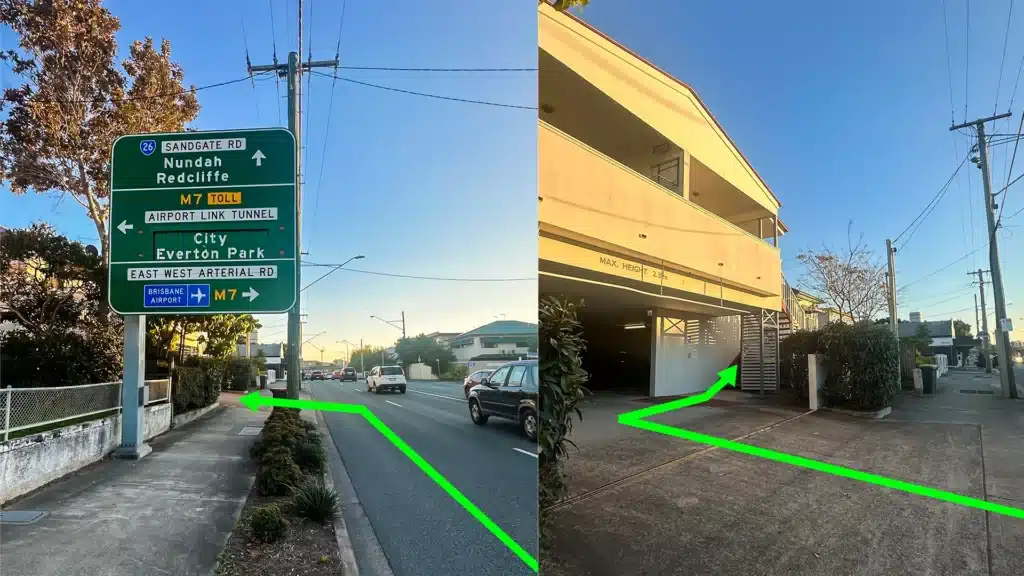
Our address is 2/890 Sandgate Road, Clayfield, QLD 4011
Easy visitor parking available on-site! Turn left into the units right after the Airport Link sign. Please use the guest parking spots. If not available, you can use parking on Kedron Street.
| Monday | 10:00 AM — 6:00 PM |
| Tuesday | 8:00 AM — 6:00 PM |
| Wednesday | 10:00 AM — 6:00 PM |
| Thursday | 8:00 AM — 6:00 PM |
| Friday | 10:00 AM — 4:00 PM |
| Saturday | 10:00 AM — 4:00 PM |
| Sunday | Closed |
See our updated hours on Google Maps before visiting. Appointments are preferred to ensure service on time.
Related Repairs
Battery Replacement
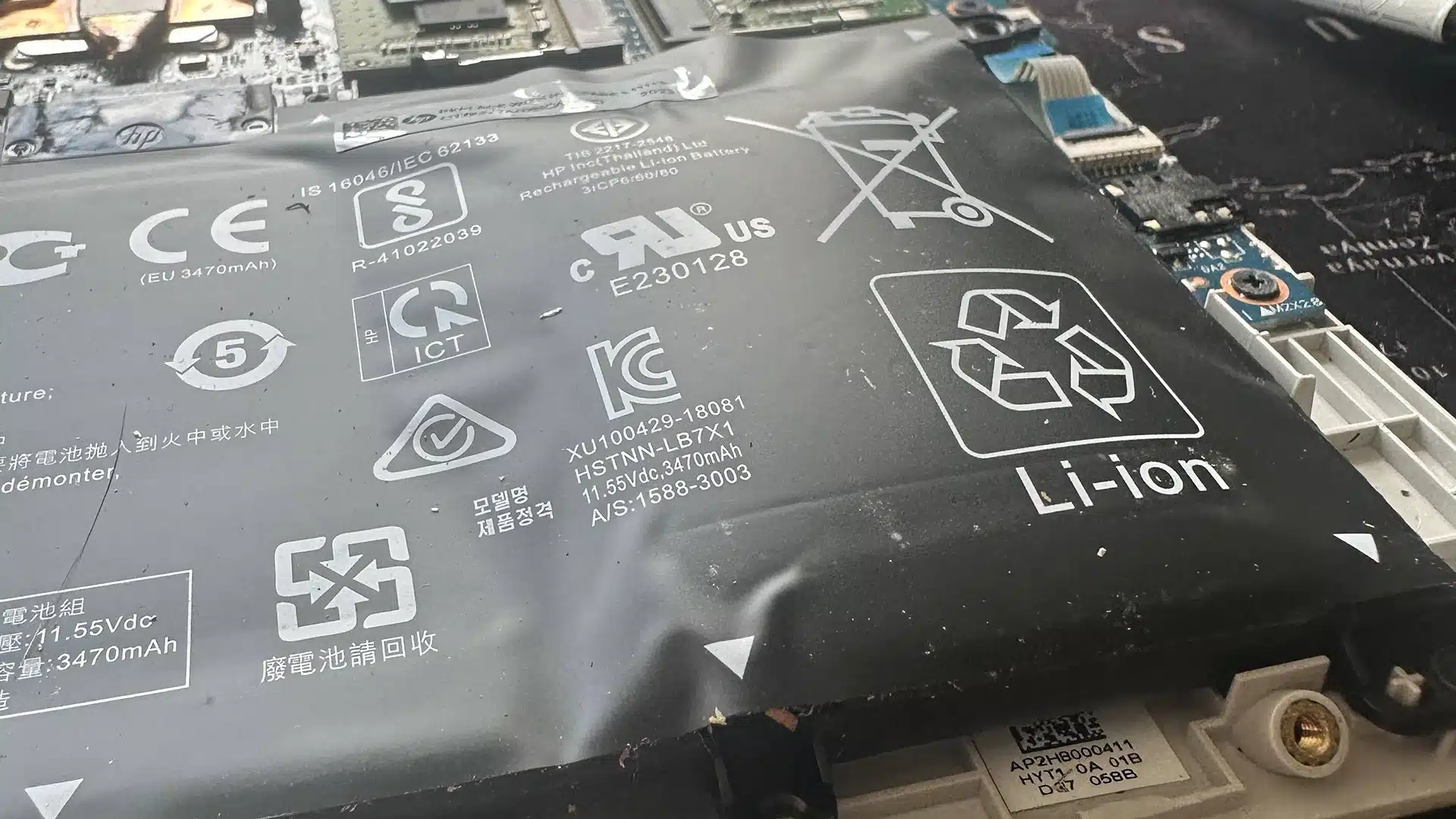
If your laptop no longer holds charge like it used to, or the battery started to swell, it’s time to replace it! Most batteries last from three to five years before needing replacement.
Keyboard Replacement
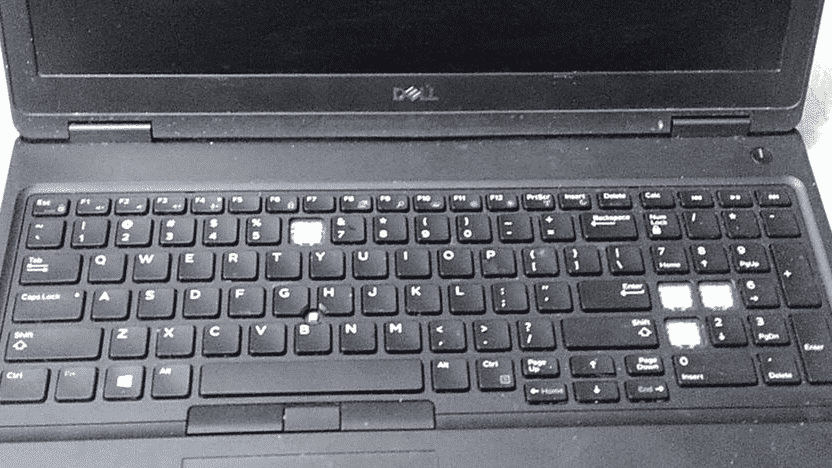
A broken keyboard shouldn’t mean the end of your laptop’s life. Whether you are dealing with a single broken keycap, sticky keys, or a completely unresponsive keyboard, we can help you.

Data Recovery
Data loss is a nightmare, and unfortunately, it is usually a question of when, not if. We recover data from broken computers, failing hard drives, solid-state drives (SSDs), USB sticks, and SD cards safely, offering honest advice and realistic expectations.