
Data Recovery in Clayfield, Brisbane Northside
Crashed computer? Dropped hard drive? Accidental deletion? Data loss is a nightmare, and unfortunately, it is usually a question of when, not if.
At Fix My Laptop in Clayfield, we provide expert data recovery services across Brisbane. We recover critical data from broken computers, failing hard drives, solid-state drives (SSDs), USB sticks, and SD cards safely, offering honest advice and realistic expectations.
★ 4.8
Google Rating
⚙ Over 50,000 Successful Repairs
✓ Trusted by Brisbane locals since 2009
Warning Signs: When You Might Need Data Recovery
Most people store their lives on hard drives and SSDs. While SSDs can fail instantly without warning, traditional hard drives usually give you a heads-up before failing completely. Watch out for these warning signs:
Sudden Sluggishness
If your computer freezes or becomes incredibly slow over a period of time, it is often a failing hard drive struggling to read damaged sectors.
Boot Failures
Your computer shows “no bootable device” or “missing operating system.” The computer is trying to read the data, but it simply can’t.
Format Prompts
You plug in a USB stick or portable hard drive, it locks up, and Windows says, “The drive needs to be formatted.” Do not format it!
Clicking Noises
A clear sign of physical mechanical failure. Power the device off immediately.
Corrupted Files or Operating System
Your files open with errors, or your Windows/Mac system fails to boot properly. We extract your usable, raw data before attempting any major system repairs, updates, or OS reinstalls.
Why Is Data Recovery So Expensive?
One of the most common reactions we hear is: “It’s just copying files, isn’t it? Why is it so expensive?”
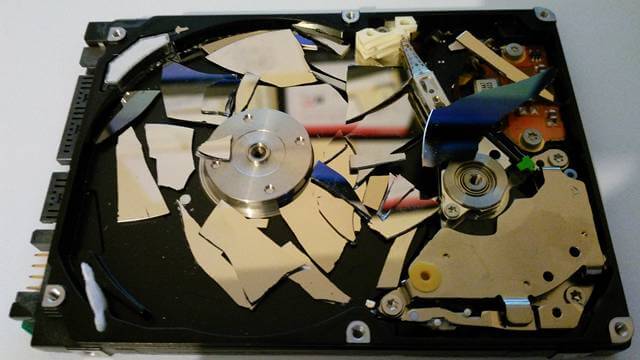
If it were that simple, you would have done it yourself! When everything is working normally, moving hundreds of gigabytes is easy. But we don’t see drives when they are healthy. By the time a customer contacts us, the hardware is actively failing. The challenge isn’t copying the data, the challenge is getting a dying drive to cooperate long enough to access it.
Simple logical recoveries are affordable, while physically damaged or failing internal drives require significantly more time and complex techniques. Because every single data loss scenario is unique, we must assess the physical device before confirming any pricing. This ensures you get an exact, honest quote with no hidden surprises.
Hard Drive vs. SSD Failures
Every failed drive presents a different problem:
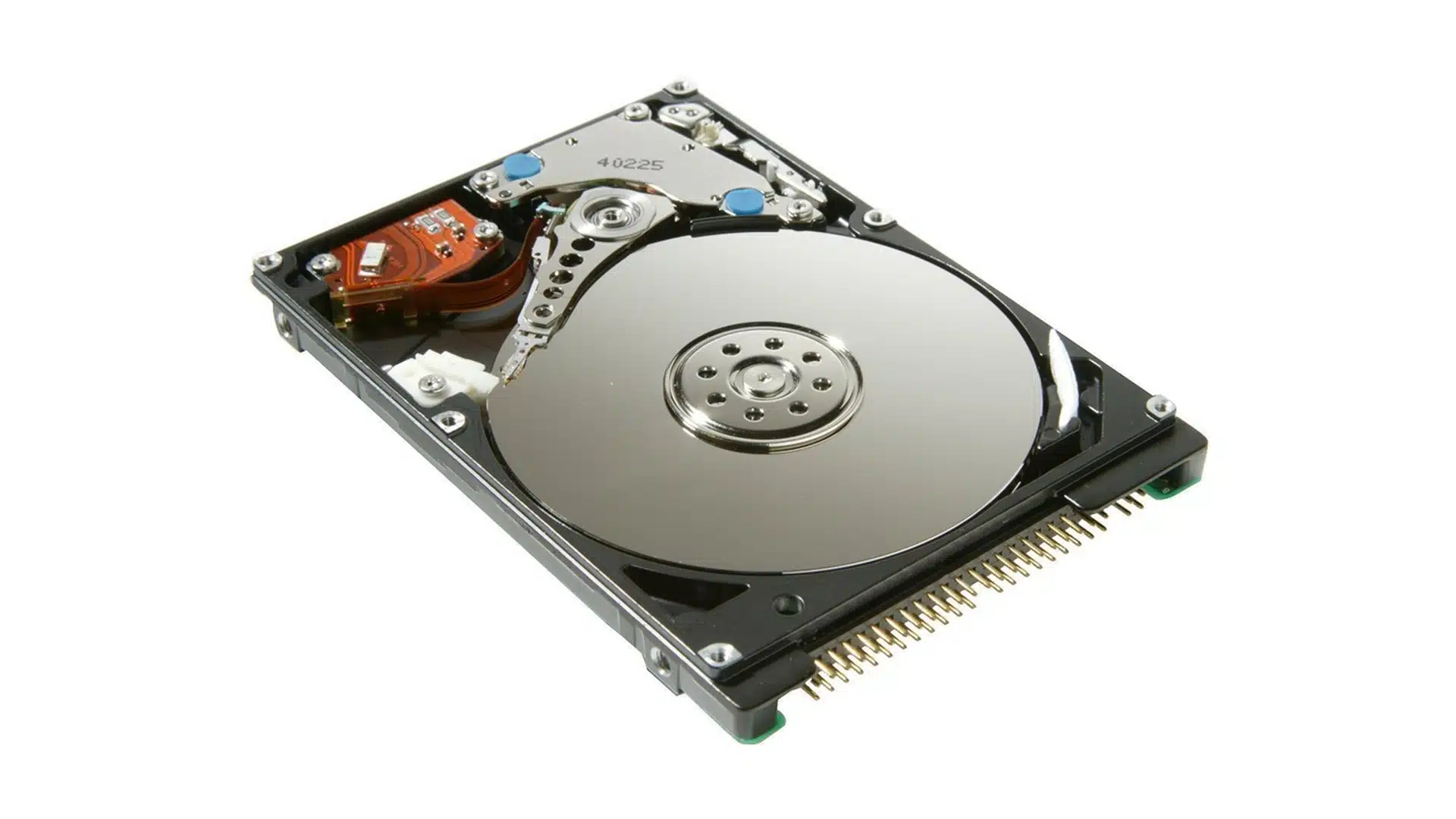
Hard Drives (HDDs)
These store data on spinning magnetic platters. The motor can fail, electronics can short out, or the tiny read/write heads can crash into the platters, destroying the magnetic surface. If the hard drive still powers up without weird noises, you have a good chance of recovery and it won’t cost too much. If it doesn’t, you still do but it will be expensive!
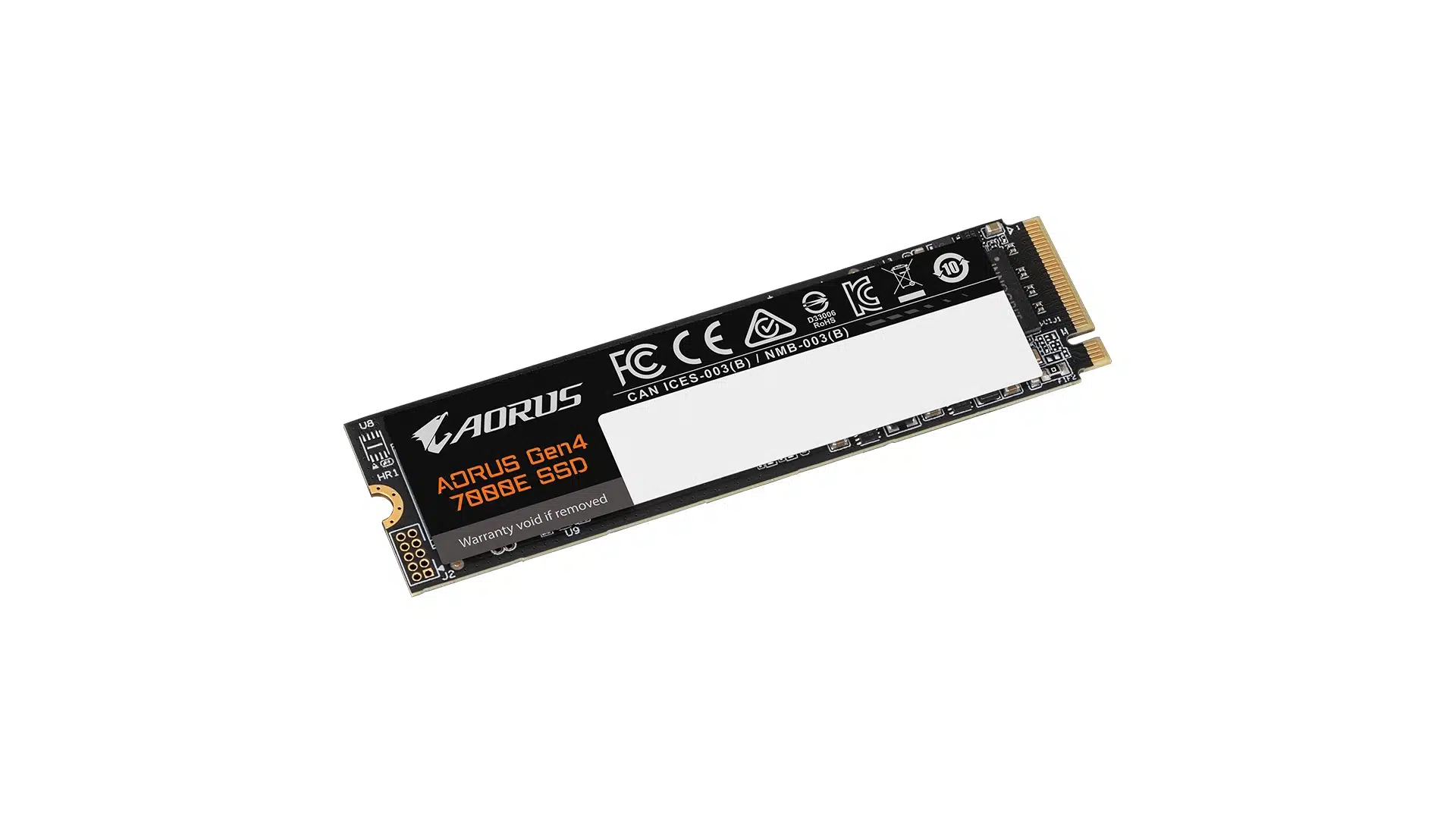
Solid State Drives (SSDs)
While they have no moving parts and survive drops better, they fail too. Controllers die, firmware corrupts, and memory cells wear out. When an SSD fails, it often happens instantly with zero warning, or it may lock itself into a “read-only” state to prevent further damage. In many cases, even though the computer won’t boot, your data is still there and we can copy it.
Why Choose Fix My Laptop Brisbane?
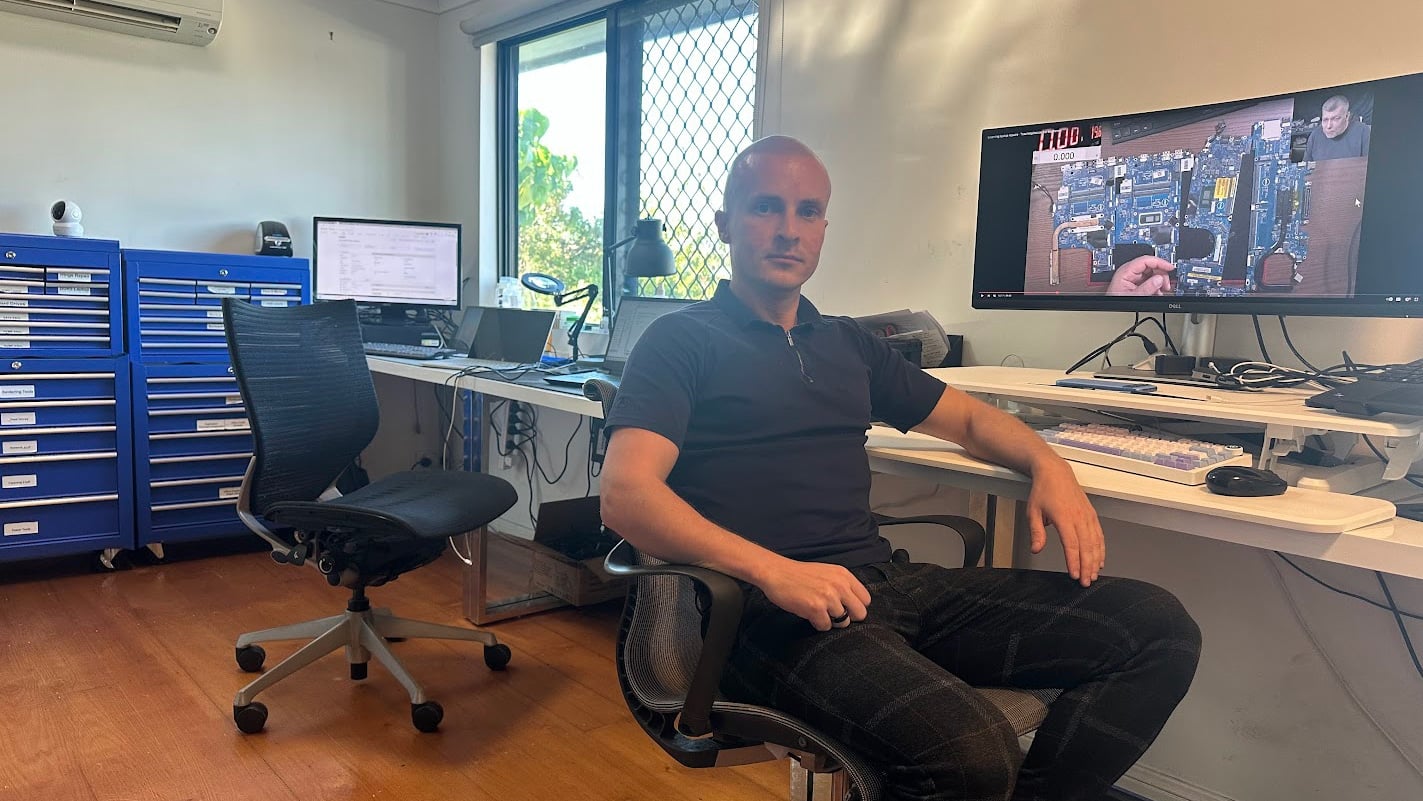
Successful data recovery requires patience, specialized tools, and precision. Many permanent data losses occur because incorrect recovery attempts were made too early by inexperienced users. We focus on data preservation.
Our Recovery Process: We Don’t Just “Copy Files”

Directly copying files from a failing drive is dangerous. Every read operation places severe stress on a device that could completely die at any moment. Rushing a recovery attempt or running standard DIY software on a physically degraded drive can destroy your data permanently.
Data recovery is not a one-size-fits-all process. Our first step is always to diagnose whether your data loss is logical (software or file system corruption), physical (hardware damage), or system-related. Once identified, we map out the safest route to access your files.
With our specialized equipment and hands-on experience, we are able to recover data in the vast majority of cases. To give your drive the highest chance of survival, we follow a strict physical-to-logical recovery protocol.
Here is how we maximize your chances for the 90%:
Sector-by-Sector Imaging
We never work directly on your original failing drive. Instead, our process begins by capturing a full clone image, securing accessible data first to minimize stress on the media.
Targeting Bad Sectors
Next, we address slower areas with bad sectors, damaged blocks, or failing drive heads, using hardware tools to extract data from degraded physical sectors.
Logical Recovery
Once no further data can be extracted at the physical level, we move to logical recovery. At this stage, we repair the file system structure and verify that individual files open properly and are readable.
Transfer & Confirm
Finally, your recovered data is safely transferred to a new target drive, which you can either purchase from us or supply yourself.
DIY Data Recovery: Proceed with Caution
If you absolutely cannot afford to lose the data, contact a professional immediately. Drives that click, fail to spin, or show physical damage need expert recovery. DIY attempts may make the problem worse. However, if the data isn’t critical, you can try DIY methods (with strict caveats).
Use Diagnostic Tools
Run a free diagnostic tool like Crystal Disk Info or GSmartControl. If you see warnings, back up your most important files immediately. You are on borrowed time.
Software for Deleted Files
If you accidentally deleted files or quick-formatted a healthy hard drive, free software like Recuva can often help with simple cases. Always save recovered files to a completely different USB or drive.
Avoid Outdated Myths
You might have heard of the “freezer trick” or programs like SpinRite. These had a tiny chance of success with ancient drives but are completely useless (and highly destructive) for anything made in the 21st century.
Physical Damage is
Off-Limits
If the drive makes clicking noises, has been dropped, or suffered water damage, DIY software will destroy your remaining data. Bring it in.
Data Recovery Costs
Every data recovery case is different. Pricing heavily depends on whether the drive has logical errors (software) or physical hardware failure. We assess your device to give you an accurate quote with no hidden surprises.
|
Service Type |
Cost |
|
Diagnostics & Evaluation (Waived if recovery proceeds) |
$100 |
|
Data Backup (From a working computer/drive) |
$150 – $250 |
|
Flash Storage (Corrupted USB stick or SD card) |
$400+ |
|
Logical Backup from Broken PC (Drive healthy, OS blocking access) |
$250+ |
|
Hardware Recovery from Broken PC (Failing hard drive or SSD) |
$400 – $800 |
Cleanroom Recovery: Our Ontrack Partnership
For severely damaged drives that require physical parts replacement, logic board repairs, or a Class-100 cleanroom environment (such as drives damaged by fire, water, or seized motors), we partner with the industry leaders at Ontrack.

- Contact Number: 1800 316 674
- Website: ontrack.com
- Address: Suite 9, 28 Donkin Street, West End Brisbane QLD 4101, Australia
GET 10% OFF with CODE S-36052
On services over $1,000 from our trusted partner
Storage & Backup Options Explained
The cheapest data recovery job is the one that never happens. Hard drives fail, laptops get dropped, and coffee gets spilled. If the data matters, it should exist in more than one place. Once we get your data back, talk to us about setting up proper automated local and cloud backups so you never have to visit this page again!

USB Sticks
- Capacity: 16 GB – 512 GB
- Best For: Temporary file transfers and quick sharing.
- The Reality: While cheap and highly portable, flash drives have a high failure rate and are easy to lose.
- Golden Rule: Never store an important file only on a USB stick. Always keep a secondary copy elsewhere.
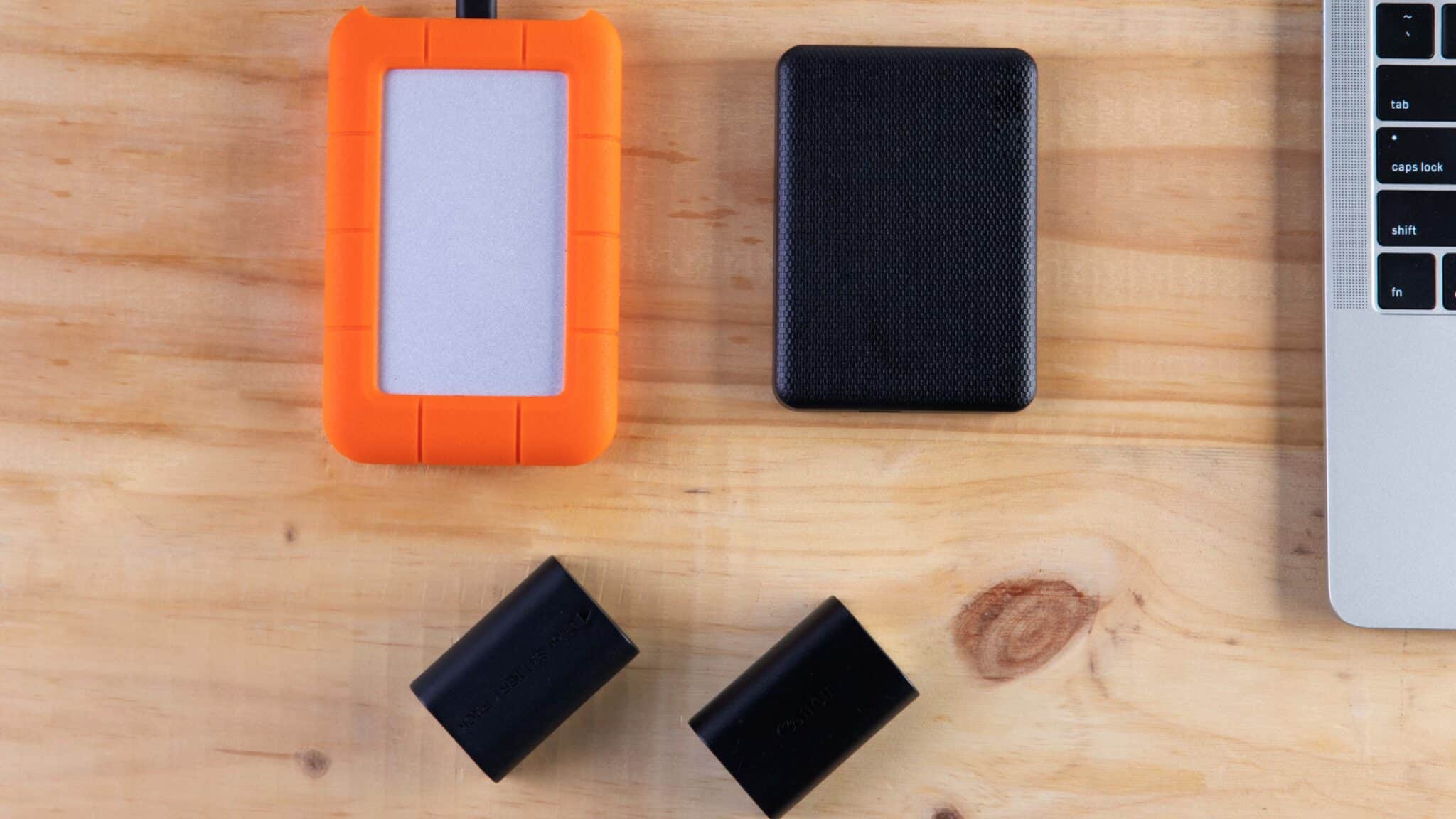
External Hard Drives (HDDs & SSDs)
- Capacity: 1 TB – 16+ TB
- Best For: Storing large photo/video libraries and full computer system image backups.
- The Reality: Highly cost-effective and dependable for 3 to 5 years of routine use. However, mechanical drives (HDDs) are extremely vulnerable to drops, shocks, and physical wear. Handle with care.

Cloud Sync Services (Google Drive, iCloud, OneDrive, Dropbox)
- Best For: Real-time file access across multiple devices and easy collaboration.
- The Reality: Syncing is not the same as backing up. Because changes mirror instantly, if a file is accidentally deleted, corrupted, or encrypted by ransomware, that damaged state syncs everywhere immediately. It protects you against a broken laptop, but not against file loss.
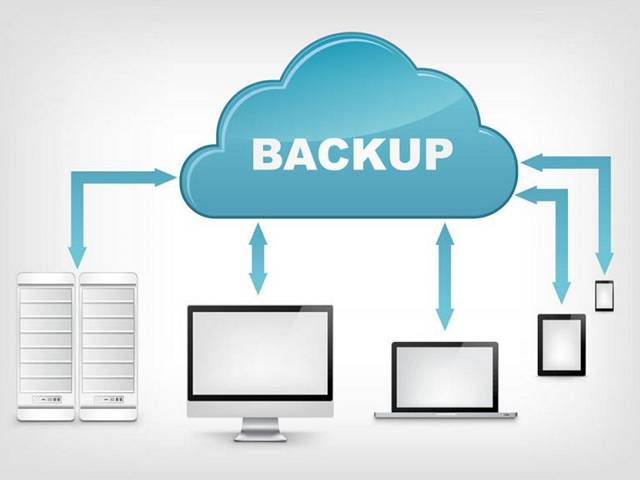
Dedicated Cloud Backup
- Best For: Automated, “set-and-forget” disaster recovery.
- The Reality: Unlike simple sync services, true cloud backup tools continuously upload encrypted copies of your system to secure offsite servers. They maintain file version history, ensuring your data remains safe even in the event of hardware failure, fire, or cyberattacks.
Backup Tips
Below are some tips that will help you make sure your backups are done right!
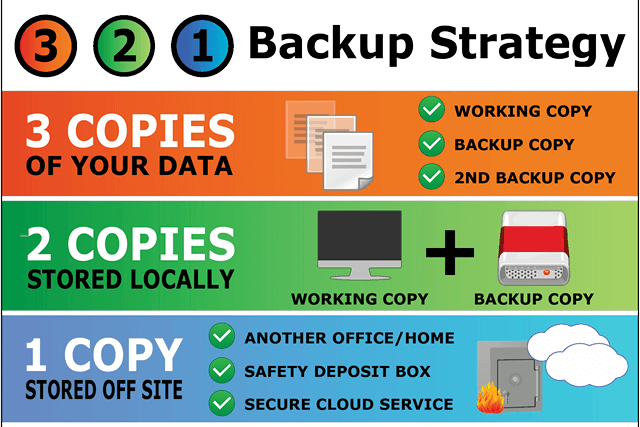
Follow the 3-2-1 backup strategy. This means keeping at least three copies of your data. Two copies should stay local on separate devices, such as your computer and a portable hard drive, while one copy is stored off-site.
Make backups as often as possible. The longer you wait, the more data you risk losing. A weekly backup is a good rule of thumb, and setting a calendar reminder can help. Backups only take a few minutes, but they can save you from disaster.
Test your backups regularly. Try restoring them on a different computer at least once a year to be sure they work. If you do not have a second computer, ask a friend and check together.
Remember to back up your phones and tablets as well. Losing a device should not mean losing precious family photos or important files.
Come to Our Clayfield Workshop, Parking On-Site
Fix My Laptop is conveniently based in Clayfield, providing fast and quality repairs for customers across Brisbane Northside.
Most hardware problems require proper testing, the majority of our customers visit our workshop for hands-on diagnostics, repairs, and data recovery.
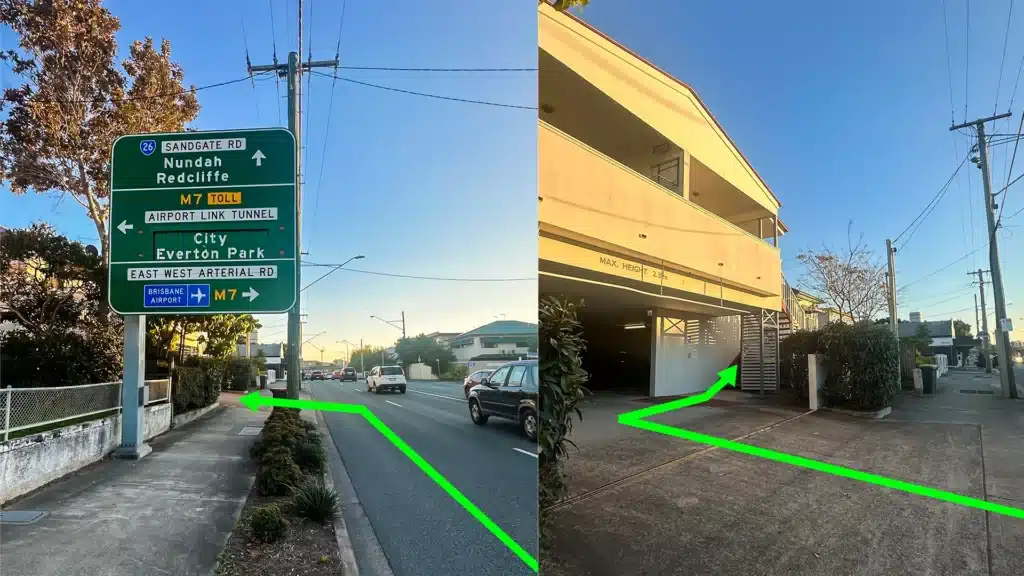
Our address is 2/890 Sandgate Road, Clayfield, QLD 4011
Easy visitor parking available on-site! Turn left into the units right after the Airport Link sign. Please use the guest parking spots. If not available, you can use parking on Kedron Street.
| Monday | 10:00 AM — 6:00 PM |
| Tuesday | 8:00 AM — 6:00 PM |
| Wednesday | 10:00 AM — 6:00 PM |
| Thursday | 8:00 AM — 6:00 PM |
| Friday | 10:00 AM — 4:00 PM |
| Saturday | 10:00 AM — 4:00 PM |
| Sunday | Closed |
See our updated hours on Google Maps before visiting. Appointments are preferred to ensure service on time.
Frequently Asked Questions
The Best Data Recovery is the One You Never Need
The cheapest data recovery job is the one that never happens. Hard drives fail, laptops get dropped, and coffee gets spilled. If the data matters, it should exist in more than one place. Once we get your data back, talk to us about setting up proper automated local and cloud backups so you never have to visit this page again!