
MacBook Screen Replacement in Clayfield, Brisbane Northside
A cracked MacBook screen is stressful, but it doesn’t mean you need to buy a whole new laptop. At Fix My Laptop in Clayfield, we can typically replace your screen for much less than what Apple quoted you.
★ 4.8
Google Rating
⚙ Over 50,000 Successful Repairs
✓ Trusted by Brisbane locals since 2009
MacBook Screen Issues We Fix
Common MacBook screen problems that require professional replacement or repair.

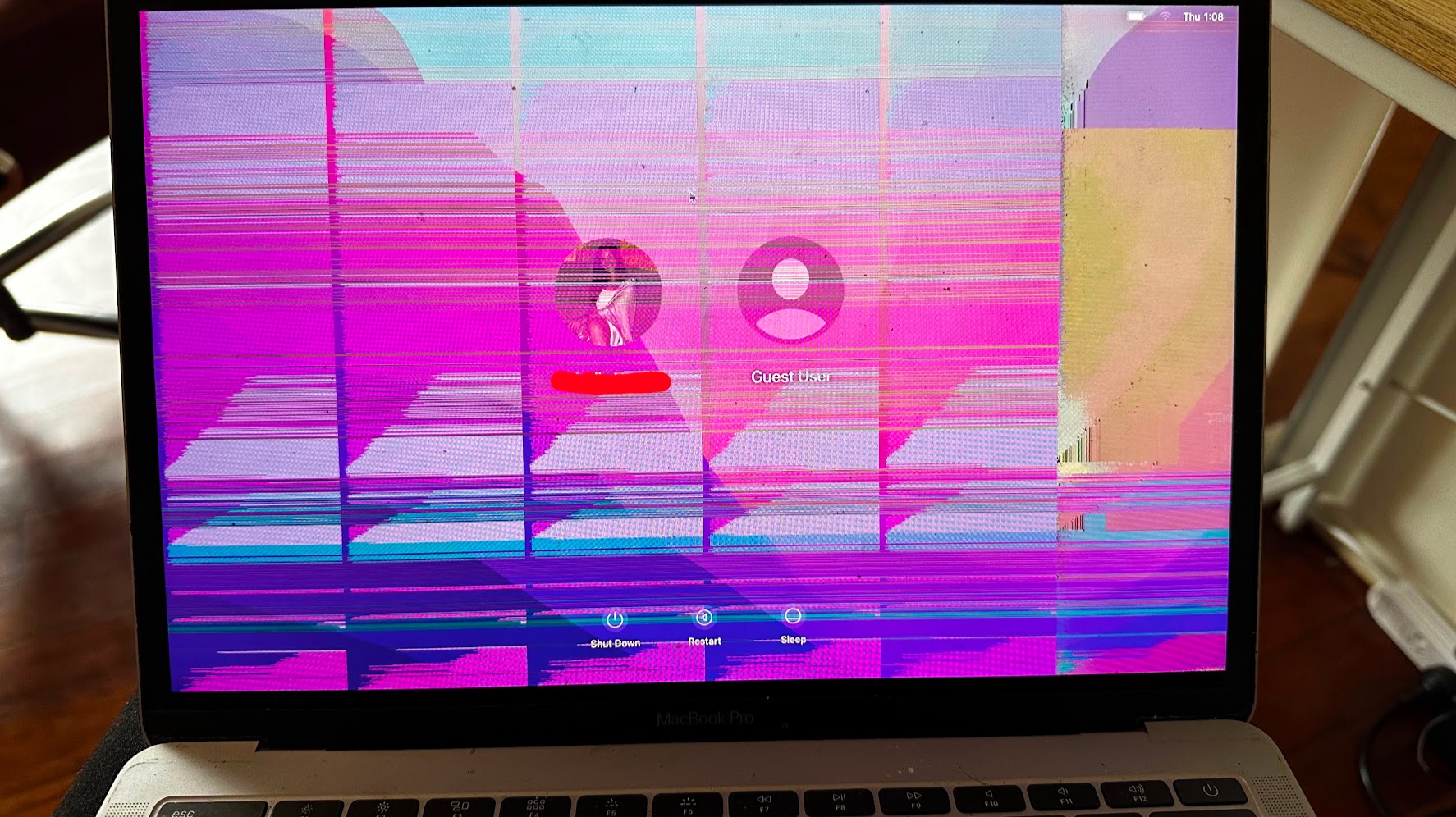
Cracked or Physically Damaged Screen
Whether you dropped it or accidentally closed the lid on a pen, physical impact requires replacement. We will assess your model to see if it qualifies for our panel-only replacement to save you money.
Flickering or Glitching Display
If your screen glitches at certain angles or has uneven spotlighting at the bottom, it might not be a broken panel. This is often “Flexgate” – a failure of the fragile internal display cables – which we can frequently repair without replacing the entire screen.
Black Screen with Power On
You hear the startup chime, the keyboard lights up, and the trackpad clicks, but the screen is dead. We always test your Mac on an external monitor first to confirm if the screen is dead or if your logic board’s graphics output has failed.
Backlight or Brightness Issues
f you can only see your login screen by shining a flashlight at the display, your backlight has failed. This could be a screen fault, but it is often a blown backlight fuse on the logic board – an issue we can micro-solder without touching the display.
The “Panel-Only” Advantage: Don’t Lose Your Webcam or True Tone
We confirm the exact fault first, so you avoid MacBook screen repairs.

If you take your MacBook to a standard repair shop, they will usually install a full, aftermarket top-lid assembly. Because of Apple’s strict “parts pairing” software, installing an aftermarket assembly often causes True Tone to break and the webcam to stop working entirely.
We do it differently. In most cases, we can carefully unglue the display and replace just the damaged LCD panel itself.
- Preserves Original Hardware: You keep your original webcam and light sensors.
- Keeps True Tone Working: Because the original circuitry remains, Apple’s software doesn’t lock out your features.
Honest Diagnosis & Pricing
MacBook screen pricing varies wildly based on your specific model, the year it was made, and current part availability.
Lower end: Standard Retina displays on 13″ MacBook Air and Pro.
Typically $500 – $750.
Mid end: Standard Retina displays MacBook Air 15″.
Typically $800 – $900.
Higher end: Modern 14″ and 16″ MacBook Pros featuring complex Liquid Retina XDR (mini-LED) panels.
Typically $1000 – $1300.
To find out your exact model, flip your MacBook over and look for the small text starting with an “A” (ie, A2337). Call us with that number, and we can give you a precise quote over the phone.
Why Choose Fix My Laptop
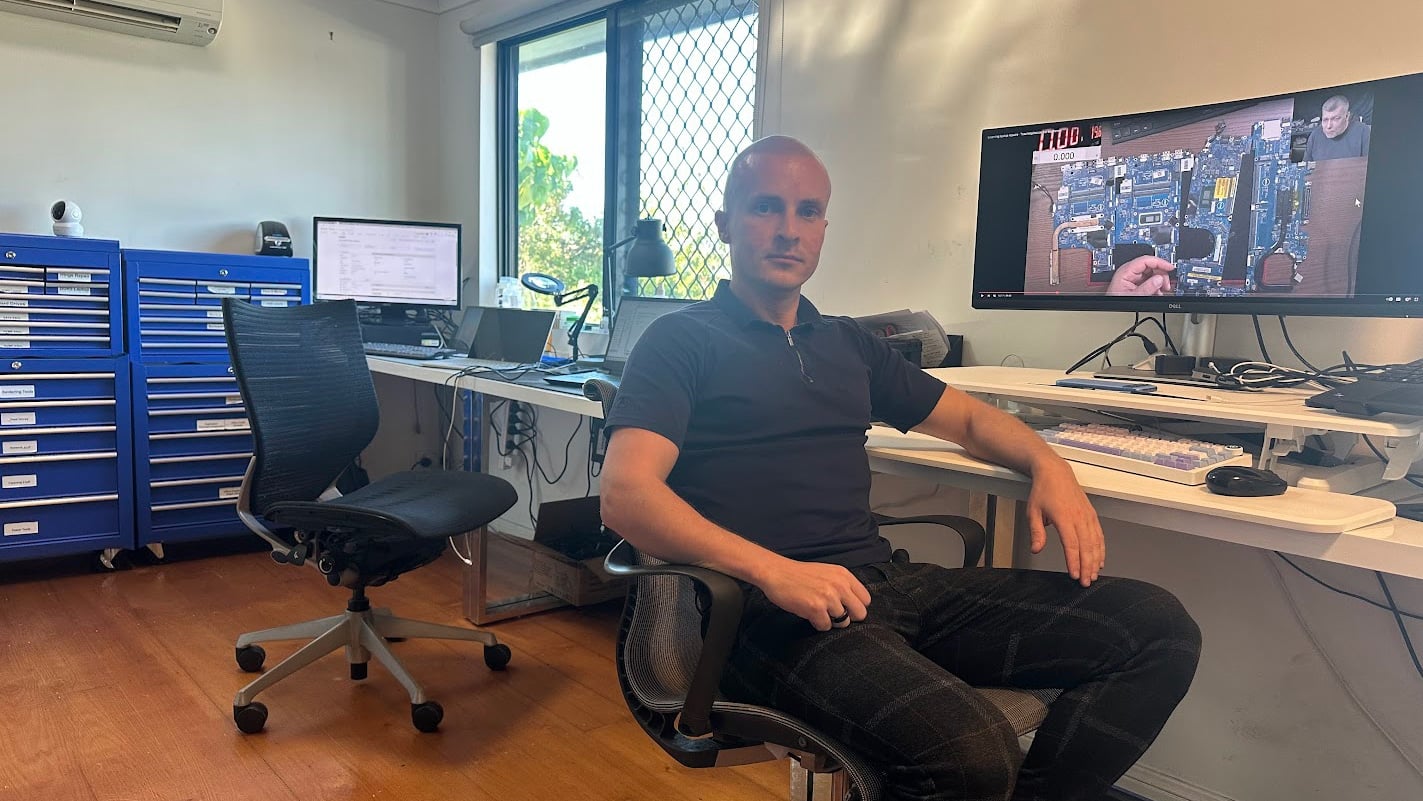
If you go to an Apple Store, they will often try to sell you a new laptop, even though a screen repair will typically only cost you half as much. How do you think they became one of the most valuable companies in the world?

How Screen Replacement Works
A simple process from drop off to working device.
Visit & Drop-off
Bring your laptop to our Clayfield workshop or send us your laptop model (ie, A2337). Don’t forget a portable drive for data backup.
If We Have Parts
We stock some of the most popular panels and can usually get your laptop ready the next day depending on our workload.
If We Don’t
We partner with several trusted suppliers in Brisbane and other states who stock other screens and can replace them within days.
Laptop Ready
We check the brightness, webcam, TrueTone and the lid and sensors functionality. We can also help you set up proper backups just in case.
Related MacBook Repairs and Upgrades
Other services that improve performance, reliability, and device lifespan.
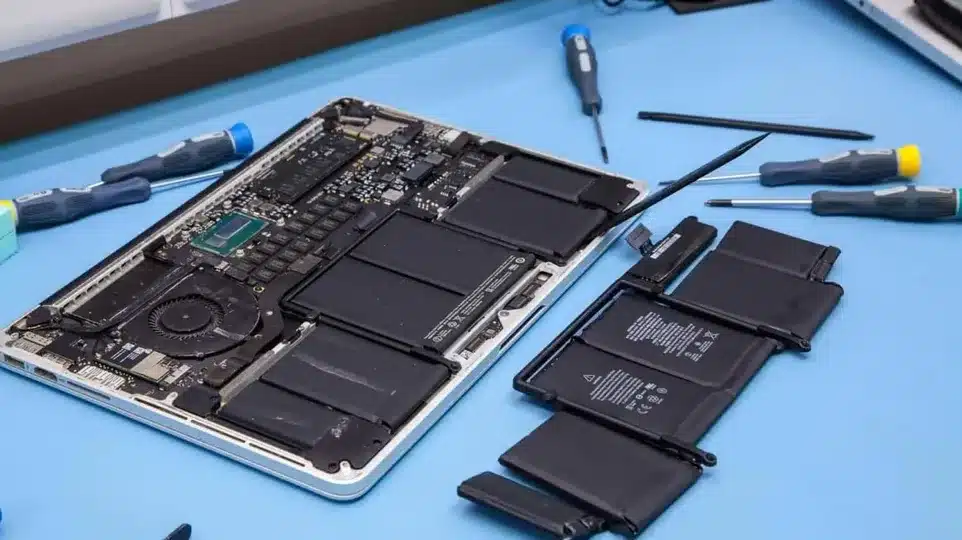
MacBook Battery Replacement
Battery health declines over time and leads to short usage and unexpected shutdowns. We replace worn batteries with reliable parts matched to your MacBook model.
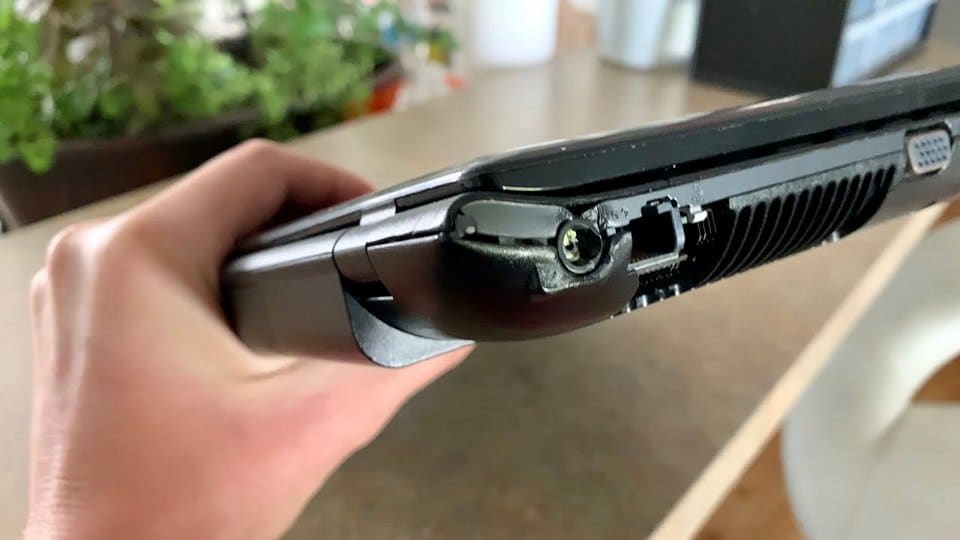
Charging Port Repair
Loose or damaged charging ports can prevent proper power delivery to your device. We repair or replace faulty ports to restore stable and reliable charging.
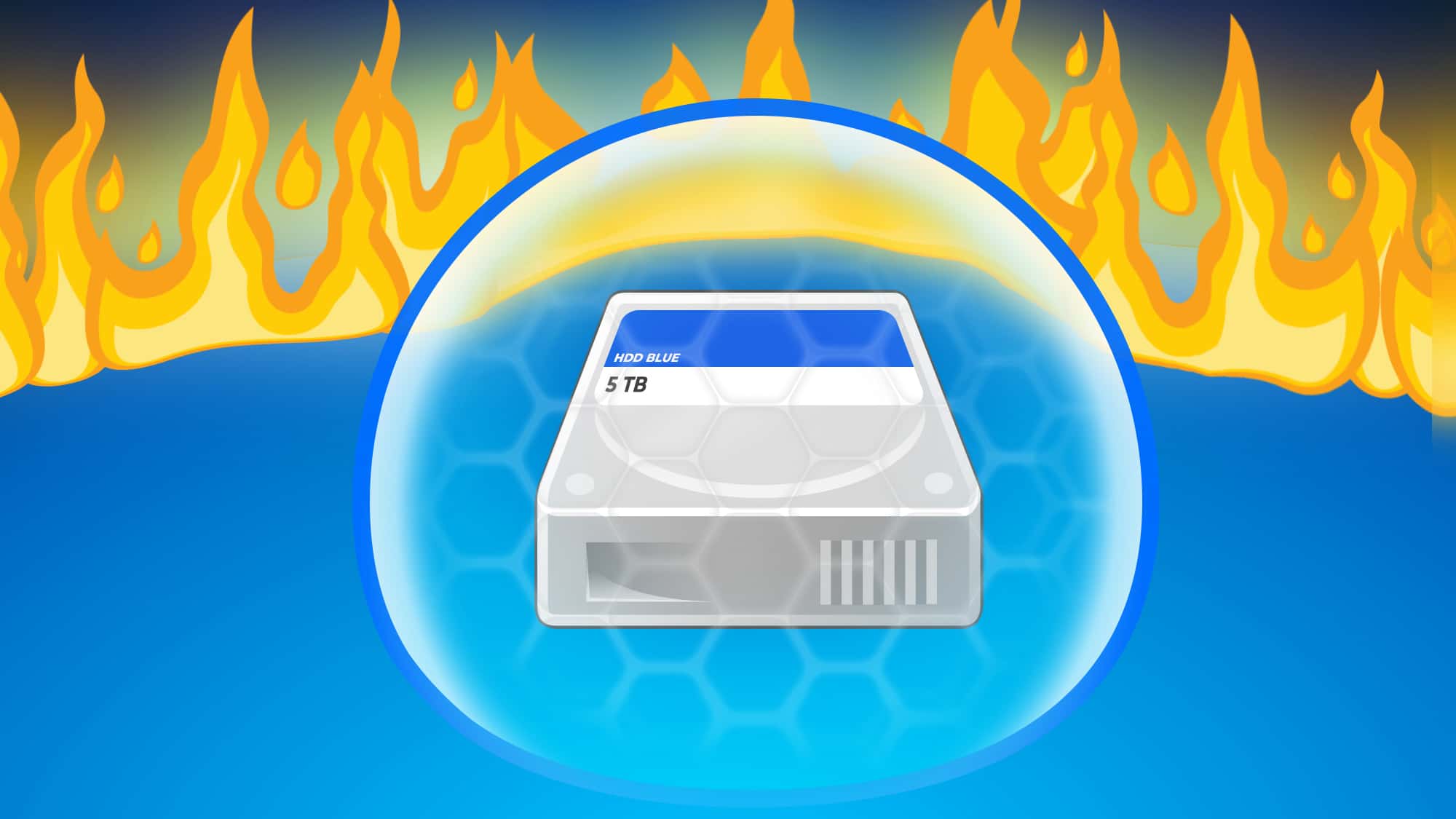
Data Backup and Recovery
Data loss can happen during faults, crashes, or failed updates without warning. We help recover files and set up proper backups to keep your data safe.
Come to Our Clayfield Workshop, Parking On-Site
Fix My Laptop is conveniently based in Clayfield, providing fast and quality repairs for customers across Brisbane Northside.
Most hardware problems require proper testing, the majority of our customers visit our workshop for hands-on diagnostics, repairs, and data recovery.
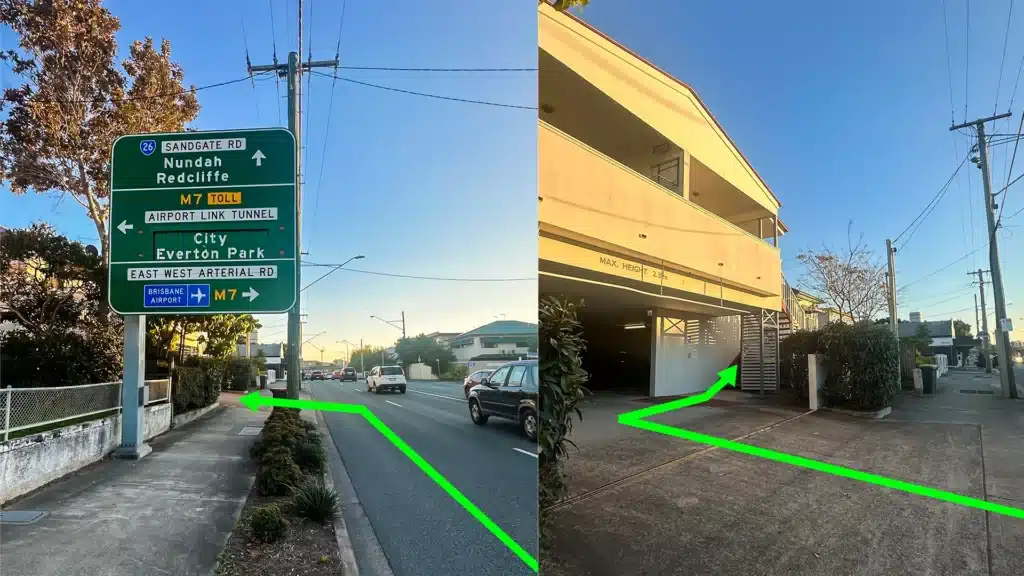
Our address is 2/890 Sandgate Road, Clayfield, QLD 4011
Easy visitor parking available on-site! Turn left into the units right after the Airport Link sign. Please use the guest parking spots. If not available, you can use parking on Kedron Street.
| Monday | 10:00 AM — 6:00 PM |
| Tuesday | 8:00 AM — 6:00 PM |
| Wednesday | 10:00 AM — 6:00 PM |
| Thursday | 8:00 AM — 6:00 PM |
| Friday | 10:00 AM — 4:00 PM |
| Saturday | 10:00 AM — 4:00 PM |
| Sunday | Closed |
See our updated hours on Google Maps before visiting. Appointments are preferred to ensure service on time.
Related Repairs
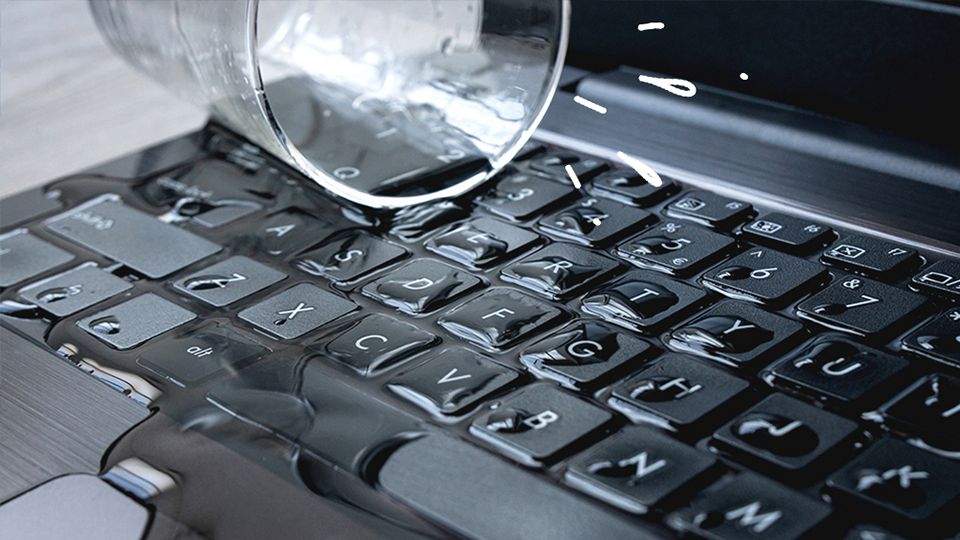
Liquid Damage Repair
Spilled water, coffee, or liquid inside your laptop? Acting fast can mean the difference between a simple clean and a full board repair. And if it’s too far gone, we can still recover your data.
MacBook Battery Replacement
If your Mac has a swollen battery, dies at 30%, or won’t turn on at all, the battery is likely the culprit. We stock common MacBook batteries, and can replace them quickly.