
Laptop Charging Port Repair in Clayfield, Brisbane Northside
Is your laptop plugged in but not charging? When you have an urgent work assignment or school homework due soon and your laptop doesn’t turn on, it can be a major source of stress, especially if it’s your only computer and you don’t back up your files. Fortunately, the most common cause of this is a broken charger or charging port and they are fairly easy to replace without replacing the motherboard. Bring it to us before the battery is completely flat.
★ 4.8
Google Rating
⚙ Over 50,000 Successful Repairs
✓ Trusted by Brisbane locals since 2009
Common Laptop Charging Port Problems
If your laptop shows these signs, a charging port repair may be required.
Laptop plugged in but not charging
If your laptop detects power but does not charge, the issue may be with the port, battery, underpowered charger, or internal charging controller.
Loose or damaged charging port
A loose connection or broken port can make charging intermittent or stop it completely. This often worsens over time with regular use.
Charging only at certain angles
If charging works only when the cable is positioned a certain way, the port or connector is likely damaged, typically after trying to force a wrong charger.
Battery stuck at low percentage
If the battery does not increase beyond a fixed level, one or more battery cells likely failed, especially if the laptop is over three years old.
Accurate Charging Fault Diagnosis
We identify the exact cause before recommending any repair.
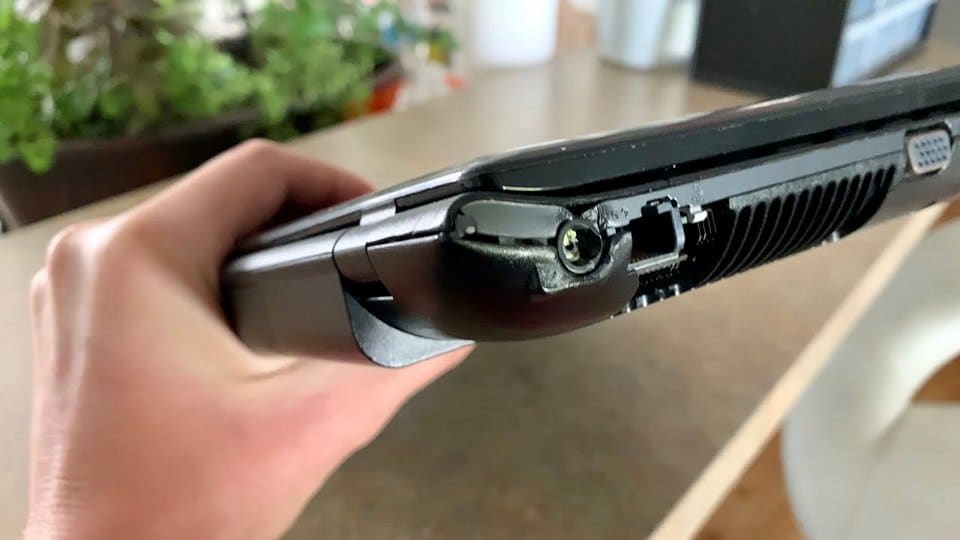
Charging issues can come from multiple sources. Therefore, we test the charger, battery, and charging port before making any decision. In some cases, the issue is simple and you just need a new charger (we sell them!), while in others it involves soldering and board-level repair. Once confirmed, we explain the fault clearly and provide a direct repair quote. This approach prevents unnecessary replacements and avoids repeat issues.
Why Choose Fix My Laptop for Charging Repairs
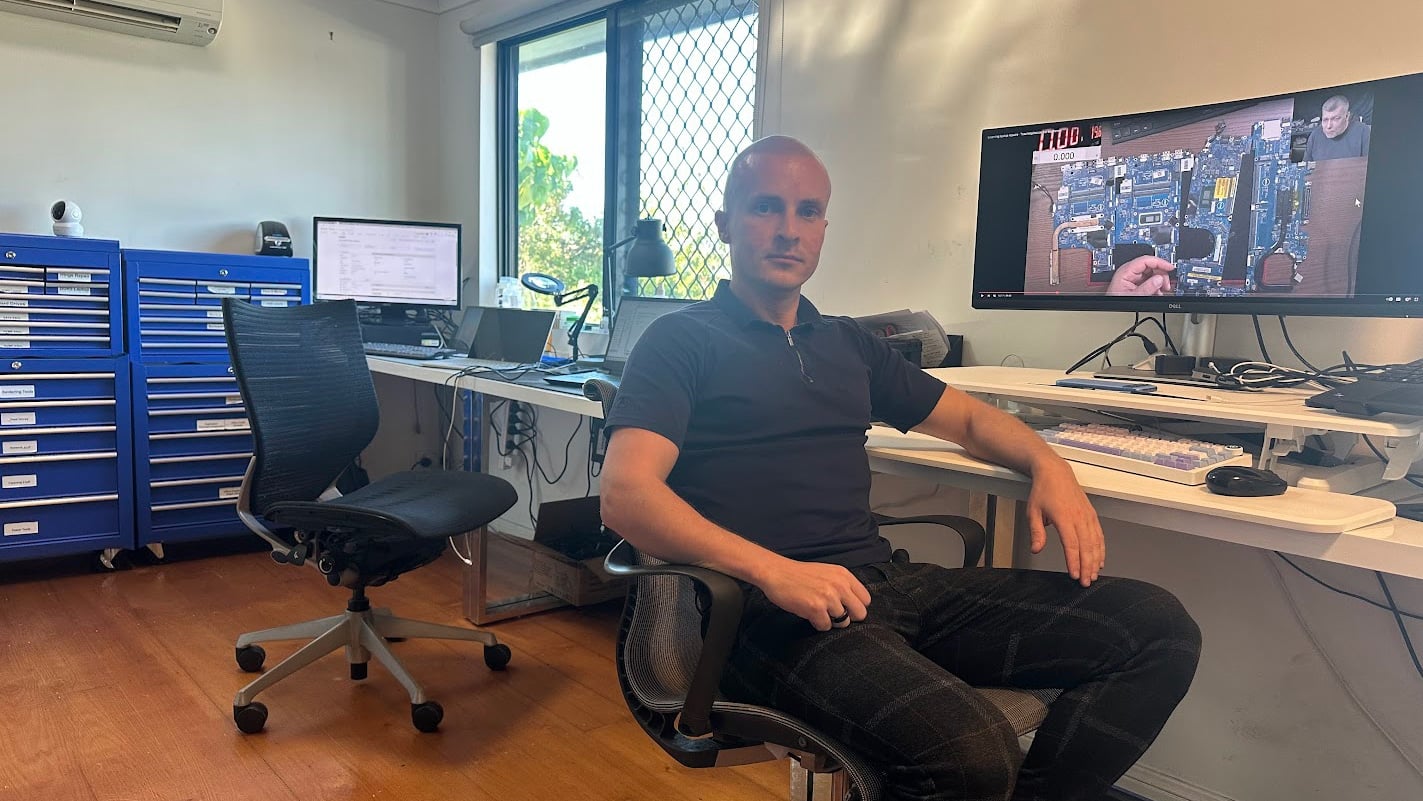
Charging issues are often misdiagnosed, which leads to wasted money and repeat failures. At our Clayfield workshop, every device is tested properly before any repair begins. This ensures you get the correct fix the first time, whether it is a port repair, battery replacement, or internal power issue.

Why Is My Laptop Not Charging? 3 Common Culprits
If your laptop won’t hold a charge – or won’t turn on at all – the problem usually boils down to the charger, the battery, or the power port. Here is how to diagnose the issue and what it takes to fix it.

1. You Have a Broken or Incompatible Charger
If your laptop isn’t charging, the power supply is the easiest place to start. Don’t assume any charger that fits will actually work.
Proprietary Connections: Many laptops still require brand-specific charging tips. Even within the same brand, business models (like the HP ProBook or EliteBook) and consumer models (like the HP Pavilion or Envy) often use entirely different connectors. Lenovo alone has over five different charging tips in circulation, including some highly obscure models.
Wattage Rules: Your charger’s voltage must match your laptop perfectly. The wattage can be higher than what your laptop requires (a 90W charger will safely power a 65W laptop), but a lower-wattage charger usually won’t.
The USB-C Exception: Modern laptops increasingly rely on USB-C, which is quickly becoming the industry standard. If your laptop charges via USB-C, you can generally use any high-quality USB-C charger that meets or exceeds your laptop’s wattage requirements. Lightweight laptops, like the MacBook Air, can even be charged using your car’s 12V port.
2. The Battery is Dead or Failing
Batteries are consumables; they all die eventually. Both Windows and macOS will usually warn you when your battery is reaching the end of its lifespan, but you will likely notice the symptoms first: the laptop only lasts an hour off the charger, or it refuses to charge entirely.
Replacement Process: Older laptops (pre-2018) often have external batteries you can swap out yourself in seconds. Most laptops after 2018, house the battery internally, requiring popping off the bottom cover or sometimes complete disassembly.
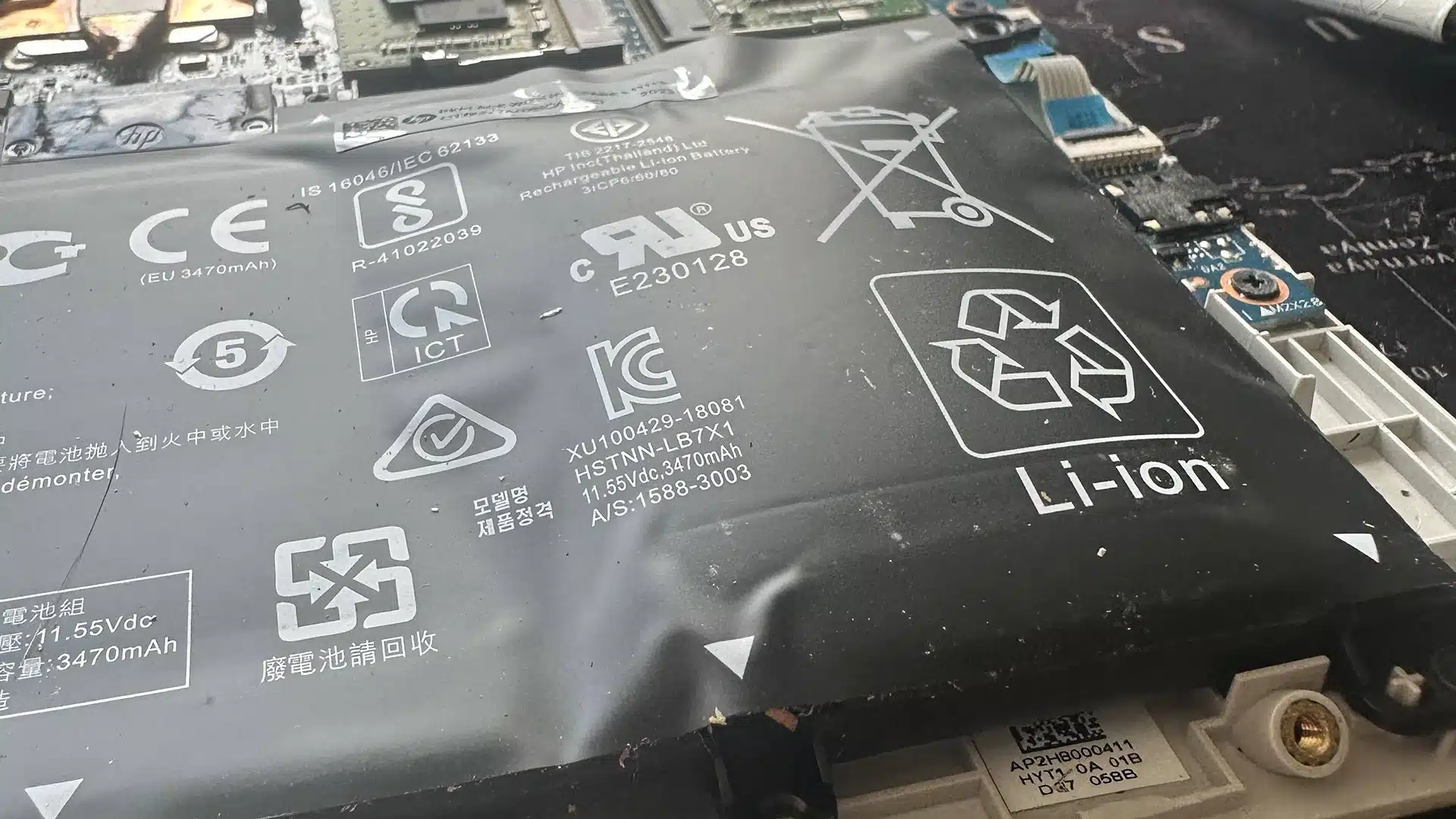
A Warning on Cheap Parts: Avoid cheap, third-party batteries sold on online marketplaces. They degrade rapidly and carry a serious risk of expanding (like the one shown above) or even catching fire. We strictly use high-quality, original batteries from the manufacturer for all our repairs.

3. The DC Jack (Power Port) is Broken
If you have to wiggle your charger at a specific angle or apply pressure just to get the charging light to turn on, your DC power jack is failing.
The DC jack connects the charger to your motherboard. It takes a massive amount of physical abuse – tripping over the cord, yanking the charger out, and daily wear and tear will eventually loosen the port or snap it entirely. When it fails, your laptop won’t receive power, and once the battery drains, the computer won’t turn on at all.
Don’t wait to fix a loose port. Wiggling the cord can cause electrical shorts that damage the motherboard. Bring it in for a professional replacement before the problem gets worse.
Laptop Charging Port Repair Cost
Pricing depends on the fault, parts, and repair complexity.
Charging repair costs vary depending on the cause of the issue. For example, simple fixes like connector adjustments cost less, while charging port replacements or internal repairs require more labour.
Because different models use different power designs, we confirm the exact fault before providing a final quote. This ensures accurate pricing and avoids unnecessary work.
Bring your laptop in or contact us to get a clear quote after diagnosis.
Typical Price Range
$200 – $350
Regular charging ports typically cost $200
USB-C ports need resoldering and more labour
How Charging Port Repairs Work
A simple process from drop off to working device.
Visit & Drop-off
Bring your laptop to our Clayfield workshop or send us your laptop model and serial number. Some laptops require in-person check.
Diagnostic
We perform a quick check of your laptop port and your charger. No work begins until you approve the repair and timeline.
Repair Timeline
Every laptop model typically uses a different jack and we will need to order one. It usually takes a few days to receive the parts.
What If…
If you need your data while waiting for the repair, we can backup it up and provide a loaner laptop. If you need a new charger, we sell them too!
Come to Our Clayfield Workshop, Parking On-Site
Fix My Laptop is conveniently based in Clayfield, providing fast and quality repairs for customers across Brisbane Northside.
Most hardware problems require proper testing, the majority of our customers visit our workshop for hands-on diagnostics, repairs, and data recovery.
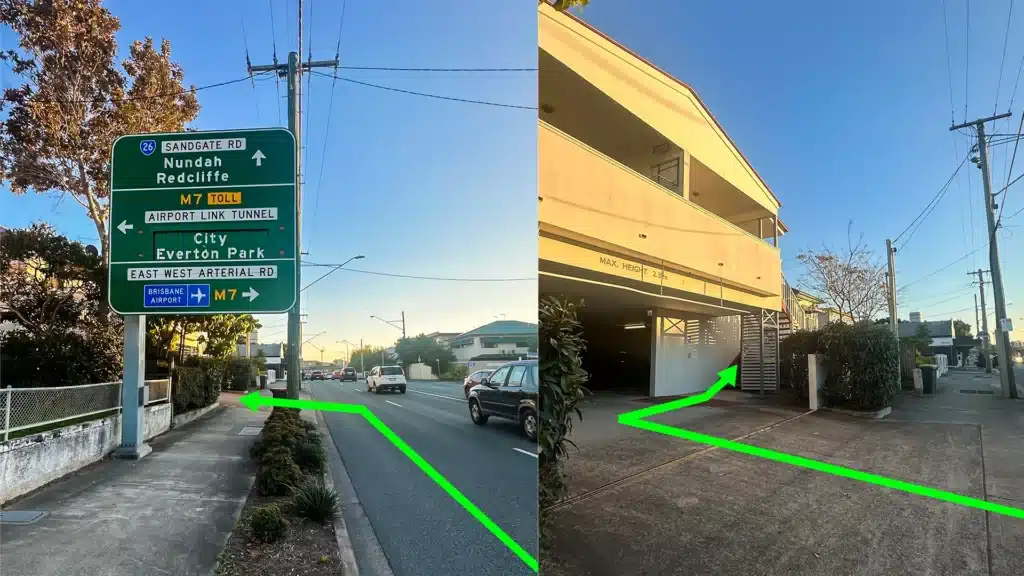
Our address is 2/890 Sandgate Road, Clayfield, QLD 4011
Easy visitor parking available on-site! Turn left into the units right after the Airport Link sign. Please use the guest parking spots. If not available, you can use parking on Kedron Street.
| Monday | 10:00 AM — 6:00 PM |
| Tuesday | 8:00 AM — 6:00 PM |
| Wednesday | 10:00 AM — 6:00 PM |
| Thursday | 8:00 AM — 6:00 PM |
| Friday | 10:00 AM — 4:00 PM |
| Saturday | 10:00 AM — 4:00 PM |
| Sunday | Closed |
See our updated hours on Google Maps before visiting. Appointments are preferred to ensure service on time.
Related Repairs
Battery Replacement
If your laptop no longer holds charge like it used to, or the battery started to swell, it’s time to replace it! Most batteries last from three to five years before needing replacement.
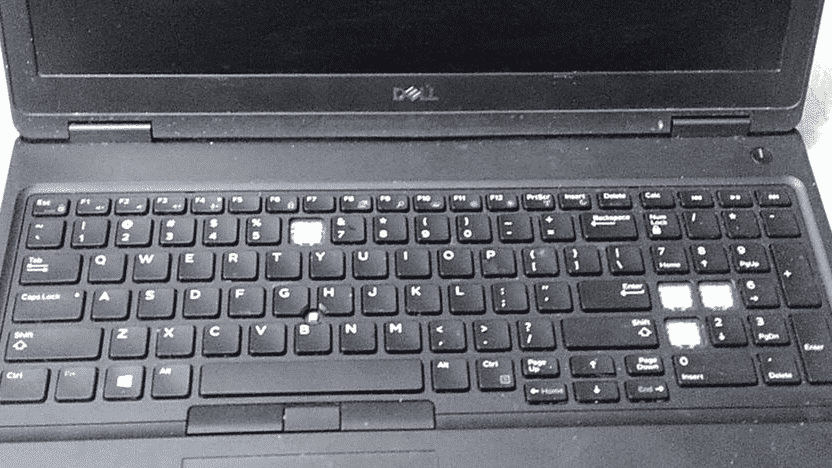
Keyboard Replacement
A broken keyboard shouldn’t mean the end of your laptop’s life. Whether you are dealing with a single broken keycap, sticky keys, or a completely unresponsive keyboard, we can help you.
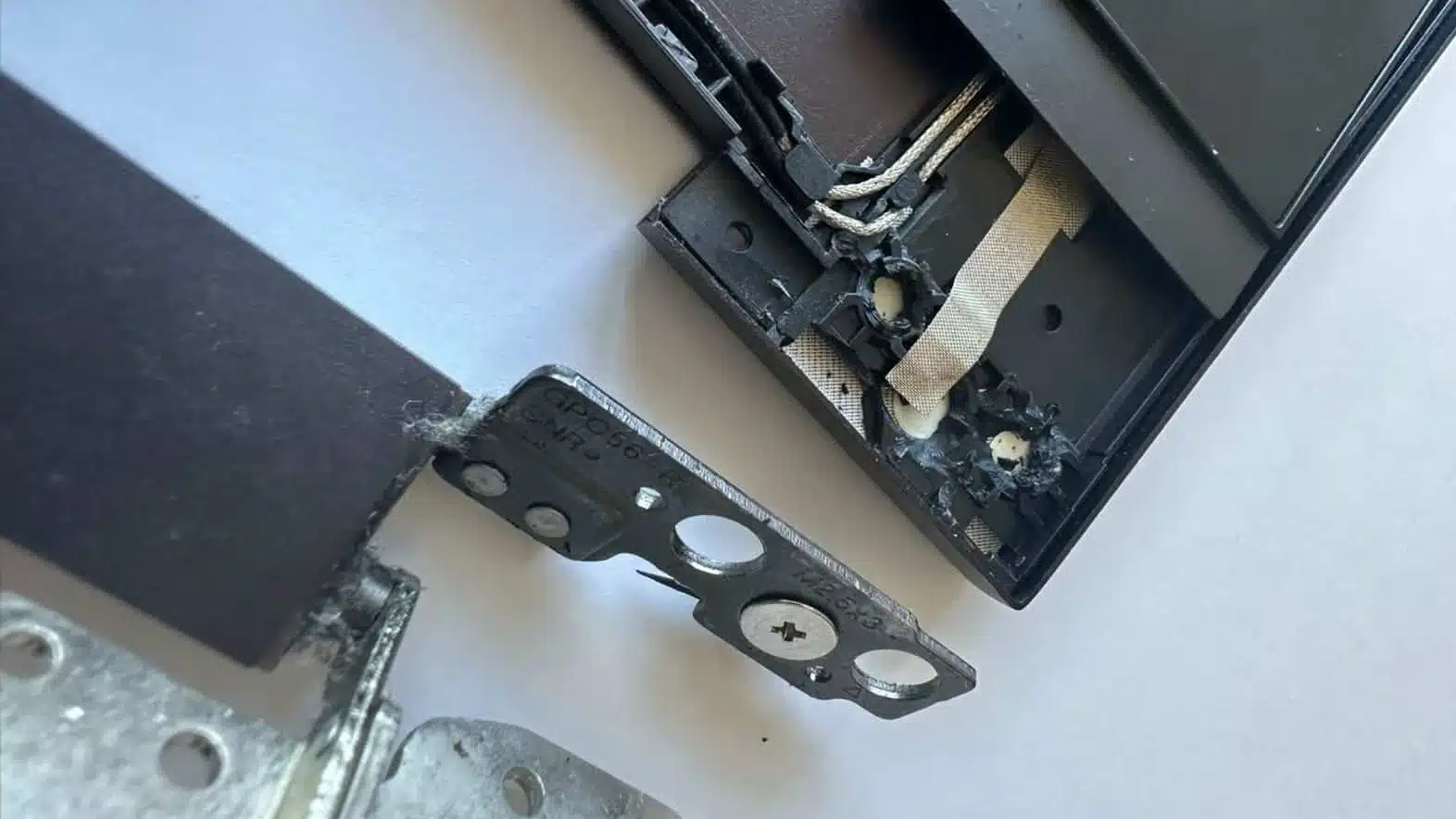
Hinge & Frame Repair
Loose, stiff, or broken hinges? We repair laptop hinges before they cause bigger damage. Honestly, it’s one of those repairs that we shouldn’t have to do, but we see busted hinges almost every day!