
Laptop Keyboard Replacement in Clayfield, Brisbane Northside
Sticky, missing, or unresponsive keys? Laptop keyboards are subject to regular wear and tear, not to mention common accidents like spilling water or coffee. Unfortunately, it’s also a very common issue on most consumer grade laptops and starts with just a few keys working intermittently, but it gets worse overtime.
A broken keyboard shouldn’t mean the end of your laptop’s life. Whether you are dealing with a single broken keycap, severe liquid damage, or a completely unresponsive keyboard, our local Clayfield workshop provides accurate diagnostics and professional replacements.
★ 4.8
Google Rating
⚙ Over 50,000 Successful Repairs
✓ Trusted by Brisbane locals since 2009
Common Laptop Keyboard Problems
If your keyboard shows these signs, it likely needs repair or replacement.
Keys not responding when pressed
This is the most common mechanical failure. The electrical connection that registers the keystroke has failed, which means the entire keyboard unit must be replaced.
Missing or broken keycaps
If the keycap is missing or the plastic scissor-mechanism is broken, but pressing the center nub still registers a letter, the key can sometimes be individually repaired. However, these tiny parts are highly fragile.
Keyboard not detected at all
If the system doesn’t recognize the keyboard at all, the issue may actually be software-related, a driver fault, or a loose internal motherboard connection rather than a broken keyboard.
The Reality of Modern Keyboard Replacements
Why isn’t it always a simple fix?

In older laptops, keyboards could be popped out and replaced in minutes. Today, most modern laptop keyboards are tightly integrated into the top case (the palmrest).
Replacing them often requires a complete teardown of the machine – removing the motherboard, battery, and cooling assembly – to access the keyboard.
And those rivets? Instead of using screws to secure the keyboard, cheap laptops often have plastic that have to be melt and broken off, and then adding them back after replacing the keyboard. Major PITA!
Eventually, the keyboard will feel spongy as those plastic pieces keep breaking. Frankly, it’s much easier to just replace the whole palmrest, which adds the costs but saves a LOT of time.
MacBooks are notorious for having 80+ tiny black screws or riveted top-cases holding the keyboard sheath down, often requiring a complete logic board, battery, and trackpad removal. High pricing reflects the meticulous teardown, micro-screws, and risk involved with fragile ribbon cables.
Temporary Fixes While You Wait
Need to keep using your laptop before or during the repair?
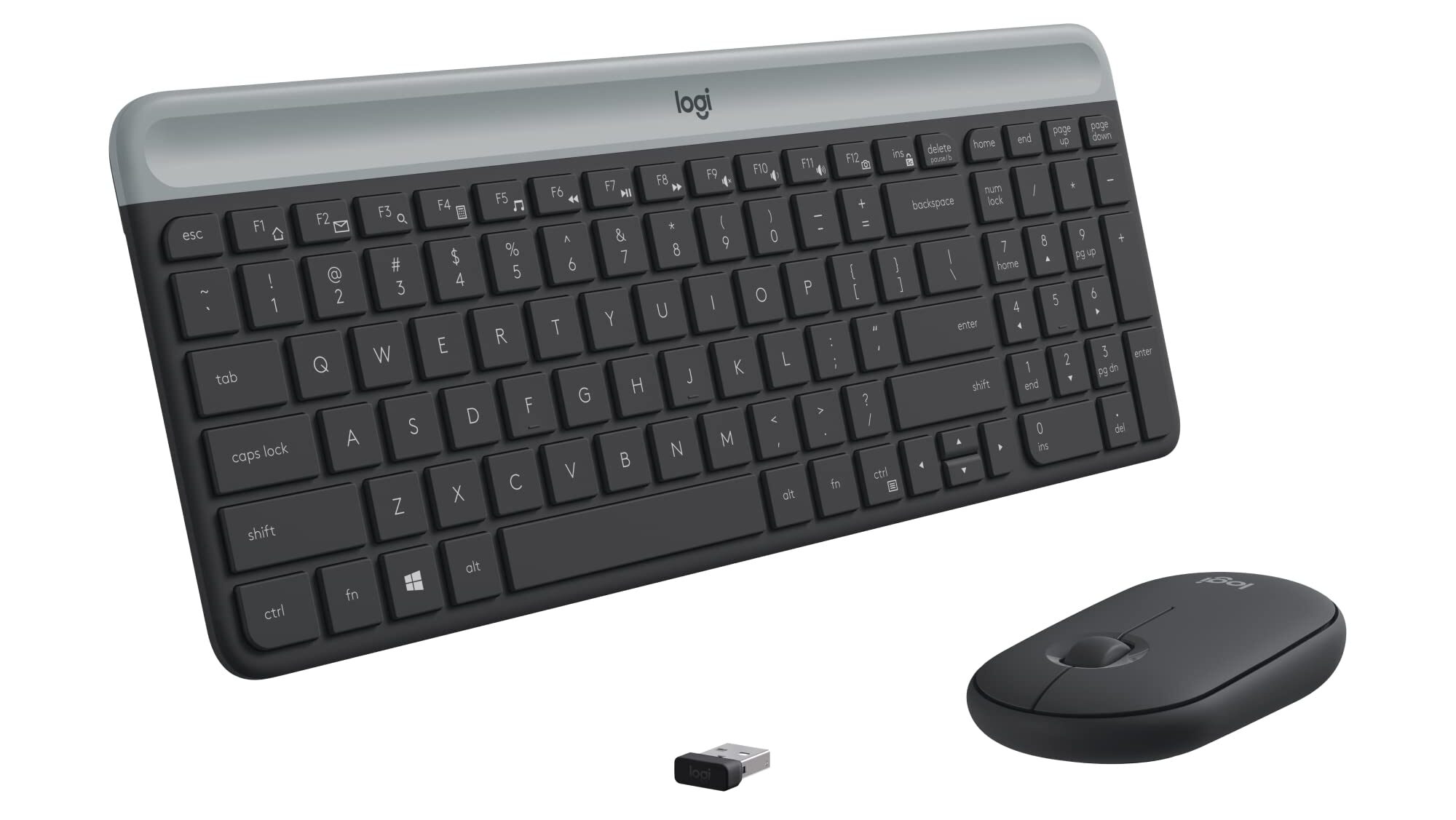
A broken internal keyboard doesn’t have to stop your work. If we need to order a replacement part for your specific model, you can take your laptop home and keep working in the meantime using these temporary solutions:
- External USB Keyboard: Plug any standard wired USB keyboard directly into your laptop port for immediate desktop typing.
- Wireless or Bluetooth Keyboard: Pair a wireless keyboard (using a USB dongle or direct Bluetooth connection) to keep your desk clutter-free.
- On-Screen Keyboard: Enable the built-in accessibility feature in Windows or macOS to type using your trackpad or mouse for quick entries and passwords.
Transparent Pricing: How Much Does It Cost?
Reliable replacements using correct parts and proper installation.
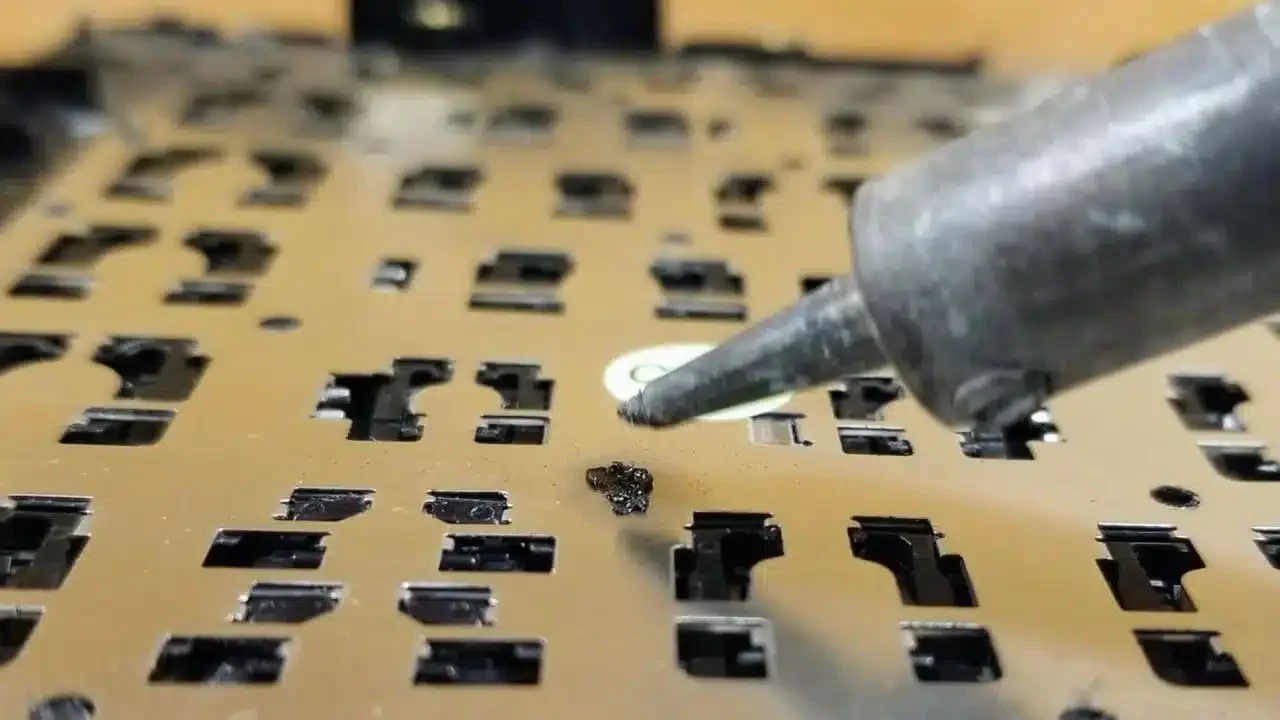
Because modern laptop designs vary wildly, replacement costs depend heavily on your exact model and whether the keyboard is a standalone part or a fully integrated palmrest assembly. If you know your exact laptop model and/or serial number, we can give you an accurate quote. The rough pricing is as follows:
- Repair-friendly laptops with removable keyboards – $200-300
- Plastic and thin laptops requiring palmrest – $350-450
- MacBooks – $450+
Why Choose Fix My Laptop for Keyboard Repairs
Keep your device while we source parts: If your replacement keyboard needs to be special-ordered, you don’t have to leave your laptop sitting on our shelf. Bring your device back home to use with an external keyboard, and simply drop it back off at our Clayfield workshop once the part arrives for a fast, same or next-day install.

How Keyboard Replacement Works
A simple process from drop off to working device.
Visit & Drop-off
Bring your laptop to our Clayfield workshop or send us your laptop model, picture and serial number.
Quote
We can typically provide a quote without seeing the laptop. If we need to order parts, we will take the deposit and order the parts.
Parts Ordering
We can get most keyboards and palmrests in 2-3 days. Some laptops require parts from overseas and it can take up to 2 weeks to arrive.
Repair Timeline
When parts are available, we can do the repair the same or next day, depending on our availability.
Come to Our Clayfield Workshop, Parking On-Site
Fix My Laptop is conveniently based in Clayfield, providing fast and quality repairs for customers across Brisbane Northside.
Most hardware problems require proper testing, the majority of our customers visit our workshop for hands-on diagnostics, repairs, and data recovery.
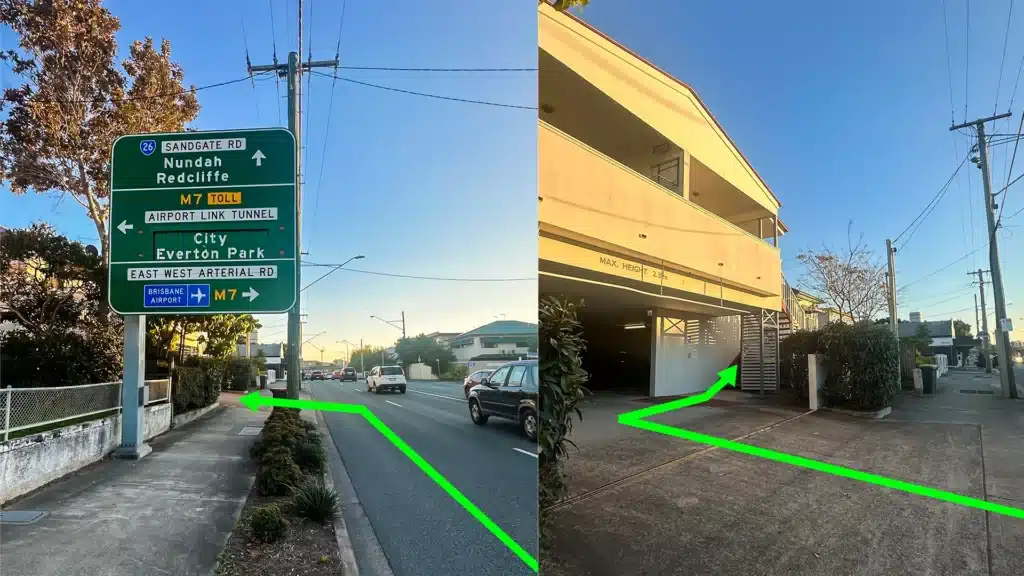
Our address is 2/890 Sandgate Road, Clayfield, QLD 4011
Easy visitor parking available on-site! Turn left into the units right after the Airport Link sign. Please use the guest parking spots. If not available, you can use parking on Kedron Street.
| Monday | 10:00 AM — 6:00 PM |
| Tuesday | 8:00 AM — 6:00 PM |
| Wednesday | 10:00 AM — 6:00 PM |
| Thursday | 8:00 AM — 6:00 PM |
| Friday | 10:00 AM — 4:00 PM |
| Saturday | 10:00 AM — 4:00 PM |
| Sunday | Closed |
See our updated hours on Google Maps before visiting. Appointments are preferred to ensure service on time.
Related Repairs
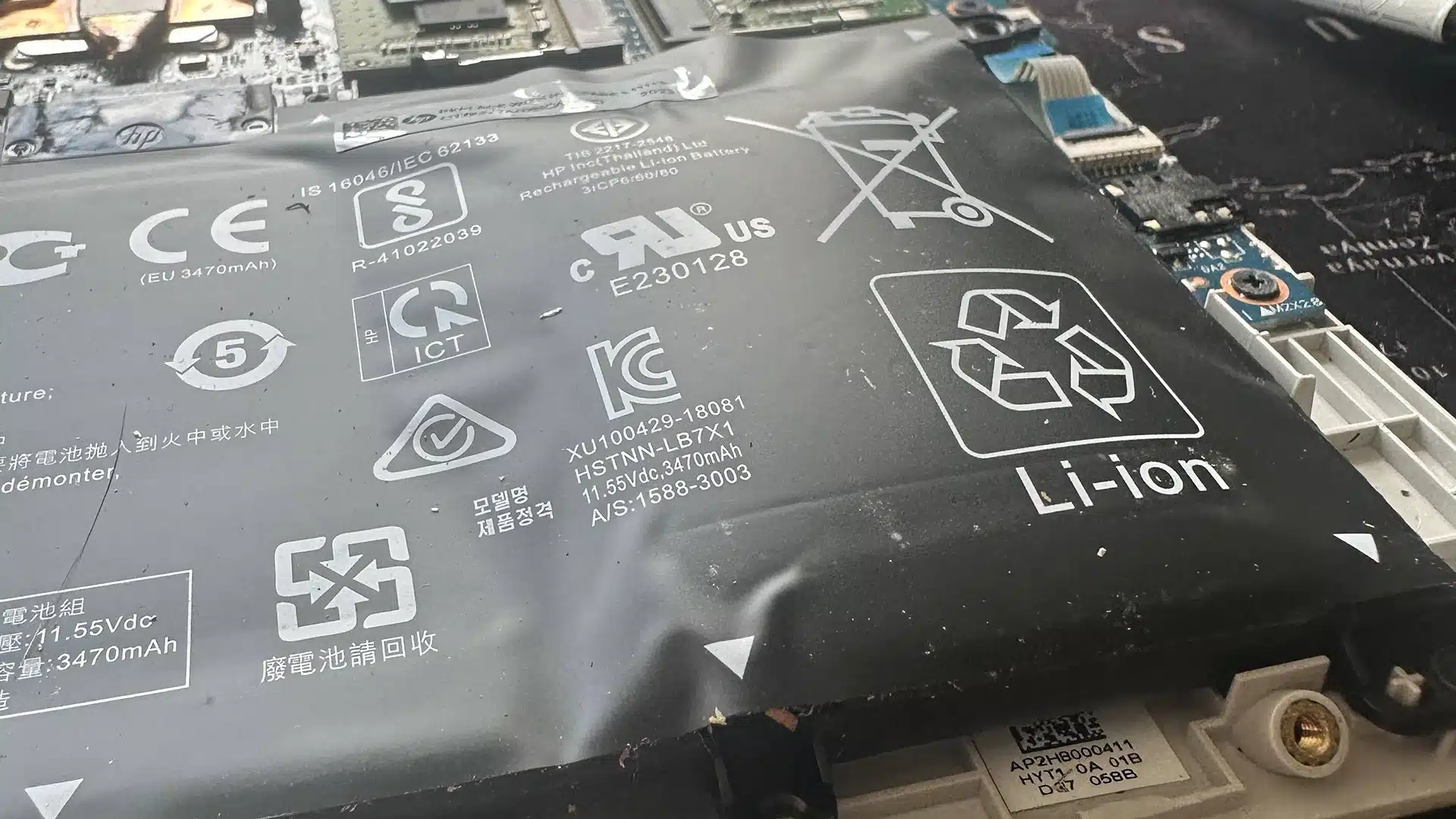
Battery Replacement
If your laptop no longer holds charge like it used to, or the battery started to swell, it’s time to replace it! Most batteries last from three to five years before needing replacement.
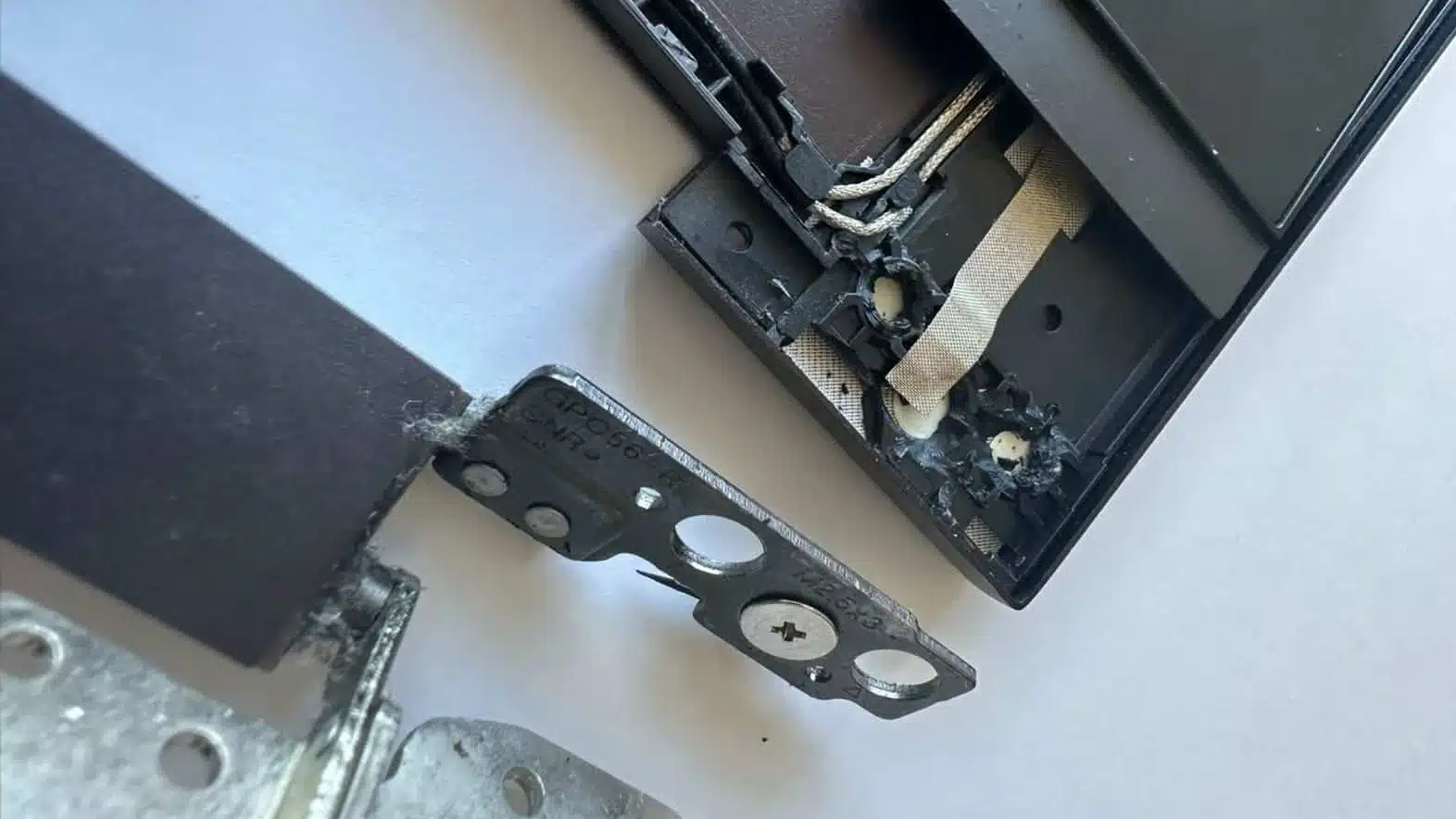
Hinge & Frame Repair
Loose, stiff, or broken hinges? We repair laptop hinges before they cause bigger damage. Honestly, it’s one of those repairs that we shouldn’t have to do, but we see busted hinges almost every day!
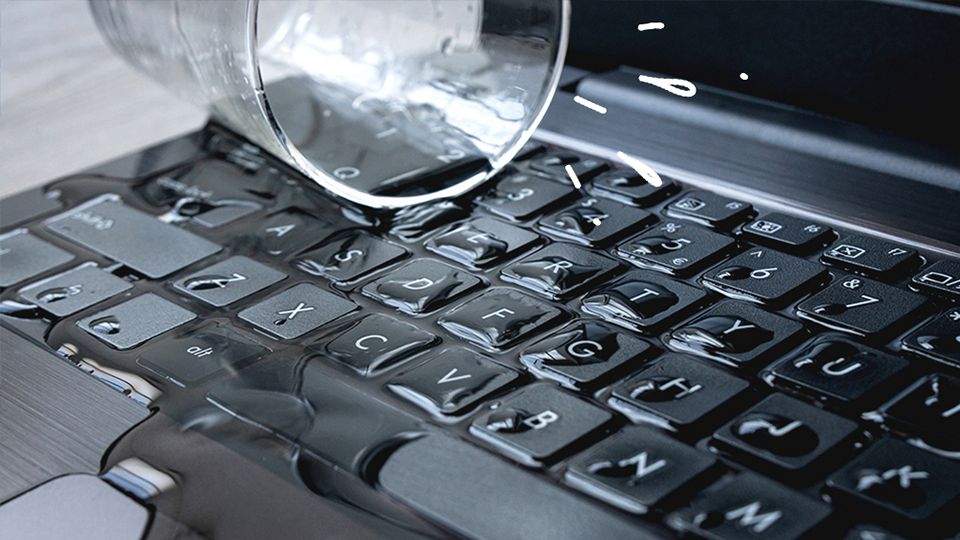
Liquid Damage Repair
Spilled water, coffee, or liquid inside your laptop? Acting fast can mean the difference between a simple clean and a full board repair. And if it’s too far gone, we can still recover your data.