Skip to content
Fix My Laptop Logo
07 3857 6875
  • Laptop RepairExpand
    • Screen Repair
    • Battery Replacement
    • Charging Port Repair
    • Keyboard Repair
    • Hinges Repair
    • Liquid Damage
  • MacBook RepairExpand
    • Screen Repair
    • Battery Replacement
  • Computer RepairExpand
    • Hardware Repair
    • Windows Issues
    • Virus Removal
  • UpgradesExpand
    • SSD Upgrade
    • RAM Upgrade
    • Wi-Fi Upgrade
  • Data Recovery
  • IT SupportExpand
    • Microsoft 365
    • On-Site IT Support
    • Remote IT Support
  • Computers Sales
  • Tech Tips
Fix My Laptop Logo
07 3857 6875
4.8 ★ • 390+ Google Reviews

Malware & Virus Removal in Clayfield, Brisbane Northside

Is your computer running slow, showing pop-ups, or acting strangely? Malware infections can compromise your data, performance, and privacy if left unchecked.

No one is immune to computer viruses, and relying solely on antivirus software is often not enough. With an estimated 12 million new malware variants released monthly, scanners struggle to keep up; in fact, only 30% of antiviruses identify new threats within the first hour.

At Fix My Laptop, our Certified Malware Removal Specialist, removes infections properly rather than just hiding the symptoms.

Visit Us in Clayfield
Book Repair Online

★ 4.8
Google Rating

âš™ Over 50,000 Successful Repairs

✓ Trusted by Brisbane locals since 2009

Signs You Need a Malware Check

Not all infections are obvious; while some spam you with alerts, others stay hidden to steal data. Infections typically happen through spoofed emails, malicious ads, hacked social media links, pirated downloads, or outdated software. Look out for:

Unexpected pop-ups and redirects

Constant fake alerts or search results that send you to dodgy-looking websites riddled with ads without permission.

Slow system performance

The computer feels unusually slow, or strange programs open automatically at startup. Background malware processes can consume resources without your knowledge.

Invisible theft

Your banking and email passwords stop working, or suspicious transactions appear on your statements.

Security warnings or locked files

Antivirus settings become disabled, or ransomware encrypts your data and demands Bitcoin.

Our Cleanup & Protection Service

Identify the source and extent of the infection.
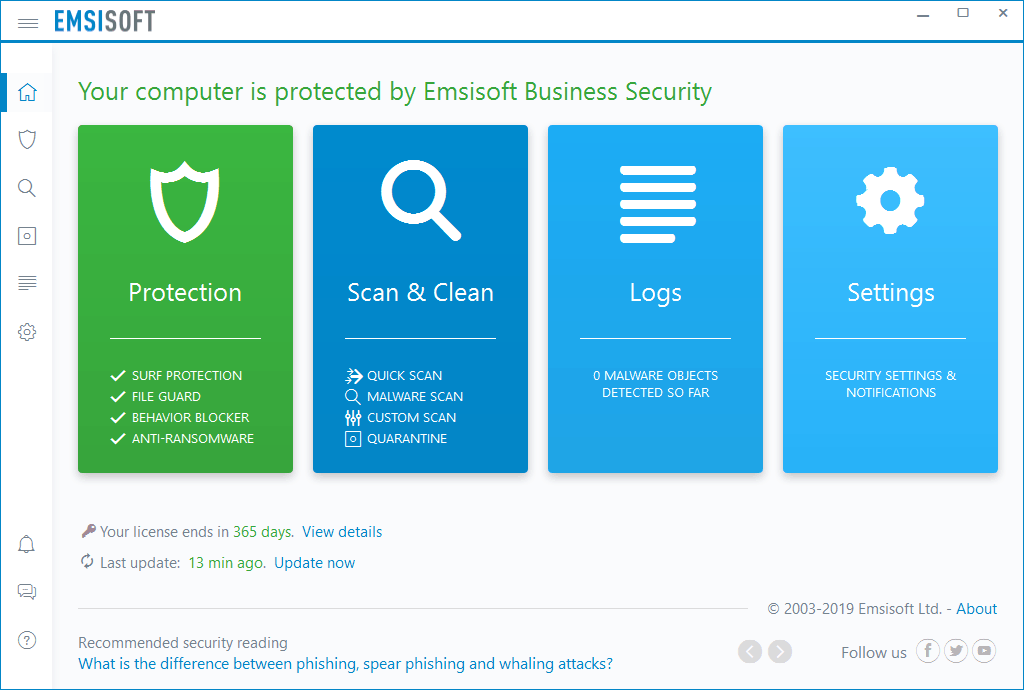
Emsisoft Anti-Malware User Interface
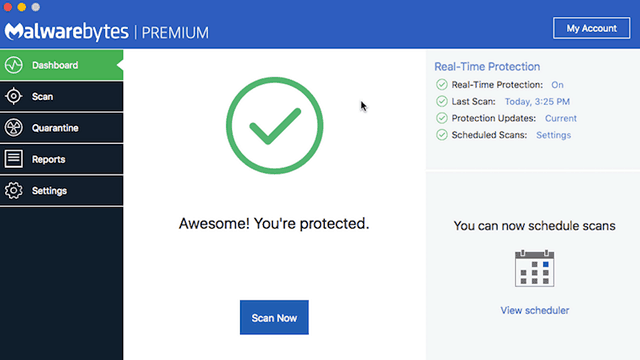
Malwarebytes Premium for Apple Mac OS X

We start with a full system assessment to check startup processes, background services, and browser extensions. Once diagnosed, we execute a complete repair:

  • Deep Cleanup: We use professional tools and manual inspection to remove spyware, adware, rootkits, and hidden threats.
  • System Tune-up: We repair registry changes, remove malicious “system optimizers”, driver updaters, and restore the system to full speed.
  • Active Defense: We secure your system by installing an ad blocker, DNS filtering (optional), and a 1-year enterprise-grade antivirus license (Emsisoft Anti-Malware for Windows, Malwarebytes for Mac).
  • Complete Refresh: in most severe cases, we can preserve your data and reinstall your Operating System.

Removing malware is more than just scanning your computer with a free or paid antivirus. While those tools are very useful, they are often just catching up with the criminals, only after infections have been widely reported.

How Infections Happen

Chances are, you did it yourself, sometimes not knowing.

System optimizer virus malware scam

Phishing & spoofed emails: Malicious links or unexpected attachments urging immediate action.

Cracked software & downloads: Downloading games, software, or media from untrusted or pirate sites.

Malvertising: Malicious ads placed on legitimate websites that redirect you to dangerous pages.

Hacked social accounts: Links sent from compromised friends’ accounts.

Outdated software: Security vulnerabilities in unpatched Windows, Office, or Adobe installations.

Why Choose Fix My Laptop
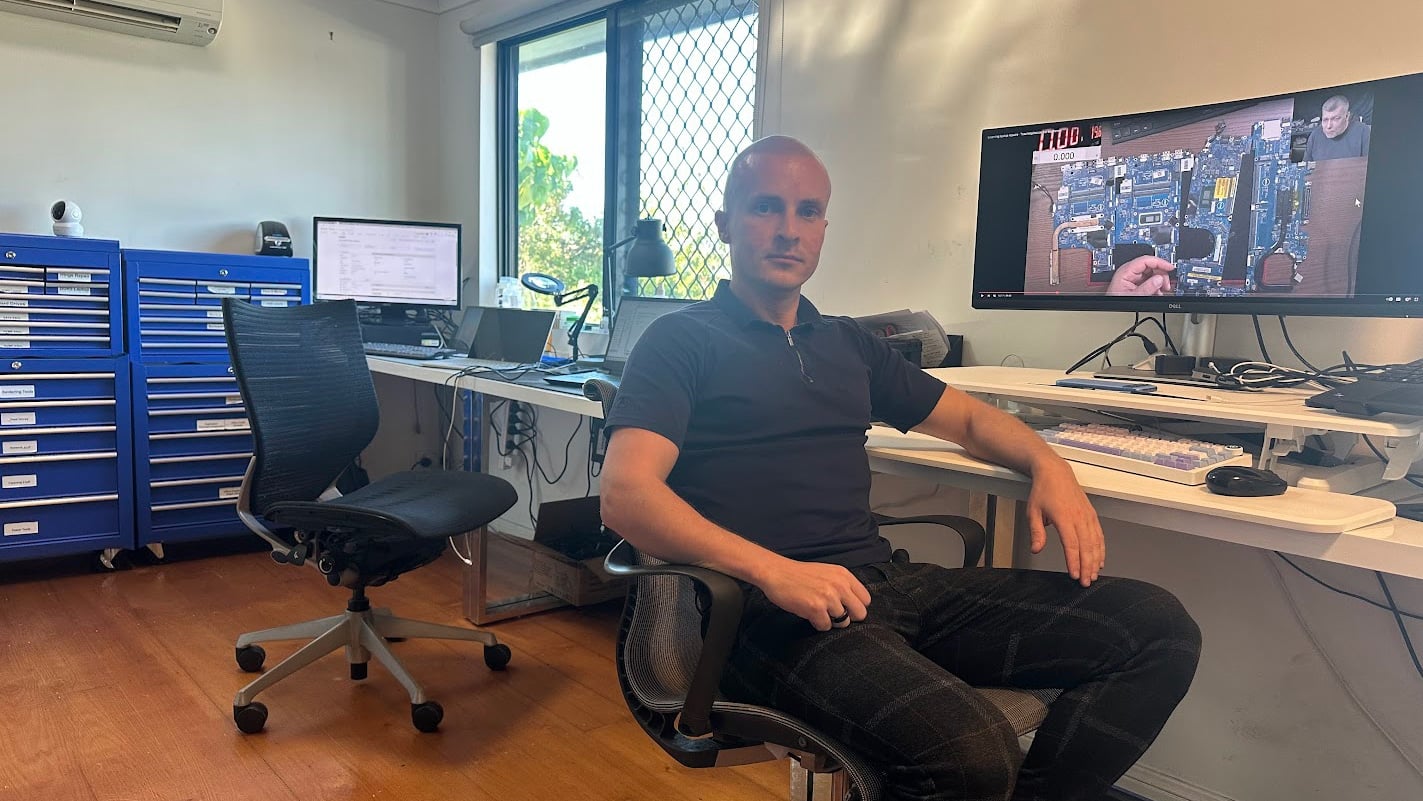
Sergey-Fix-My-Laptop-Workshop

Computer infections are often handled poorly or only partially removed.
  • Repairs handled by a Certified Malware Removal Specialist (CMRS).
  • Clear diagnosis before any work begins
  • No unnecessary system wipe or reinstall
  • Data preserved wherever possible
  • Fast turnaround for most virus removal jobs
Certified Malware Removal Specialist logo
Visit Us in Clayfield
Call Technician

Computer Virus Removal Cost

Pricing depends on infection severity and repair time.

Pricing depends on the severity of the infection, system condition, and time required to clean and repair it. Basic malware removal sits at the lower end, while complex infections or system rebuilds require more work.

  • Quick malware/adware removal, browser cleanup, and complete system tune-up – $250
  • Comprehensive removal and prevention – includes a one-year antivirus license – $350
  • Complex Infection / Operating System Rebuild – if all fails, option of last resort – from $500

Bring your device in before it’s too late

Visit Us in Clayfield
Call Technician

Typical Price Range

$250 – $500+

Simple cleanups are quicker, while deeper infections or rebuilds increase the cost.

How We Remove Malware

A simple process from drop off to working device.

Visit & Drop-off

Bring your computer or laptop to our Clayfield workshop. Most malware problems require a hands-on repair and can take hours of waiting.

Removal Attempt

We inspect background processes, identify threats and perform the removal if possible.

If It Fails

Some infections can be stubborn and cause a lot of damage to your system files. In this case, we back up your files and reinstall the OS.

Going Forward

No antivirus can ever provide 100% protection but we can mitigate most threats by installing our recommended solution.

Related Computer Repair Services

Explore other common fixes and upgrades.

Windows-loading-slowly

Software & Windows Repair

System errors, crashes, or update failures can be linked to infections. We repair Windows issues and restore stability.

Fix Windows Issues
Broken laptop charging port

Charging Port Repair

Power or charging issues may appear alongside system faults. We diagnose hardware and restore proper functionality.

Fix Charging Port
Data recovery service

Data Backup & Recovery

Viruses can damage or lock your files. We help recover important data and set up proper backup solutions.

Recover Your Data
Motherboard, CPU, graphics card

Computer Hardware Repair

If infections cause deeper system instability, hardware faults may also need attention. We inspect and repair all components.

Repair Hardware Issues

Come to Our Clayfield Workshop, Parking On-Site

Fix My Laptop is conveniently based in Clayfield, providing fast and quality repairs for customers across Brisbane Northside.

Most hardware problems require proper testing, the majority of our customers visit our workshop for hands-on diagnostics, repairs, and data recovery.
fix-my-laptop-direction

Our address is 2/890 Sandgate Road, Clayfield, QLD 4011

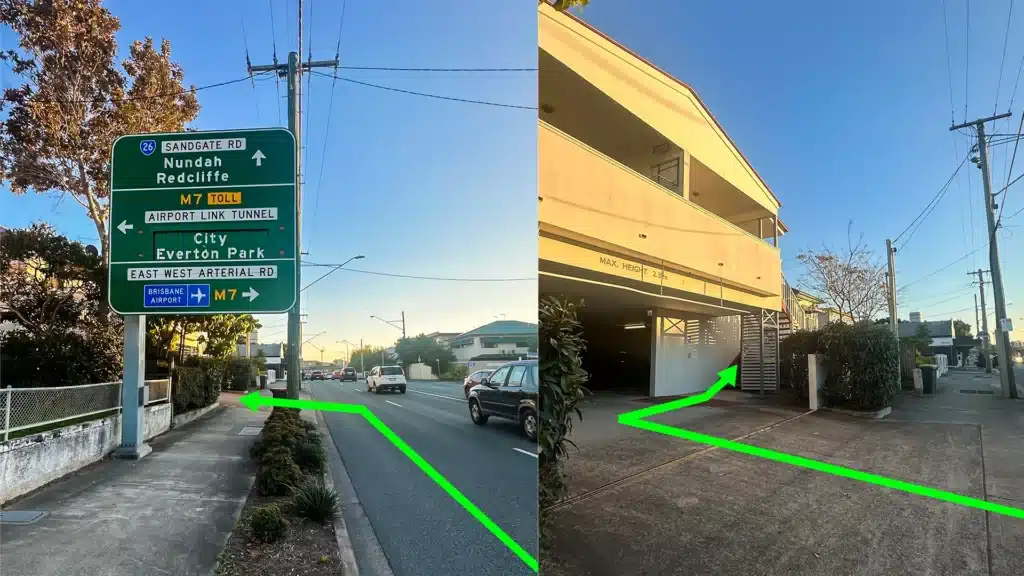
Easy visitor parking available on-site! Turn left into the units right after the Airport Link sign. Please use the guest parking spots. If not available, you can use parking on Kedron Street.

Monday10:00 AM — 6:00 PM
Tuesday8:00 AM — 6:00 PM
Wednesday10:00 AM — 6:00 PM
Thursday8:00 AM — 6:00 PM
Friday10:00 AM — 4:00 PM
Saturday10:00 AM — 4:00 PM
SundayClosed

See our updated hours on Google Maps before visiting. Appointments are preferred to ensure service on time.

Frequently Asked Questions

Yes, in almost all cases. We focus on manually removing the exact threat rather than taking the lazy route of wiping your hard drive. If a severe infection has completely corrupted your operating system, we will safely back up your data first, perform a clean reinstall of Windows or macOS, and then restore your personal files.

The most obvious signs are unexpected pop-ups, extreme system slowness, and your web browser redirecting you to strange websites. More severe indicators include your antivirus turning itself off, locked or inaccessible files (ransomware), or suspicious activity on your bank statements.

No. Stop using the device for any sensitive tasks, logging into accounts, or checking emails immediately. Many hidden infections – like keyloggers or spyware – are designed specifically to quietly steal your passwords and financial details. Once we have completely cleaned the system and verified your security settings, it will be safe to resume your normal online activities.

We don’t just clean your system and send you on your way. As part of our complete removal service, we install an ad blocker, set up DNS filtering to block known malicious websites, and install a one-year license for an enterprise-grade antivirus (Emsisoft for Windows or Malwarebytes for Mac) to actively stop future threats. No protection will ever get 100% of the threats, but the risks can be mitigated.

Proper malware removal and system optimization can take several hours, although most of that time is just waiting for deep system scans. However, we do offer priority service. If you need your device back urgently, let us know when you drop it off so we can move your machine to the front of the queue.

Yes. While Windows PCs have traditionally been the primary target for cybercriminals, macOS malware is increasingly common. We frequently see MacBooks infected with aggressive adware, browser hijackers, and fake “Mac Optimizer” tools.

Most free antivirus programs only perform on-demand scans – meaning they look for viruses after your computer is already infected rather than stopping threats at the door. The few free antiviruses that do offer real-time protection often come with heavy trade-offs: they constantly bombard you with annoying pop-ups and upsells, or quietly log and sell your browsing data to third parties.

Turn off your computer and disconnect it from your Wi-Fi immediately. This is a common tech support scam. If you logged into your online banking or provided credit card details while they had access, contact your bank from your phone right away. Then, bring the computer to our workshop so we can remove the remote access tools and backdoors they installed on your system.

No. There is never a guarantee that the criminals will actually decrypt your files once you pay, and paying them only funds further attacks. The best protection against ransomware is frequent data backups.

For severe infections, you need to drop the device off at our Clayfield workshop. Removing deep-rooted malware often requires us to boot the computer from an external, clean environment using specialized diagnostic tools. Furthermore, many viruses intentionally block remote access software or disable your internet connection, making remote repairs impossible or unsafe.

If your computer is slow, unstable, or showing signs of infection, do not ignore it.

Bring your device in for proper virus removal and system cleanup.

Visit Workshop
Call Technician

Prefer an Online Quote?

For simple laptop repairs, we can provide a clear quote based on the details you submit.

For more complex problems or personalised laptop support, it’s best to bring your device in.

2/890 Sandgate Road, Clayfield

07 3857 6875

0403 100 701

service@fixmylaptop.au

Fix-My-Laptop-Logo-Ftr

service@fixmylaptop.au

(07) 3857 6875

0403 100 701

2/890 Sandgate Road, Clayfield QLD 4011

Book Repair Online

BUSINESS HOURS

Monday10:00 AM — 6:00 PM
Tuesday8:00 AM — 6:00 PM
Wednesday10:00 AM — 6:00 PM
Thursday8:00 AM — 6:00 PM
Friday10:00 AM — 4:00 PM
Saturday10:00 AM — 4:00 PM
SundayClosed

Updated hours are always available on Google Maps

JOIN OUR NEWSLETTER

Be the first one to know of our Tech Savvy tips and exclusive offers!

© 2026 Fix My Laptop Brisbane

Terms and Conditions

Privacy Policy

Facebook X Linkedin
Scroll to top
  • Laptop Repair
    • Screen Replacement
    • Battery Replacement
    • Charging Port Repair
    • Keyboard Replacement
    • Laptop Hinges Repair
    • Liquid Damage Repair
  • MacBook Repair
    • Screen Repair
    • Battery Replacement
  • Computer Repair
    • Hardware Repair
    • Windows Repair
    • Virus & Malware Removal
  • Upgrades
    • SSD Upgrade
    • RAM Upgrade
    • Mesh Wi-Fi Systems
  • Data Recovery
  • IT Solutions
    • Microsoft 365 Solutions
    • On-site Support
    • Remote Support
  • Computer Sales
  • Tech Tips
  • Request a Quote