
Computer Hardware Repair in
Clayfield, Brisbane Northside
Failed computer ruining your day? We diagnose and repair desktop computers, laptops, and All-in-One PCs properly. Hardware issues aren’t always obvious. We test your device to find the exact cause of the problem before recommending a repair. Get clear advice and avoid unnecessary part replacements for your desktop, laptop, or MacBook.
★ 4.8
Google Rating
⚙ Over 50,000 Successful Repairs
✓ Trusted by Brisbane locals since 2009
Common Computer Hardware Problems
If your device shows these signs, hardware repair may be required.
Computer not turning on
A completely dead device usually points to faults in the power supply, motherboard, or internal components.
Overheating and sudden shutdowns
Random shutdowns are often caused by dust buildup, failing fans, or broken thermal systems, which can lead to long-term damage.
Strange noises or clicking sounds
Grinding or clicking noises require immediate inspection, as they generally signal failing fans or drives.
Slow performance
Slow computers are wasting everyone’s time. If you are struggling with even basic tasks while waiting for the programs to load, bring it in.
Blue Screen Errors (BSOD)
Constant system crashes and blue screens require immediate attention. We identify the exact hardware or driver conflict causing the crash and repair the root cause to restore total system stability.
No Display & Black Screens
It is incredibly frustrating when your computer powers on, you can hear the fans, but the screen remains completely black. We quickly diagnose and fix these display faults so you can get back to work.
Told Your Computer or Mac is “Dead”?
We identify the exact issue before recommending repairs.
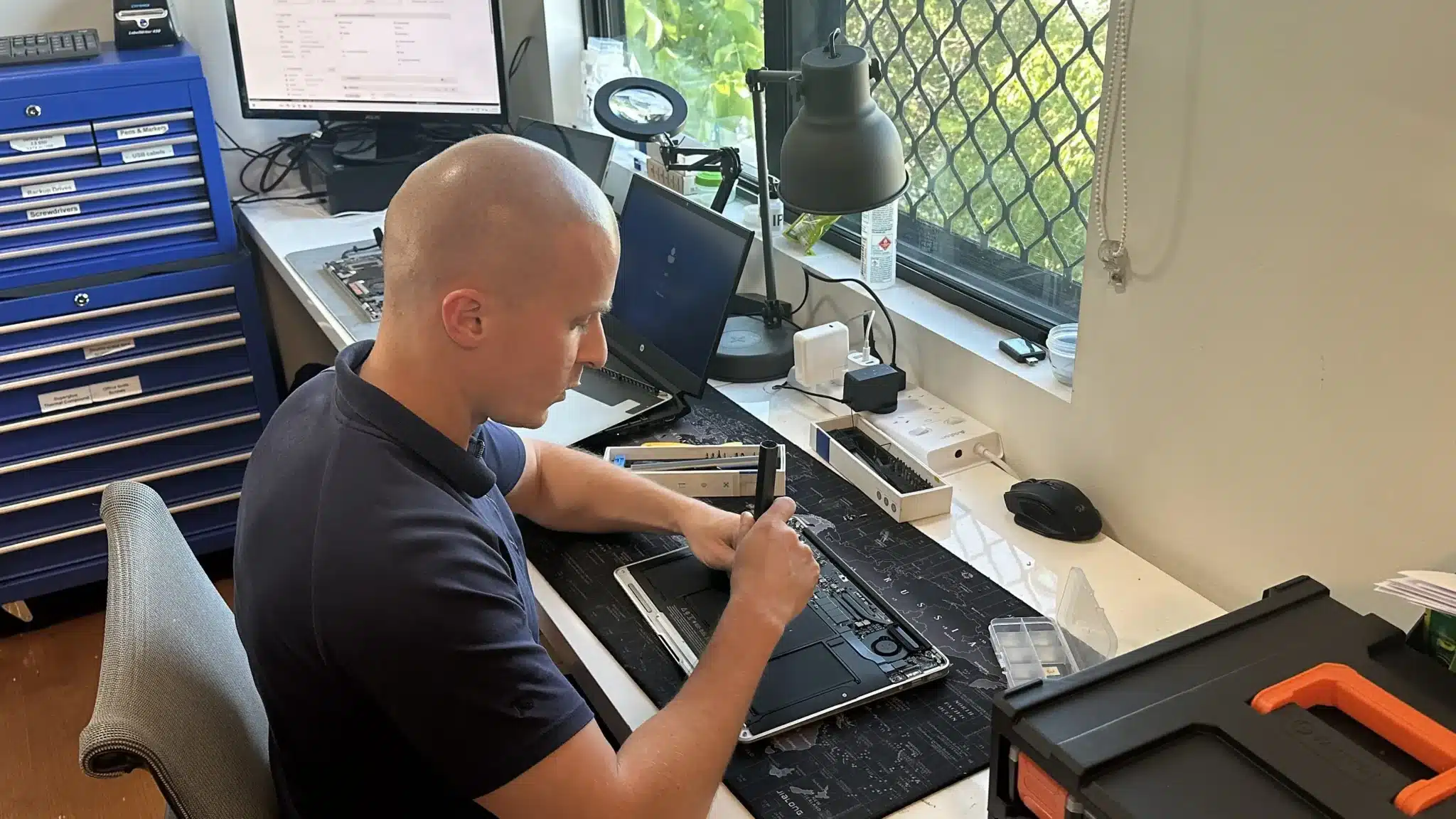
Did the manufacturer tell you the motherboard or logic board is faulty and you need to buy a brand new device? You have other options. We specialize in component-level hardware repairs for desktops, laptops, and MacBooks.
A hardware problem isn’t always what it looks like on the surface. For example, a slow computer might be an overheating issue rather than a storage problem. A computer that won’t start could have a failed power supply, power button, or a completely dead motherboard.
Before we recommend any repairs, we run full diagnostics on your RAM, cooling fans, and power supply. This way, we can give you a straight answer on what’s wrong and make sure you aren’t paying for parts you don’t need.
Quick Checks Before You Bring It In
You might be able to fix your PC or laptop yourself. Quick things you can try
- Check your power source: Ensure your power cable is securely plugged into a stable outlet or surge protector. Try using another outlet or a different power cord just to be sure.
- Perform a hard reset: Hold the power button down for 10 to 30 seconds to turn the device off completely. Wait a few minutes, then turn it back on.
- Give it a simple restart: Yes, it really can be that simple! A standard restart clears up plenty of software issues right away.
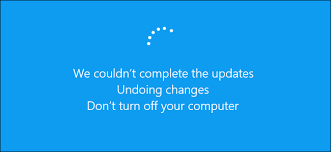
- Install system updates: Check for any pending Windows or macOS updates. Often, installing them is enough to restore system stability.
- Roll back recent changes: On the flip side, if a recent update actually caused your problem, try rolling it back using System Restore.
- Free up storage space: Clear up some disk space. Computers generally run much better when at least 20% of the drive space is available.
Why Choose Fix My Laptop for Hardware Repairs
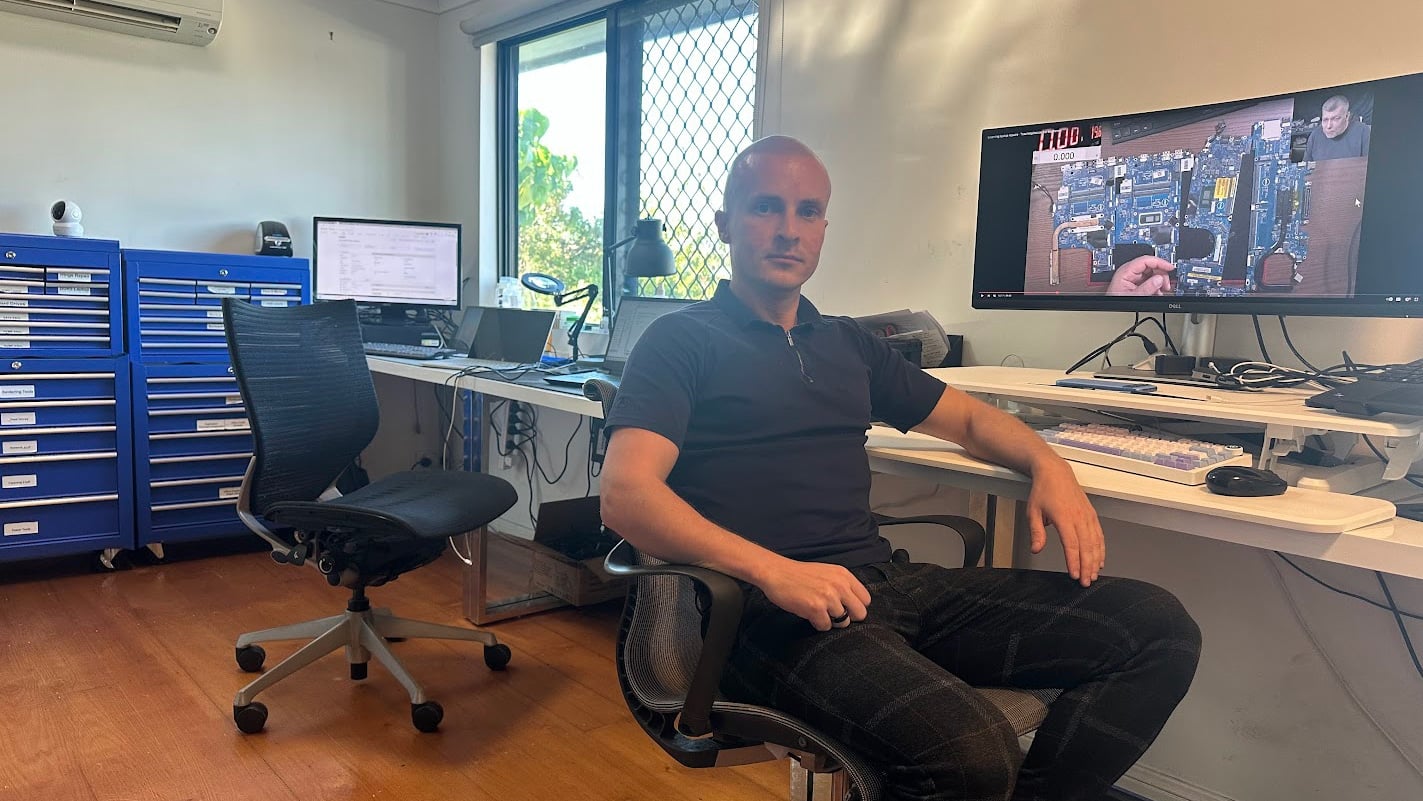
Hardware repairs need proper diagnosis and practical decisions. We identify the actual fault first, then recommend the most effective fix based on condition and cost. Because we work across laptops, desktops, and MacBooks, we can handle a wide range of hardware issues without unnecessary replacements.
Computer Hardware Repair Cost
Costs vary depending on the fault, parts, and repair complexity.
Pricing depends on the type of component, system model, and repair complexity. For example, simple upgrades such as RAM or SSD replacement sit at the lower end, while motherboard or advanced repairs fall into higher ranges.
Because hardware varies across devices, we confirm the exact parts and condition before quoting. This avoids incorrect estimates and delays.
Bring your device in for diagnostics and estimate.
Simple repairs can be quoted for free.
Typical Price Range
$200 – $800+
Basic component replacements are usually at the lower end, while complex repairs or multiple faults increase the cost.
Come to Our Clayfield Workshop, Parking On-Site
Fix My Laptop is conveniently based in Clayfield, providing fast and quality repairs for customers across Brisbane Northside.
Most hardware problems require proper testing, the majority of our customers visit our workshop for hands-on diagnostics, repairs, and data recovery.
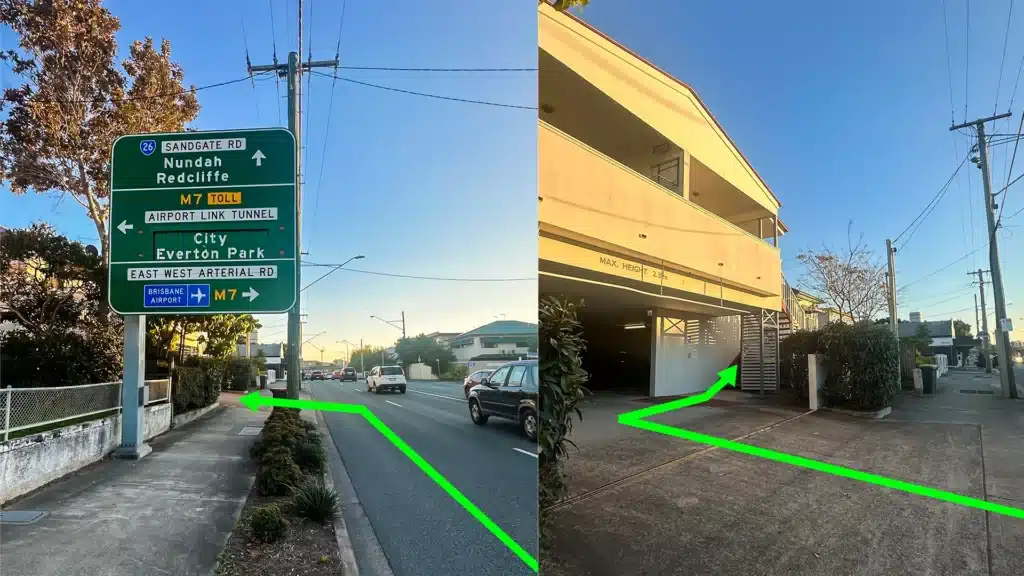
Our address is 2/890 Sandgate Road, Clayfield, QLD 4011
Easy visitor parking available on-site! Turn left into the units right after the Airport Link sign. Please use the guest parking spots. If not available, you can use parking on Kedron Street.
| Monday | 10:00 AM — 6:00 PM |
| Tuesday | 8:00 AM — 6:00 PM |
| Wednesday | 10:00 AM — 6:00 PM |
| Thursday | 8:00 AM — 6:00 PM |
| Friday | 10:00 AM — 4:00 PM |
| Saturday | 10:00 AM — 4:00 PM |
| Sunday | Closed |
See our updated hours on Google Maps before visiting. Appointments are preferred to ensure service on time.
Related Repairs

Software & Windows Repair
Is your computer stuck, crashing, or painfully slow? Software problems can stop your work, corrupt files, and make your computer unreliable. Most issues can be fixed without replacing your device.
SSD Upgrade
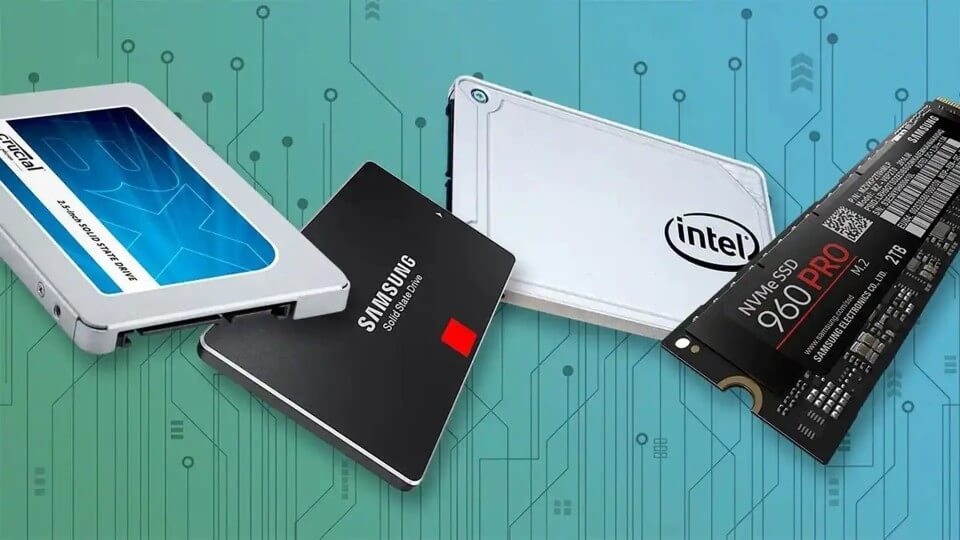
Slow performance and lack of storage space can often be improved with an SSD upgrade. We also transfer your existing data where possible. This means you keep your files, settings, and applications without starting from scratch.
Data Recovery
Data loss is a nightmare, and unfortunately, it is usually a question of when, not if. We recover data from broken computers, failing hard drives, solid-state drives (SSDs), USB sticks, and SD cards safely, offering honest advice and realistic expectations.