
Wi-Fi and Internet Speed Upgrade in Brisbane Northside
Poor Wi-Fi can make even a fast internet plan feel completely unusable. Constant buffering, slow speeds, and dropouts are incredibly frustrating, but they are usually caused by weak signals, interference, or outdated hardware.
At Fix My Laptop, we assess your setup first, then improve your coverage, speed, and reliability using practical, real-world upgrades.
★ 4.8
Google Rating
⚙ Over 50,000 Successful Repairs
✓ Trusted by Brisbane locals since 2009
What Affects WiFi Speed and Stability
Most slow connections are caused by setup limitations, not your internet plan.
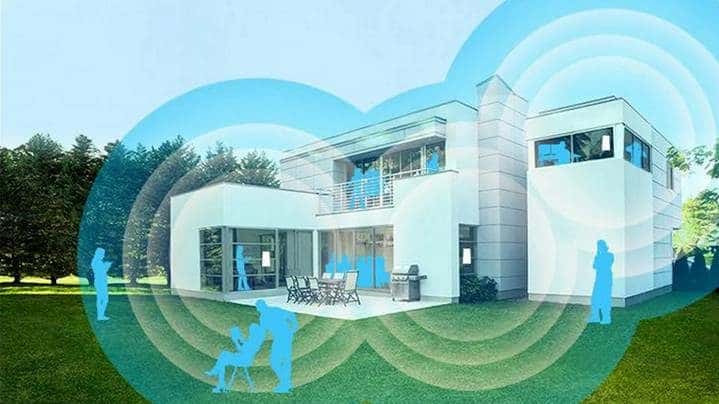
In many cases, the issue is not your internet connection itself, but how the signal is distributed around your home. Most slow connections are caused by setup limitations, not your internet provider’s plan.
Wi-Fi performance depends heavily on router quality, placement, interference, and device compatibility. Simple things like thick walls, distance from the router, and outdated equipment can severely limit your performance.
Your internal Wi-Fi network is only as good as the internet connection feeding into it. If your Wi-Fi is perfectly configured but your incoming internet line is slow or unstable, you will still experience buffering and dropouts.
When a Wi-Fi Speed Upgrade Makes Sense
Here are the most common situations where improving your network setup delivers real performance gains:
Slow Internet Speeds
Web pages load slowly and downloads take too long, even on fast plans. We can optimise your network or device to improve speed consistency.
WiFi Dead Zones
Some rooms have weak or no signal, making it hard to connect. We extend coverage so your connection stays stable throughout your home or office.
Frequent Dropouts
Connections randomly disconnect during calls or browsing sessions. We can fix your network to reduce interruptions and improve reliability.
Too Many Devices
Multiple devices slow down your network, especially in the evening. We upgrade your setup to handle high-load households.
The NBN Connection Types
The National Broadband Network (NBN) uses different physical technologies to deliver internet to your door. Depending on when your street was connected, you likely have one of the following:
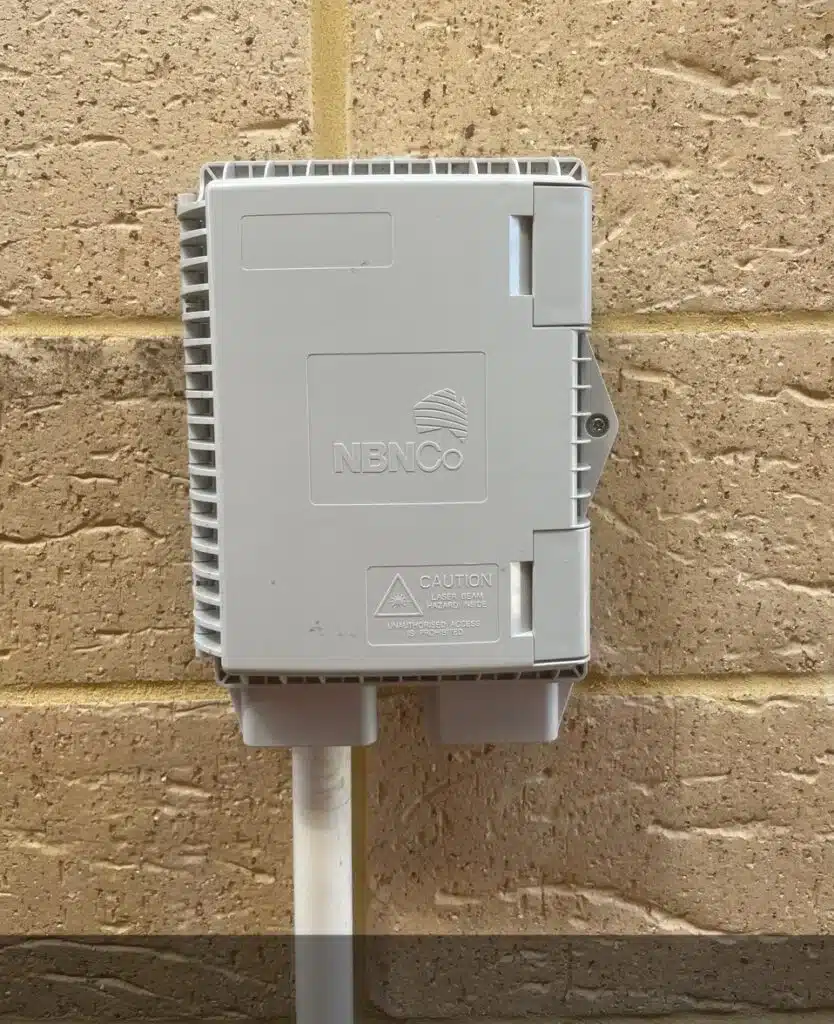
- FTTP (Fibre to the Premises): This is the gold standard. A pure, high-speed fibre optic cable runs straight from the street directly into your house. It delivers the highest speeds, lowest latency, and is entirely immune to bad weather or old copper wiring issues.
Bonus for 2026: NBN Co is actively rolling out free and subsidised FTTP upgrades to replace older technologies – check with your provider to see if your address is eligible. Typical speeds from 100 to 2000 Mbps. - FTTB (Fibre to the Building): This technology is almost exclusively used for apartment blocks and multi-dwelling units. A fibre optic cable runs directly to a communication room in the basement of the building, and the existing copper wiring inside the walls delivers the connection up to the individual apartments. Typical speed around 100 Mbps.
- FTTC (Fibre to the Curb): Fibre runs down your street and stops at the telecommunications pit outside your house. The final short distance (from the pit to your modem) uses the existing old copper telephone wire. It can handle solid speeds, but the copper segment can still be vulnerable to heavy rain or degradation. Typical speeds are 50 to 100 Mbps.
- FTTN (Fibre to the Node): Fibre runs to a large green cabinet (the node) somewhere in your neighborhood, and the rest of the journey to your house relies entirely on aging copper wires. This is the least reliable physical NBN connection. The further your house is from the neighborhood node, the slower and less stable your internet will be. Typical speed around 20 Mbps.
4G and 5G Home Wireless Internet
If you are stuck on a poor FTTN connection and are not yet eligible for a free fibre upgrade, 4G or 5G Home Wireless can be a great alternative.

Instead of using a physical cable in the ground, these services connect to the internet using the same mobile towers your smartphone uses. Your ISP sends you a modem with an internal SIM card, you plug it into a power point, and it beams Wi-Fi through your house.
- 4G Home Wireless: A solid backup or alternative for low-usage households that cannot get a stable NBN connection. Typical speeds generally sit between 20 Mbps and 50 Mbps.
- 5G Home Wireless: A much faster alternative that leverages modern 5G towers. Uncapped 5G home internet speeds typically sit between 225 Mbps and 300 Mbps, though some households situated close to a tower can theoretically achieve speeds over 500 Mbps.
The Cons of Wireless: Because mobile networks are shared, heavy traffic on the local cell tower during peak evening hours can cause your speeds to fluctuate. Furthermore, 5G signals are easily blocked by thick walls, metal roofs, and bad weather, which can lead to frustrating latency spikes if you play fast-paced online games.
Starlink mitigates some of these problems, but it’s still hard to recommend it for urban areas, when NBN is cheaper and generally more reliable.
DIY Quick-Fix: USB Wi-Fi Adapters
If you’re looking for a quick, low-cost fix for a single desktop or laptop with a failing or outdated Wi-Fi card, an external USB Wi-Fi adapter is the cheapest DIY solution.
How it works: You simply plug a tiny USB dongle into a spare port to bypass your computer’s built-in wireless card.
The trade-off: While very inexpensive, USB adapters are easy to bump or snap off on laptops, and their tiny internal antennas don’t perform nearly as well through thick walls as an internal hardware upgrade. Better Wi-Fi adapters with powerful antennas can be quite bulky.
Typical cost: $20-$80

Laptop and Desktop Upgrades (In-Workshop)
If you live in a large home, have thick walls, or just have a lot of devices connected at once, a single standard router won’t cut it. We can make a site visit to assess your layout and suggest a better Wi-Fi setup.
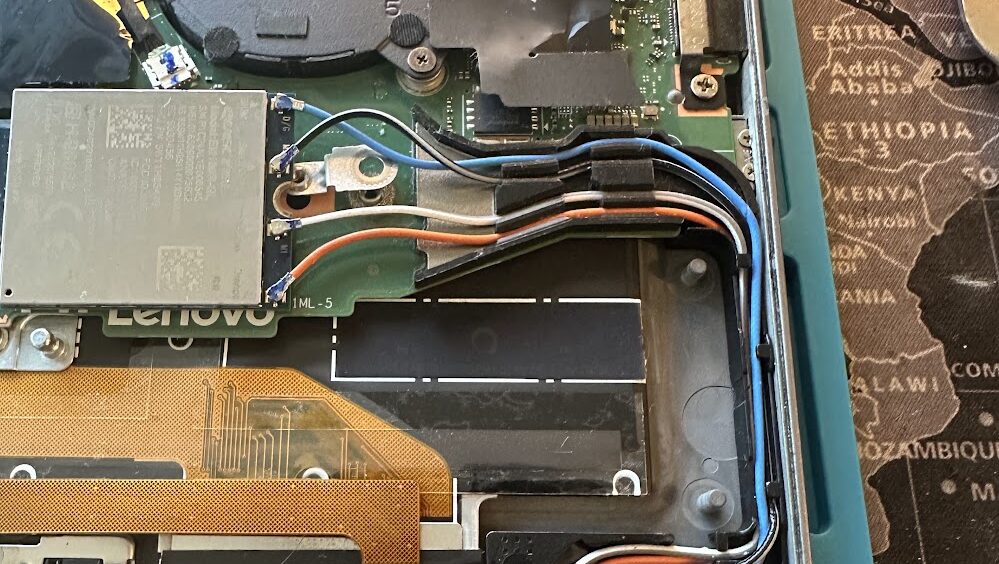
The Best Hardware: We strictly install high-tier Intel AX series cards (such as the AX200 or AX210). They offer significantly superior connection stability, driver support, and throughput compared to cheap budget chips like MediaTek or Realtek.
Soldered Wi-Fi Warning: Keep in mind that some ultra-thin modern laptops now have their Wi-Fi chip soldered directly onto the motherboard, making an internal swap impossible. If your machine is soldered, a USB adapter is your best bet.
Turnaround: Most internal card upgrades are completed the same day.
Typical cost: A typical internal Wi-Fi adapter upgrade costs between $150 and $200.
Home Network & Mesh System Upgrades
(Site Visits)
For a permanent, high-performance fix, upgrading the internal Wi-Fi card inside your laptop or desktop at our workshop is typically the quickest way to dramatically boost speeds.
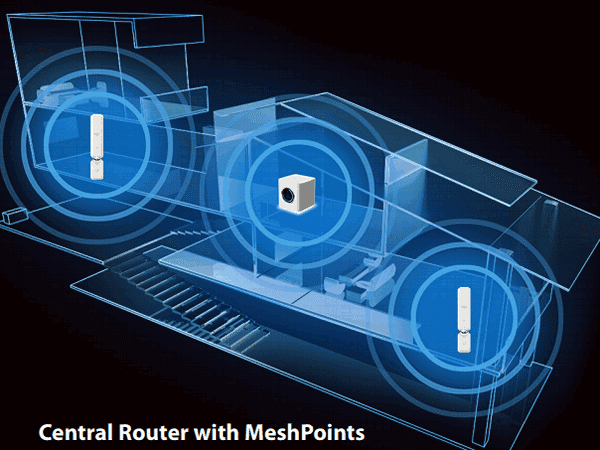
- Better Hardware: We can install and configure additional equipment, like modern Wi-Fi 6 or Wi-Fi 7 mesh systems, ensuring consistent speed across all areas.
- Dealing with the ISP: If you prefer, we can also liaise directly with your Internet Service Provider to see if they will upgrade your supplied router to a better mesh system.
- Home Networking: We don’t just fix the internet connection. We set up your local network properly so that every machine can talk to the others, share files, and reliably connect to your wireless printer.
Why Choose Fix My Laptop
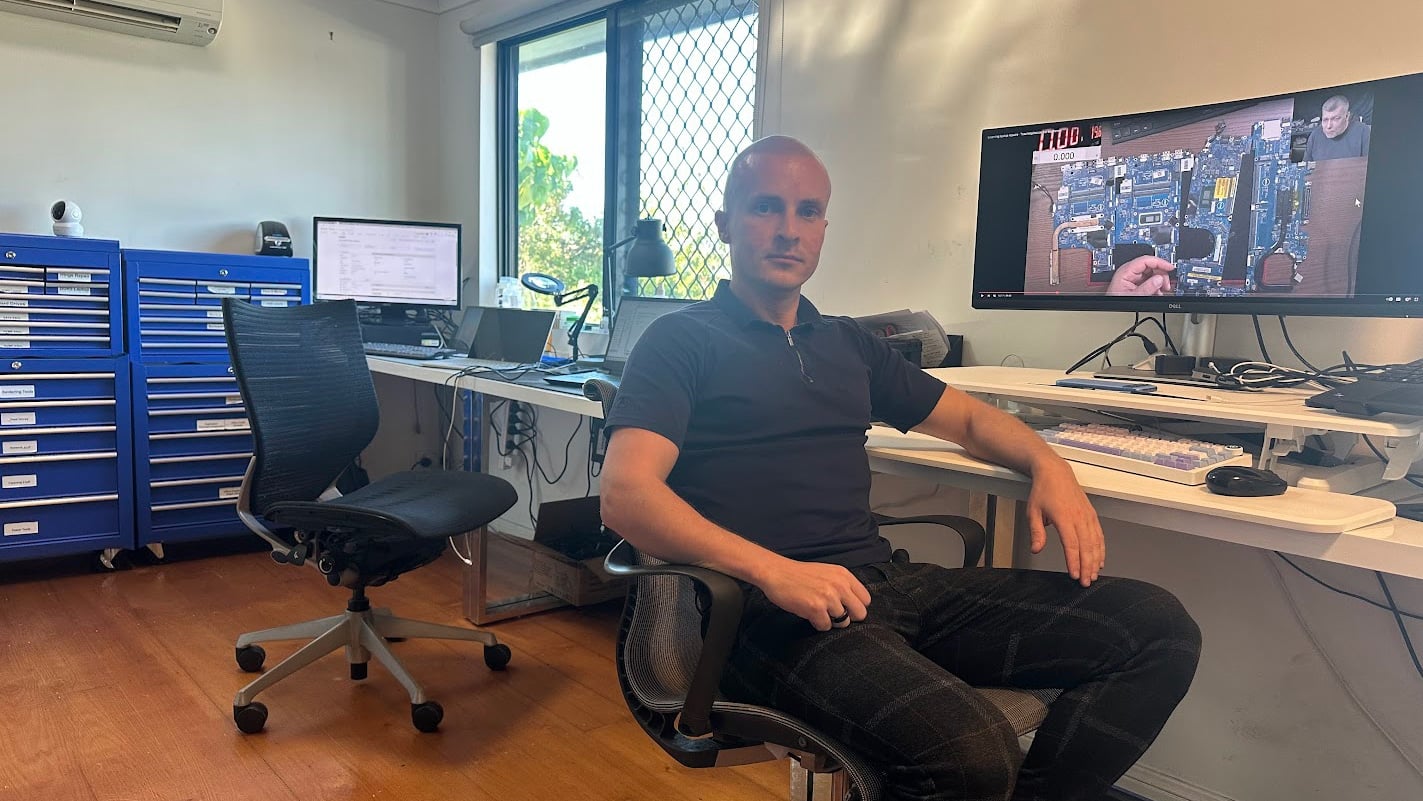
Wi-Fi issues are often misdiagnosed or overcomplicated. We focus on identifying the actual bottleneck first, then applying the right solution.
Come to Our Clayfield Workshop, Parking On-Site
Fix My Laptop is conveniently based in Clayfield, providing fast and quality repairs for customers across Brisbane Northside.
Most hardware problems require proper testing, the majority of our customers visit our workshop for hands-on diagnostics, repairs, and data recovery.
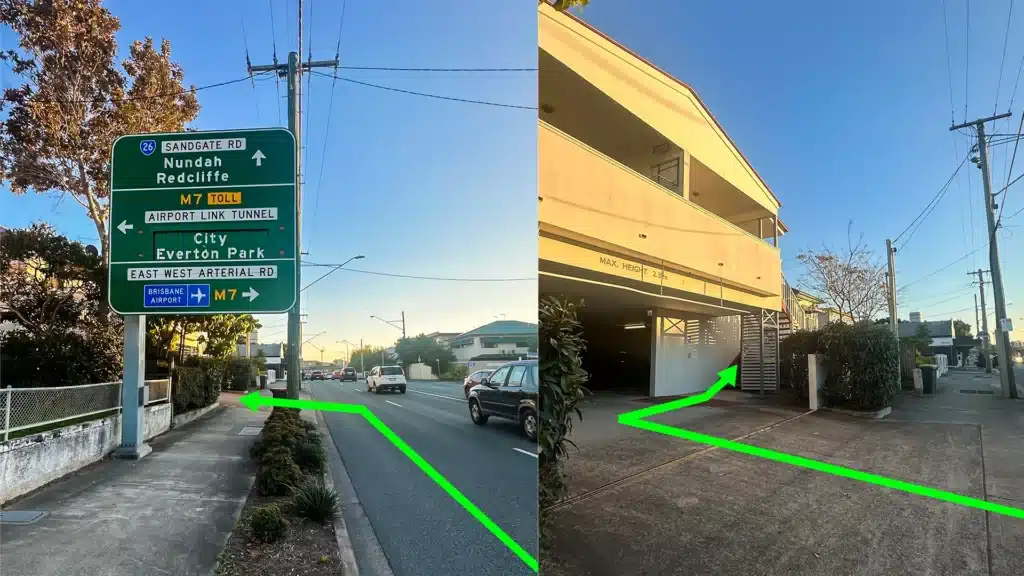
Our address is 2/890 Sandgate Road, Clayfield, QLD 4011
Easy visitor parking available on-site! Turn left into the units right after the Airport Link sign. Please use the guest parking spots. If not available, you can use parking on Kedron Street.
| Monday | 10:00 AM — 6:00 PM |
| Tuesday | 8:00 AM — 6:00 PM |
| Wednesday | 10:00 AM — 6:00 PM |
| Thursday | 8:00 AM — 6:00 PM |
| Friday | 10:00 AM — 4:00 PM |
| Saturday | 10:00 AM — 4:00 PM |
| Sunday | Closed |
See our updated hours on Google Maps before visiting. Appointments are preferred to ensure service on time.