
SSD Upgrade for Laptops and Computers in Clayfield, Brisbane Northside
Solid State Drives have zero moving parts, allowing them to find and transfer data in a flash. If your current SSD is a few years old and starting to slow down, it could be a warning sign of failure; upgrading to a larger, faster drive is one of the best upgrades you can do. You won’t lose your data. We can clone everything as is, or do a fresh install with your data transferred.
★ 4.8
Google Rating
⚙ Over 50,000 Successful Repairs
✓ Trusted by Brisbane locals since 2009
When an SSD Upgrade Makes a Difference
Common situations where upgrading storage improves performance.
Slow Startup and Boot Times
Your computer takes too long to start and load the operating system. A newer and faster SSD reduces boot time and improves overall responsiveness.
Programs Load Too Slowly
Applications take time to open or respond during use. Faster storage allows software to launch quickly and run more smoothly.
Running Low on Space
Many older and cheaper laptops have a low capacity SSD, typically 120GB-256GB. We can upgrade your SSD with the capacity you actually need.
Old Computer Still Works Fine
Your device is functional but feels outdated in performance. An SSD upgrade extends its lifespan without replacing the entire system.
How SSD Upgrades Improve Performance
Speed gains come from storage, not just processing power.
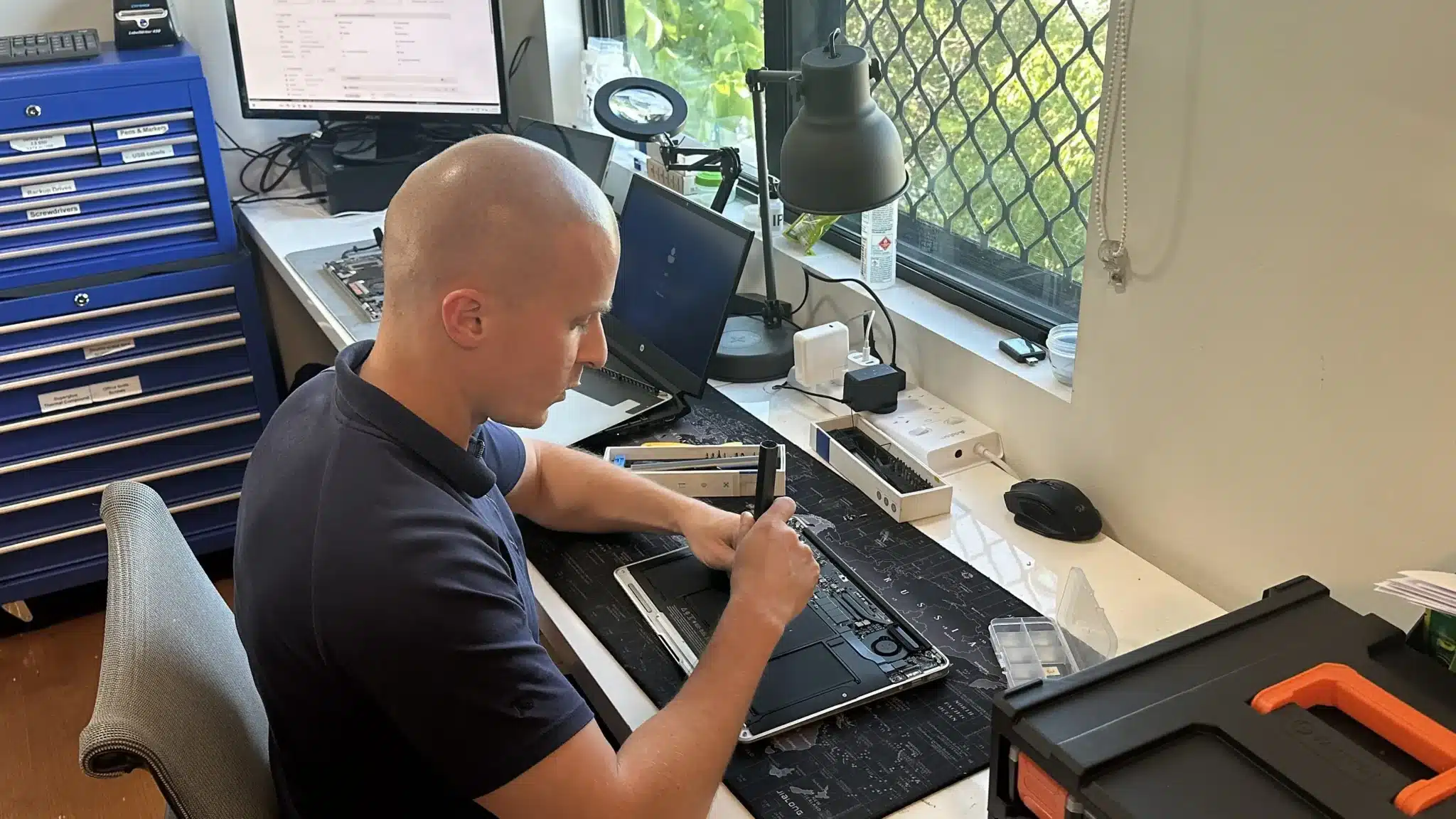
Traditional hard drives rely on moving parts, which limits speed and reliability. In contrast, SSD storage uses solid state technology that delivers faster read and write performance.
Older SSDs also tend to slow down with age and less space available. A higher capacity new SSD can make your system feel like new again.
As a result, your system responds quicker, boots faster, and handles everyday tasks more efficiently. However, compatibility and installation still matter, so we check your device before recommending the upgrade.
SSD Benefits

Consider an SSD upgrade if your computer takes a long time to start, programs are slow to open, storage is nearly full or the existing drive is showing signs of failure.
Replacing a mechanical hard drive or small capacity aging SSD with a newer and larger SSD generally produces the most noticeable improvement available for an otherwise usable computer.
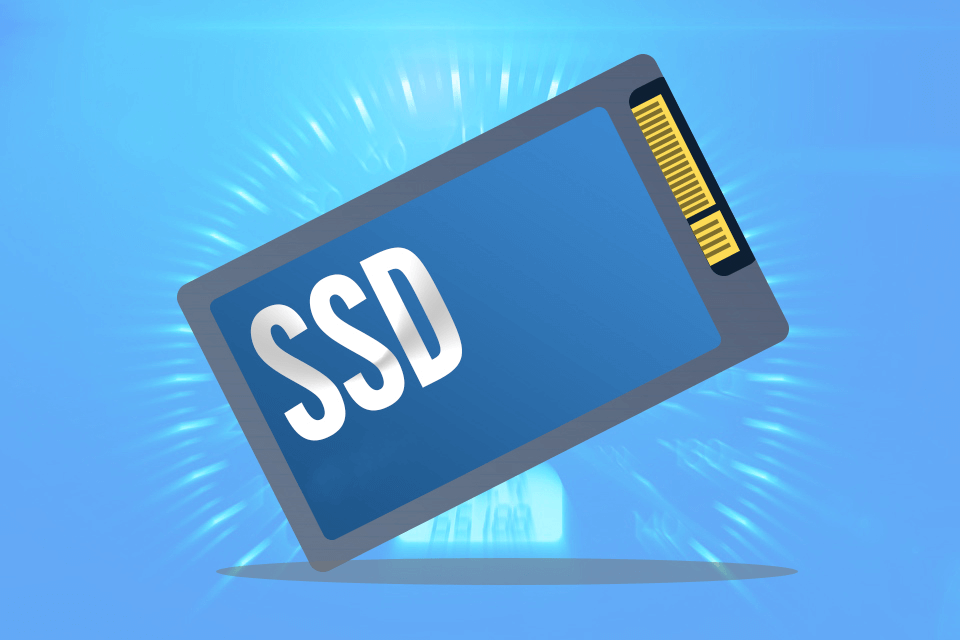
A Solid State Drive stores the same types of information as a traditional hard drive but has no moving mechanical parts. It can access information much more quickly, operates silently and is better suited to portable computers. An SSD upgrade can:
- Reduce Windows startup time
- Make programs and files open faster
- Improve overall system responsiveness
- Eliminate hard-drive noise and vibration
- Reduce power consumption
- Increase storage capacity
- Improve resistance to bumps and movement
The greatest improvement occurs when replacing a mechanical hard drive. If your computer already has an SSD, replacing it with a faster model may make little difference to ordinary office or internet use. A larger SSD can still provide valuable additional storage.
Professional SSD Upgrade Service
Complete upgrade with setup, transfer, and optimisation.
We replace your existing drive with a high quality SSD matched to your device. The upgrade includes installation, system setup, and performance optimisation.
We also transfer your existing data where possible. This means you keep your files, settings, and applications without starting from scratch.
If required, we perform a clean system setup for better stability. As a result, your upgraded system runs faster and more reliably from day one.
SSD Technology Expained

2.5-inch SATA and mSATA: These drives use the older AHCI protocol, which was originally designed for mechanical spinning hard drives. They are limited by the SATA III interface and max out at roughly 550MB/s. The standard 2.5-inch drives were common in older laptops and desktops, while mSATA was an early compact form factor that was popular in laptops from 2012 to 2015.
M.2 Form Factor (B Key and M Key): Modern SSDs look like small sticks of gum and connect directly to the motherboard. The “key” refers to the physical notches on the connector edge. B-key slots generally support slower SATA speeds, while M-key slots are designed for the significantly faster PCIe/NVMe standards.
AHCI vs. NVMe: While AHCI was the data transfer standard for years, NVMe (Non-Volatile Memory Express) was built from the ground up for flash storage. NVMe bypasses the old SATA bottlenecks by communicating directly with the computer’s CPU via PCIe lanes, resulting in massively reduced latency and faster load times.
PCIe Generations (3.0, 4.0, 5.0): The top speed of an NVMe M.2 drive depends on the PCIe generation your motherboard supports. PCIe 3.0 offers great everyday speeds up to 3,500MB/s. PCIe 4.0 doubles that bandwidth to roughly 7,000MB/s, and the newest PCIe 5.0 pushes speeds beyond 10,000MB/s for extreme workloads. We check your hardware before installing to ensure we match the drive generation to your system’s exact capabilities.
Intel Optane: Originally designed as a high-speed cache bridge between standard RAM and slower mechanical hard drives, Intel has since discontinued its Optane memory lines for everyday consumers. Most Optane-branded solid-state drives have been phased out. Because modern standard NVMe SSDs are now incredibly fast and affordable on their own, specialized Optane caching drives are no longer necessary for a snappy system.
Why Choose Fix My Laptop for SSD Upgrades
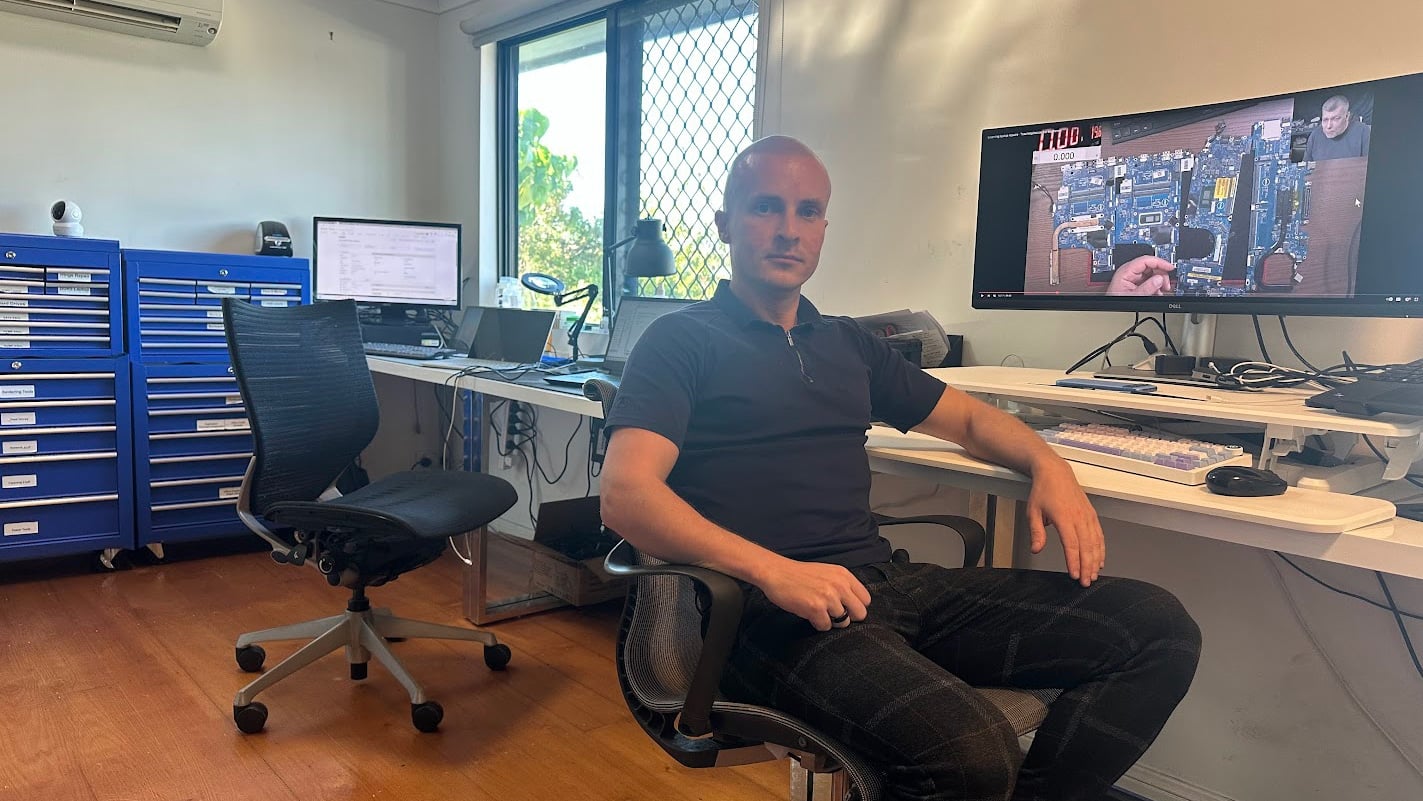
Upgrading storage should improve performance, not create new problems. We focus on correct installation, proper setup, and honest advice so your system performs as expected.
SSD Upgrade Pricing
Pricing depends on specifications, condition, and upgrades.
512GB
- Most popular upgrade size
- Great for most computer users
- About 400 GB available to use
- Enough to store documents and pics
- Typically used in $900+ laptops
$400
1TB
- 2x the capacity
- Great for typical house & business use
- About 900 GB available to use
- Enough to store movies and games
- Typically used in $1500+ laptops!
$500
2TB+
- 4x the capacity
- Great for professionals & gamers
- About 1800 GB available to use
- Enough to store pretty much anything
- Sometimes used in very expensive laptops
$800+
How SSD Upgrade Works
A simple process from drop off to working device.
Visit & Drop-off
The service is only available at our workshop due to the time involved to backup and transfer your data.
Quote
We perform a quick check of your device specs and your usage needs. If your device is working well, it’s a straightforward job.
Repair Timeline
Most parts are available in-store, so we can do the repair the same or next day. If we need to order parts, we will take the deposit to order the drive.
What If…
If your computer has issues, rather than cloning your existing setup, we can do a fresh reinstall of Windows and transfer your data.
Come to Our Clayfield Workshop, Parking On-Site
Fix My Laptop is conveniently based in Clayfield, providing fast and quality repairs for customers across Brisbane Northside.
Most hardware problems require proper testing, the majority of our customers visit our workshop for hands-on diagnostics, repairs, and data recovery.
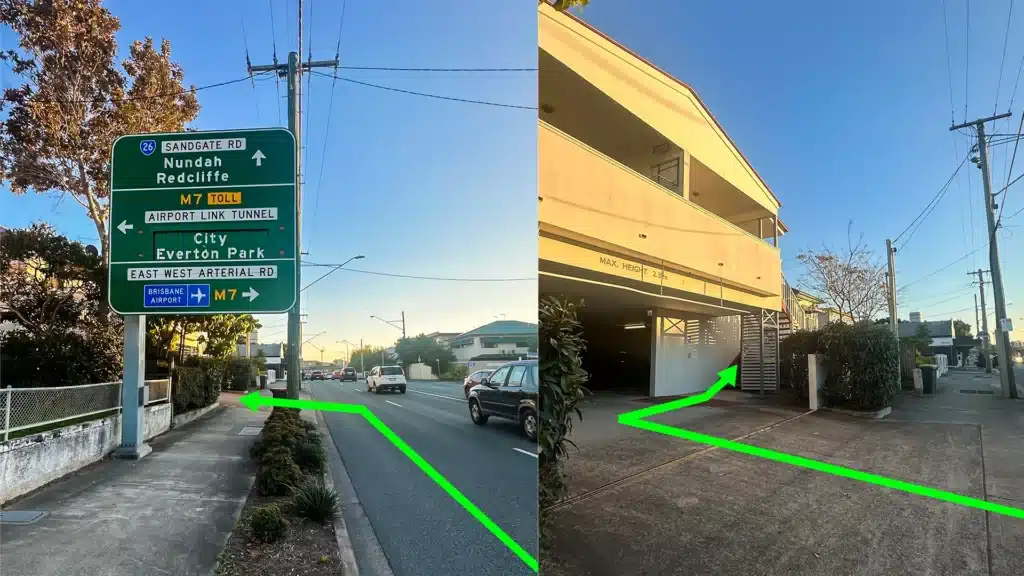
Our address is 2/890 Sandgate Road, Clayfield, QLD 4011
Easy visitor parking available on-site! Turn left into the units right after the Airport Link sign. Please use the guest parking spots. If not available, you can use parking on Kedron Street.
| Monday | 10:00 AM — 6:00 PM |
| Tuesday | 8:00 AM — 6:00 PM |
| Wednesday | 10:00 AM — 6:00 PM |
| Thursday | 8:00 AM — 6:00 PM |
| Friday | 10:00 AM — 4:00 PM |
| Saturday | 10:00 AM — 4:00 PM |
| Sunday | Closed |
See our updated hours on Google Maps before visiting. Appointments are preferred to ensure service on time.
Related Repairs

Software & Windows Repair
Is your computer stuck, crashing, or painfully slow? Software problems can stop your work, corrupt files, and make your computer unreliable. Most issues can be fixed without replacing your device.
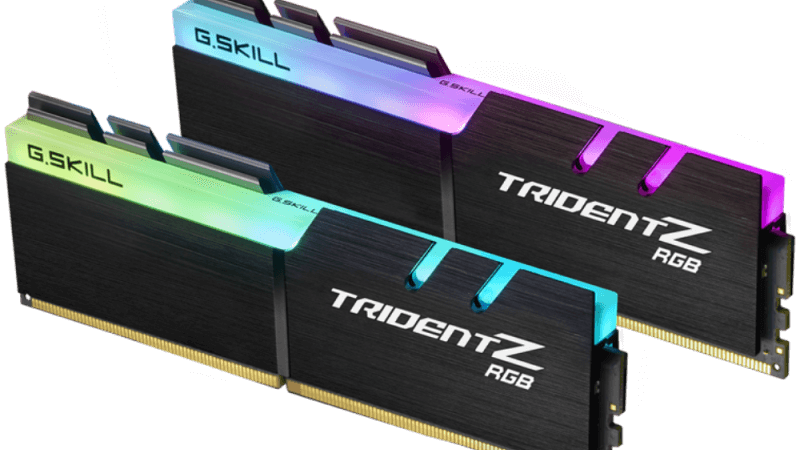
RAM Upgrade
Slow performance, freezing apps, or too many tabs open? We upgrade RAM to make your system faster and more responsive. And while the RAM prices are currently at all time high, upgrades are still cheaper than replacing your computer!
Data Recovery
Data loss is a nightmare, and unfortunately, it is usually a question of when, not if. We recover data from broken computers, failing hard drives, solid-state drives (SSDs), USB sticks, and SD cards safely, offering honest advice and realistic expectations.