SSDs are awesome. They’re fast, have no moving parts, and use less energy than traditional spinning-platter hard drives. In fact, we haven’t sold computers with hard drives for many years as the difference in performance is immediately apparent!
The problem, of course, is that they wear out. That’s only part of the problem. What we’d like to know is when. Unlike traditional hard drives, there are a couple of approaches to making an educated guess.
The more you write to them, the more SSDs wear out. If you mostly use your computer for basic tasks like browsing, checking emails, or doing office work – the drive will likely outlast the rest of your computer.
However, if you are a gamer, photo or video editor, or use your computer for scientific work, you will likely need to replace the drive sooner than later.
SSDs have a limited lifespan, allowing you to write a certain number of terabytes (units of storage) written onto them. Generally, smaller drives tend to last less than drives of larger capacity.
Also, the cheaper the drive, the less likely it will last before needing a replacement. This is why we only use reliable drives such as AData and Samsung. We have sold them for many years and only had a few failures… much better than prebuilt computers and laptops from big box stores, with drives failing within one year!
Some tools can estimate the remaining lifetime of your SSD. Unfortunately, by the time they detect problems, it’s usually too late. When SSDs fail, they fail suddenly and “mysteriously”. You might get frequent crashes, BSODs (Blue Screen of Death), or error messages when trying to write files. In more severe cases, your computer will fail to start, saying something like “no bootable device found”.
When this happens, it’s usually possible to recover your files, but you are on borrowed time. The longer you wait, the less chance of a successful recovery. This is why you must back up your files if you care about the data on your computer!
Warranty is Not a Guarantee
We need to point out something important. Just because something is warranted for a specific amount of time doesn’t mean it can’t fail sooner — perhaps even much sooner.
Warranty is a statistical game played by the manufacturer. They’re confident in the technology that most of their devices will last well beyond this point. They’re confident enough to refund your money and/or provide a replacement device if yours doesn’t.
Warranty Won’t Recover Your Data
Even if you have a brand-new computer, it doesn’t mean you can stop backing up your data. It is unlikely that your SSD will fail soon, but when it does, you will only get a replacement via warranty service. The replacement drive might have a fresh copy of Windows or macOS installed, but it won’t have your data. Backing up is always your responsibility!
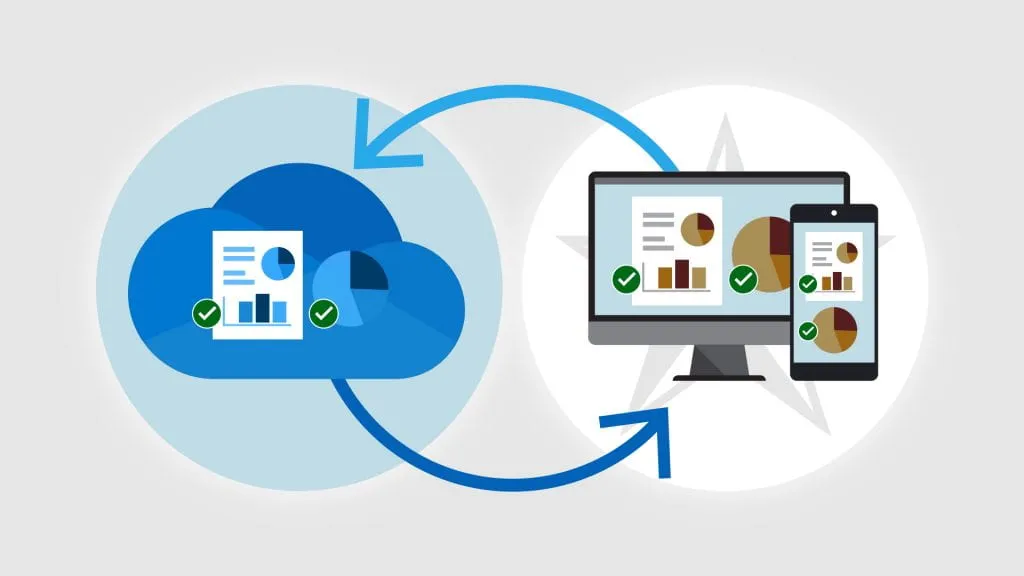
If you need help ensuring your data is backed up, we can help you. The cheapest way is by buying a hard drive (we actually recommend two!) and doing periodic backups manually. The easier but more expensive way is by using cloud backups.