A few days ago, we helped one of our customers whose computer crashed. A few things went wrong during the repair and his whole drive with several months of important work was lost with no possibility of recovery – at least that’s what it looks like at this stage!
What would you do if this happened to you? If the answer is nothing, just replace the computer, you might as well ignore the rest of this newsletter. If the thought of losing it all makes you shiver, ask yourself how long ago you did that backup. A few months ago? Years? Never?
Even if you did it recently, have you checked if you can actually restore the files in the event of something going wrong? People get complacent in many areas of life, thinking nothing bad is going to happen when they neglect what they know they should be doing regularly, and I’m not talking just about computer stuff.
If you store any important data on your computer, you MUST have at least two copies of it. Consider what will happen if your computer crashes completely, gets stolen or destroyed in an accident. Your emails will probably still there. Your data might be saved on OneDrive / Google Drive or Dropbox. Do you want to rely on your luck, or should you have a better plan?
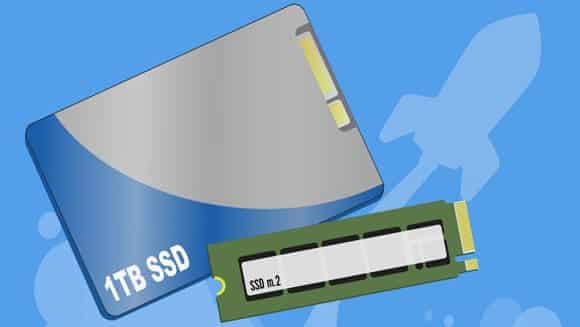
Backups are especially important when your computer has a Solid-State Drive (SSD). While they are more reliable than the old-school hard drives, when something goes wrong, there is very little chance of recovery. Even forensic data recovery companies are helpless in many cases.
Once you delete an important file or corrupt the file system (that’s what happened with us!), the SSD controller sends a command that just zeroes out the space where that data was stored. This is not a bug, but a feature to make sure the drive is more reliable and operates faster.
The best way to prevent these accidents is to store your files in cloud storage, fully synced with your computer and have an extra copy of everything on a hard drive that you store away from the computer.
How often should you do it? Depends on how much you are willing to lose when something goes wrong. We’ve seen people who haven’t bothered to back up for years and when they lose their precious family photos, they cry.
In many cases, we can help recover the data, but it can easily cost $300-2000 depending on what happened. Sometimes, we can’t do anything at all. Sounds cruel, but when you fail to plan, you plan to fail.
Back up your data today!