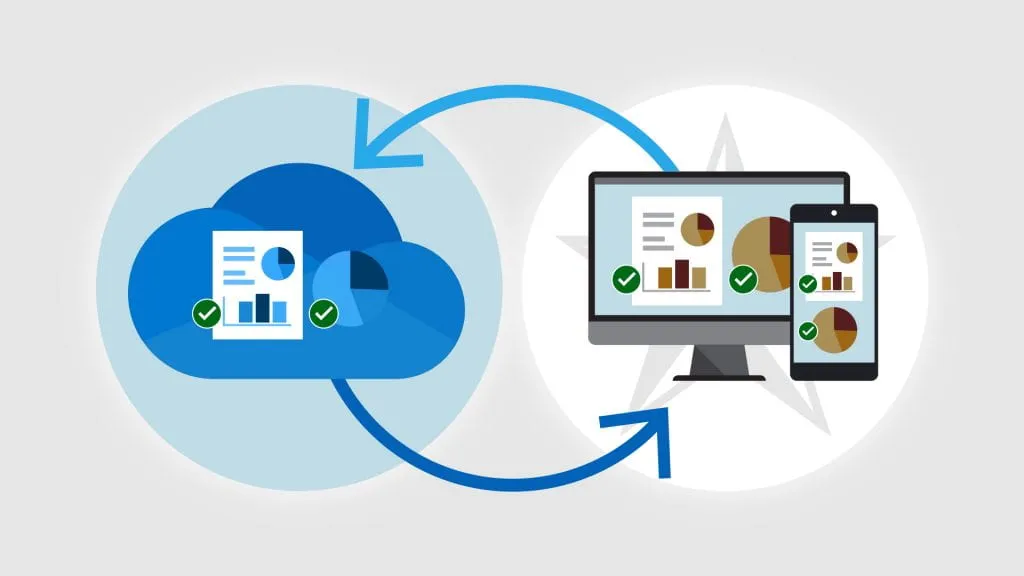
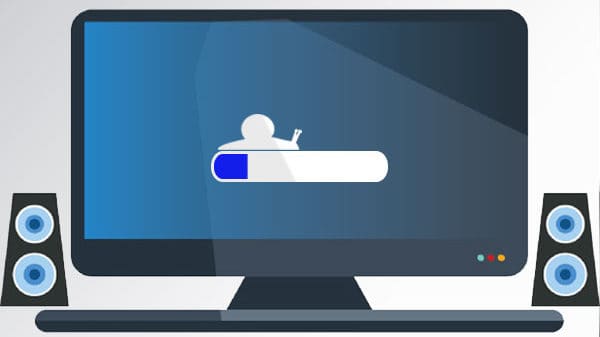
For the last five years since the release of Windows 10, Microsoft kept making incremental changes to their OS, releasing updates every half a year or so. Most of those updates were minor, bringing a few changes here and there. If you are a regular user, you probably didn’t even notice them, except for the time it took to install those updates, which sometimes took several hours!
Microsoft has committed to supporting Windows 10 until the end of 2025, which is still more than a year away. It won’t have any new features, and most updates will only address security and bugfixes. The continued support gives people an opportunity to decide whether they want to upgrade.
If you’ve seen the above message, your current computer can’t run Windows 11 officially. It doesn’t mean you’ll have to throw it away though. You can keep using it, but it’s important to understand the risks involved. However, the risks may not be as horrific as some make them out to be.
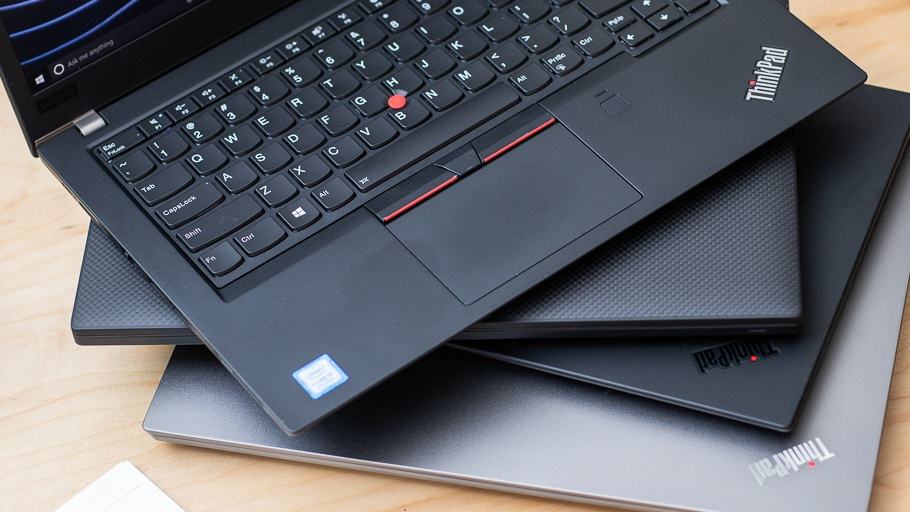
Most computers made in the last five years can run Windows 11. Some might need a few tweaks like enabling certain security features in the BIOS or doing firmware updates. If your computer originally shipped with Windows 7 or 8, it’s time to replace it as it’s approaching at least 10 years old!
The gloom and doom scenario is that there’s an unpatched vulnerability to be found. Hackers will exploit it, and Microsoft won’t fix it. The more pragmatic risk is that eventually, your other software will no longer be updated. You’ll have to figure out whether you can live with it or find alternatives.
There is a free app that can tell you exactly why your computer can’t run Windows 11 and you can download it from here. Some of the things above can be rectified, but you’ll need to bring your computer to us.
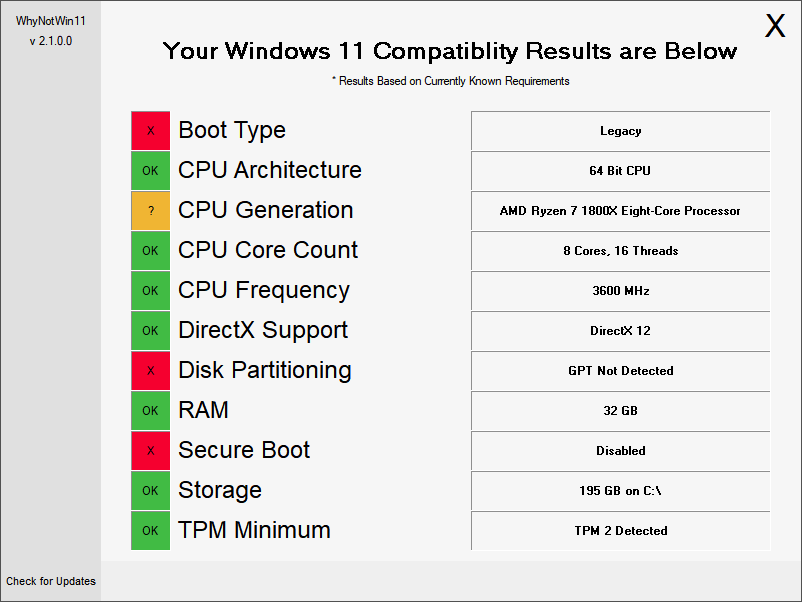
Also, did you notice how we said, “run Windows 11 officially?” We’ve actually installed Windows 11 on computers that are slightly older than what Microsoft recommends. They won’t have all the security features enabled, but for people on a strict budget, it’s a better option than throwing the computer away.
Doing this usually involves a full computer backup and clean reinstall, with your data restored and accounts and settings reconfigured. It’s a lot of work but your computer will work much better after it’s done!