Every day, people lose important data, precious memories, and valuable time because they didn’t take a few simple steps to prepare. And by far, the best time to prepare is at the beginning.
1. Disconnect That New Computer From the Internet
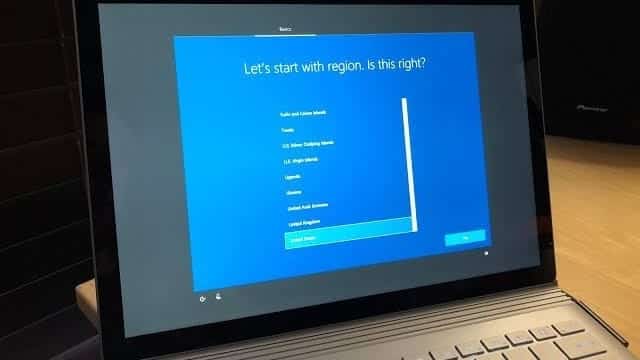
You may need to stay online to complete the initial setup of your computer using your Microsoft account, but until we’ve made sure of a couple of items, we recommend not connecting to the Internet just yet.
2. Make a System Image Backup
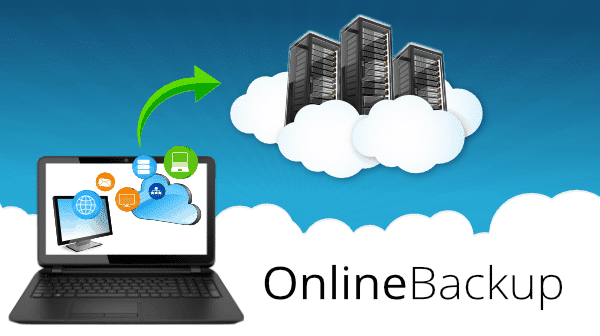
A complete system image backup will allow you to restore the computer to factory state should something (it’s a question of when not if!) go wrong. The easiest way to do it is by using built-in Windows tools. We recently had an article that goes into more detail.
The reasoning here is simple: this backup is an image of your machine as you got it. It’s a true reset to factory settings. Should you ever need to start over and reformat/reinstall the machine, you can restore this image backup instead. It will return your machine to the exact condition it’s in right now in a single step. You don’t even need to know how to do that today; the important thing is that you create the image backup and save it now.
This could allow you to skip the trip to a repair shop!
3. Set up Regular Backups
While you’ve got your backup software out, take the time to schedule regular automated backups.
Exactly what that looks like depends on your needs and how you use your computer, but in general, backing up your machine at least weekly or monthly to an external hard drive is good practice.
4. Connect To the Internet
You may have had to do this already to download alternative security software, but regardless, now’s the time if you haven’t.
We used to discuss things like firewalls at this stage, but the fact is:
- You’re likely connecting through a router, which acts as a perfectly adequate firewall.
- Windows will have its own firewall enabled as well.
With those as safe assumptions, connect.
5. Activate Your Security Software
Most new computers come with a pre-installed trial of security software. Here in New Zealand, it’s usually Trend Micro, Norton, or McAfee. They will usually work for 30 days and then ask you to prepay for a yearly subscription, which keeps increasing yearly. We don’t recommend any of those. Instead, you can sign up for Emsisoft Anti-Malware through us. We have been selling it for over five years and haven’t had a single customer return to us getting infected!
6. Update, Update, Update
Take the time now to update Windows in particular and all other applications and software installed on your machine. Depending on the speed of your connection and your computer’s performance, this could take anywhere from half an hour to several hours.
Keeping your software updated keeps your machine safe from malware that exploits bugs in the software on your machine, known as unpatched vulnerabilities. Updates are issued regularly to fix those bugs.
7. Back up Again
Once your machine is completely up to date, take another image backup.
While the image backup taken in step 2 is perhaps the most important, this backup will be the most convenient. Why? Because if you ever need to use it, you’ll have already performed most of the computer setup. You won’t have to update nearly as much as if you started with the machine returned to factory settings.
There’s an argument that you don’t need both, but I prefer caution. This is the backup you’re most likely to use, while the backup from step 2 is an additional safety net.
8. Restore Your Data and Start Using Your Computer!
Finally! You can now restore data from your old computer by copying the backup you had made before. You can also install the extra applications you need, configure your accounts, and get your settings and customizations ready. Enjoy!
Conclusion
Many people incorrectly assume that buying a new computer is similar to buying a new appliance. Unfortunately, setting everything up is quite an elaborate process. Still, the good news – you only have to do it once and then, if you are lucky, never have to do this again until you replace the computer again.
If this all seems daunting, we are happy to help you. We also have a 20% off sale for all computers until Saturday!