
New Computers Brisbane Setup and Advice
Not sure if you need a new computer or just a repair? Buying the wrong system wastes money and creates new problems.
We help you choose the right computer based on your needs, whether that is a new system or a reliable refurbished option. This ensures your new system works properly from day one.

Signs It Might Be Time for a New Computer
Most people upgrade only after ongoing issues. These are common signs your current system is no longer worth fixing.
Constant slow performance
Even after cleanup, your system struggles with basic tasks. This often means the hardware is no longer sufficient.
Frequent breakdowns or repairs
Repeated issues increase costs over time. At some point, replacing becomes more practical than fixing.
Outdated software support
Older systems may not support current Windows updates. This creates security risks and compatibility issues.
Limited upgrade options
Some devices cannot be upgraded effectively. This restricts performance improvements and long term usability.
Overheating or shutdown issues
Hardware degradation can lead to instability. This usually may require costly repairs or replacement with limited benefit.
Poor battery or portability
Short battery life affects usability for laptops. Replacement may not be worth the cost on older devices.
Why Your Current Computer Feels Outdated
Not all slow systems need replacing. However, some limits cannot be fixed.
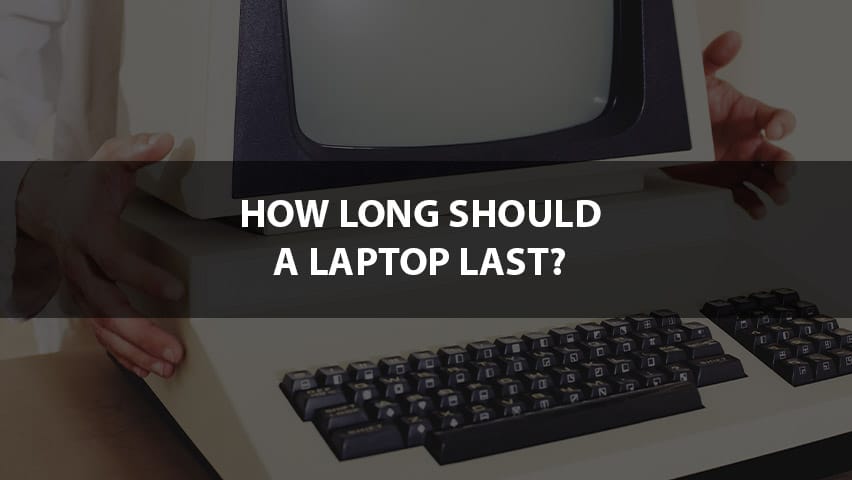
Over time, hardware becomes less capable of handling modern applications. Software demands increase, while older components struggle to keep up.
In addition, many systems were built with limited upgrade paths. This means improvements like SSD or RAM upgrades may not be possible or effective.
In some cases, repeated overheating or hardware wear reduces reliability. Even after repair, performance may remain inconsistent.
Before Buying a New Computer
Some systems can still be improved with the right upgrades.
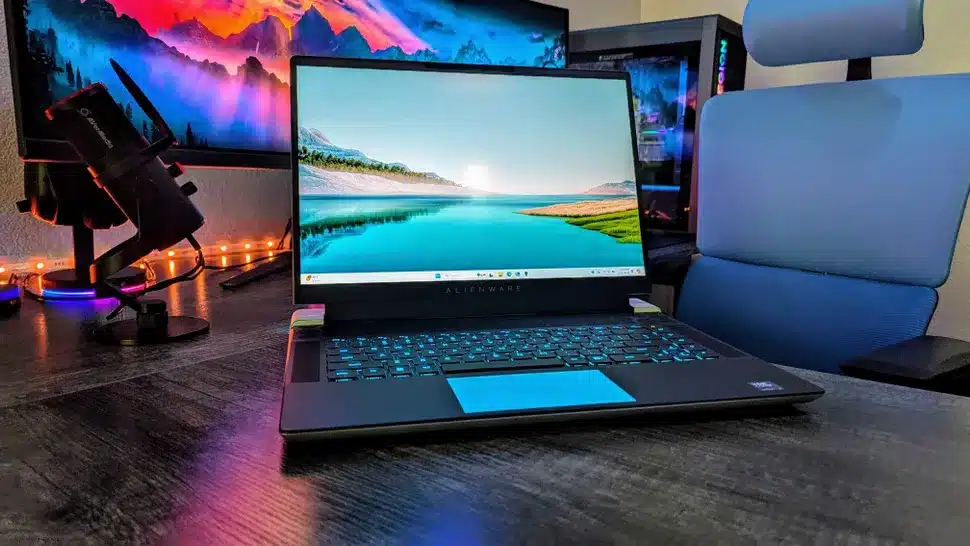
You can consider a SSD upgrade to improve speed if your system still uses a hard drive. This is one of the most effective improvements.
Adding RAM can also help with multitasking and responsiveness. However, not all devices support meaningful upgrades.
If performance remains poor after these steps, replacement becomes the more practical option.
Not Ready for New? Consider Refurbished Options
A refurbished computer can deliver strong performance at a lower cost.
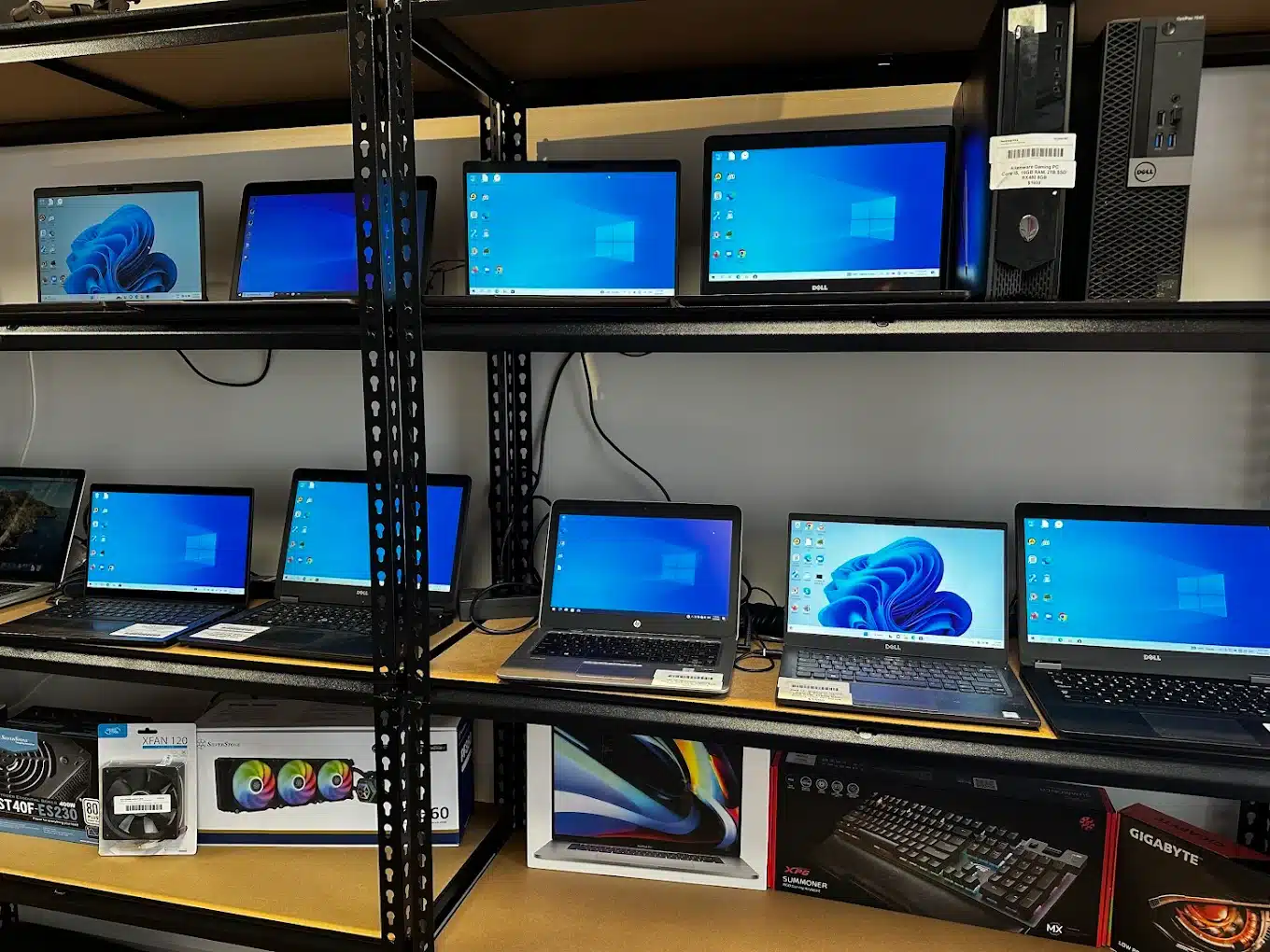
Buying brand new is not always necessary. Many users only need a stable system for work, study, or daily use. In these cases, a refurbished computer can be the smarter option.
We source and prepare refurbished laptops and desktops based on what is currently available. Each unit is tested, cleaned, and configured for real use. Instead of browsing listings, you get recommendations that match your needs and budget.
When a New Computer Makes More Sense
At some point, repair costs outweigh the benefits.
Repair costs keep increasing
If multiple issues appear over time, total repair cost adds up. Replacement becomes a better long term decision.
Performance remains poor after upgrades
Even after SSD or RAM upgrades, the system still struggles. This indicates deeper hardware limitations.
System is no longer supported
Outdated operating systems create security risks. New hardware ensures proper support and updates.
Reliability becomes inconsistent
Frequent crashes or failures reduce productivity. A new system provides stability and peace of mind.
Choosing the Right Computer Without Guesswork
We guide you based on real usage, not marketing claims.
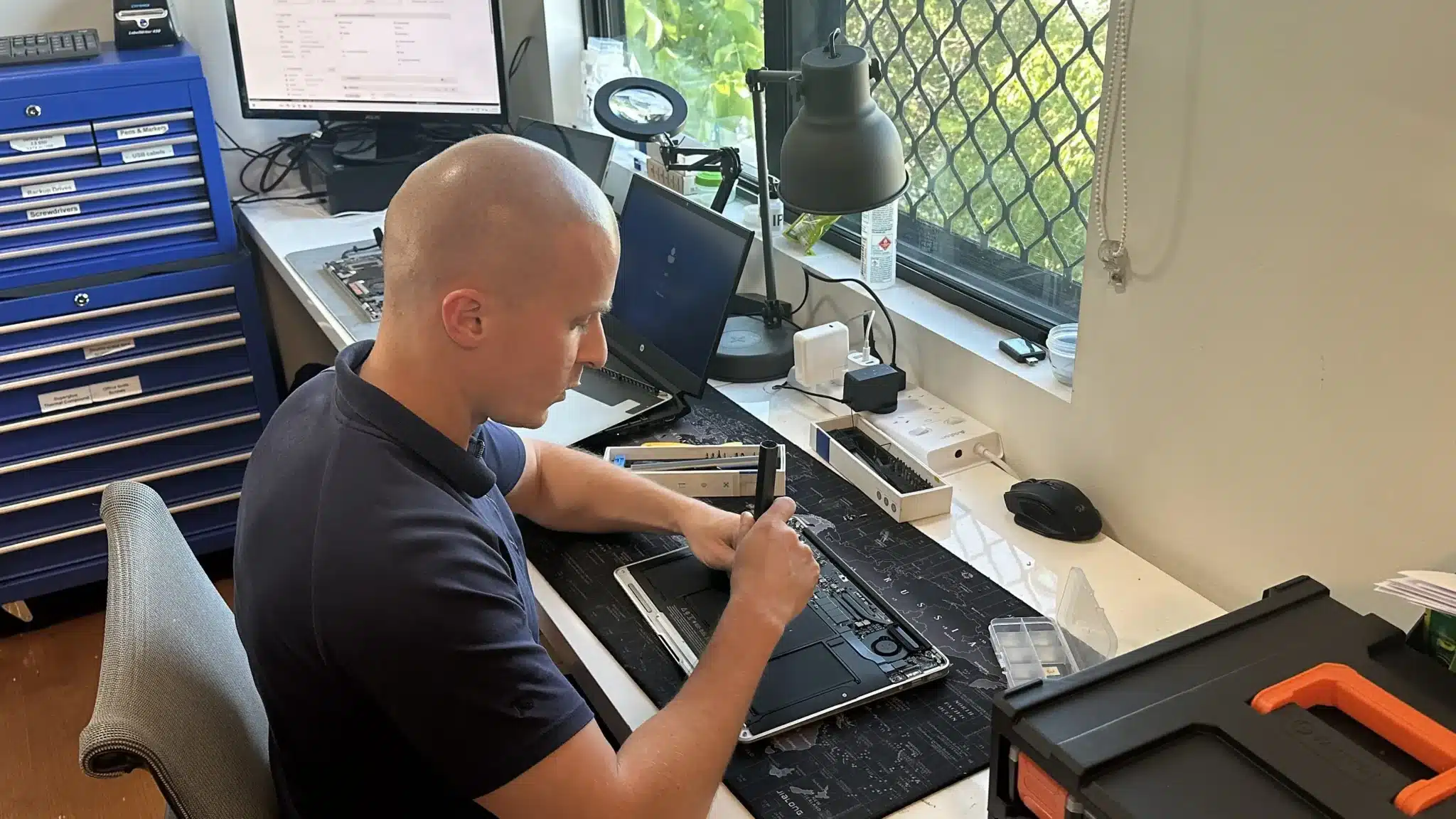
We start by understanding how you use your computer. This includes work type, software requirements, and daily tasks.
Then we recommend systems that match your needs without overspending. This avoids buying underpowered or unnecessarily expensive devices.
After purchase, we handle full setup and optimisation. This ensures your system is ready to use without delays or confusion.
Practical Advice and Proper Setup
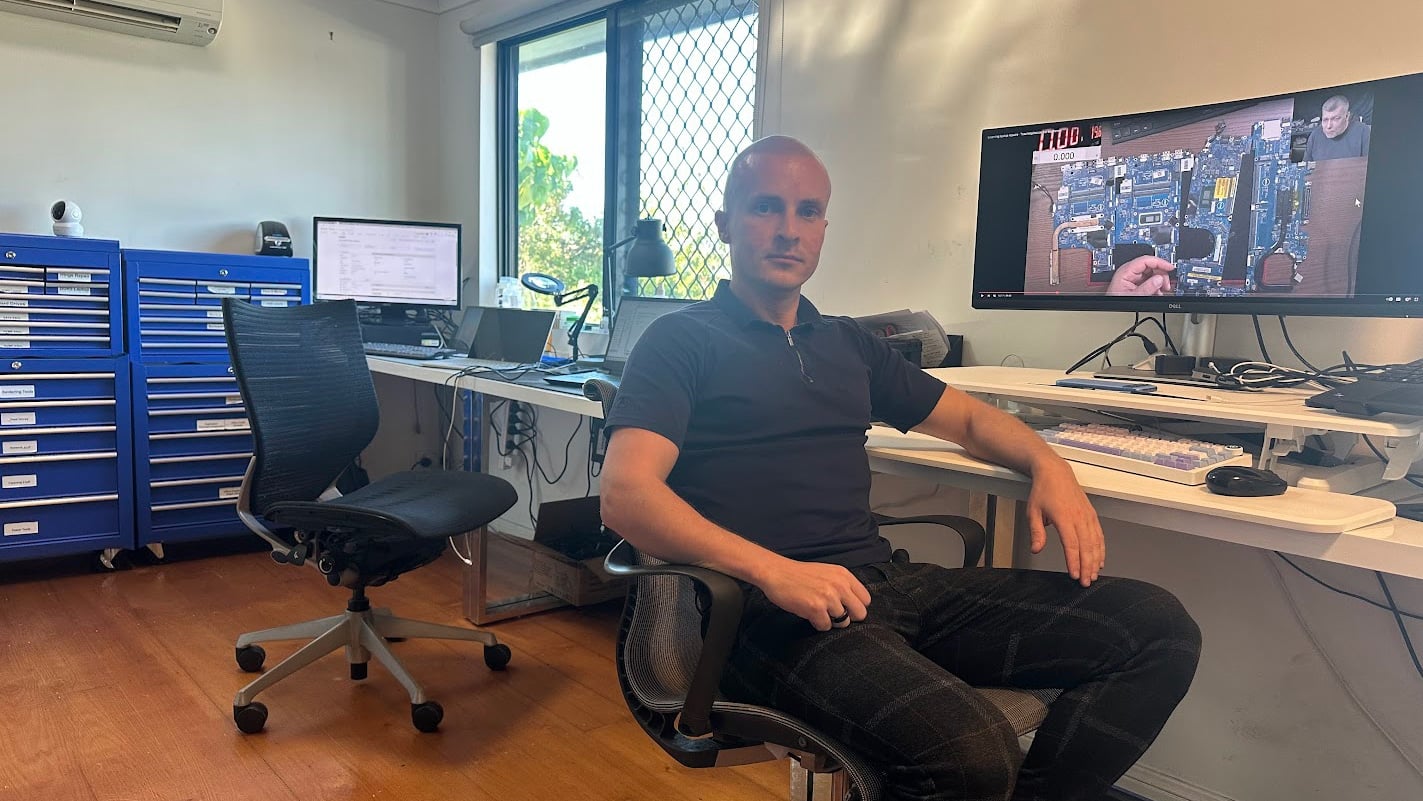
Many people buy computers based on specs they do not need. We simplify the process and ensure you get the right system.

How You Can Get Started
Choose the option that works best for your situation.
Workshop Visit
Visit our Clayfield workshop for advice, purchase support, and full setup. This allows direct discussion and faster turnaround.
On-site Service
We come to your home or office to set up your new computer. This is useful for business or multi device setups.
Remote Support
We assist with setup and configuration remotely where possible. This works well for software and account setup.
Emergency
For urgent replacements or business downtime, we prioritise your setup. This helps restore productivity quickly.
New Computers Brisbane Northside
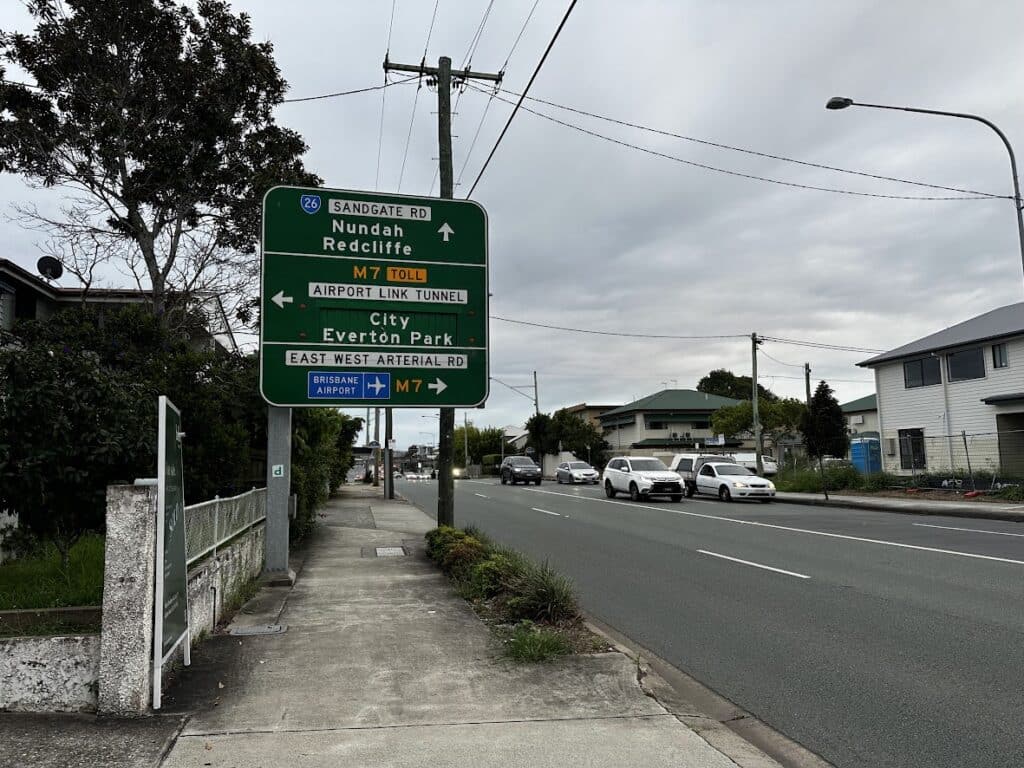
We assist customers across Brisbane Northside, including Clayfield, Ascot, Hendra, Albion, Nundah, Kedron, Chermside, Wooloowin, and Hamilton. You can visit our workshop or arrange on site setup depending on your needs.
Visit Us Today: 2/890 Sandgate Road, Clayfield, QLD 4011
Open Monday to Saturday. See our updated hours on Google Maps before visiting.
Frequently Asked Questions

Do I need a high end computer?
Not always. The right system depends on your actual usage, not the highest specifications.
Can you transfer all my data?
Yes, we transfer files, settings, and accounts where possible.
How long does setup take?
Most setups are completed within one day depending on requirements.
Is refurbished a good option?
Yes, if budget is a concern. Refurbished systems can offer strong value when properly tested.