
Laptop and Computer Upgrades in Clayfield, Brisbane Northside
Improve your laptop or desktop with faster and bigger SSD, more RAM and better connectivity – without replacing the entire computer. We assess what is actually limiting your computer, check compatibility and explain the expected improvement before any work begins.
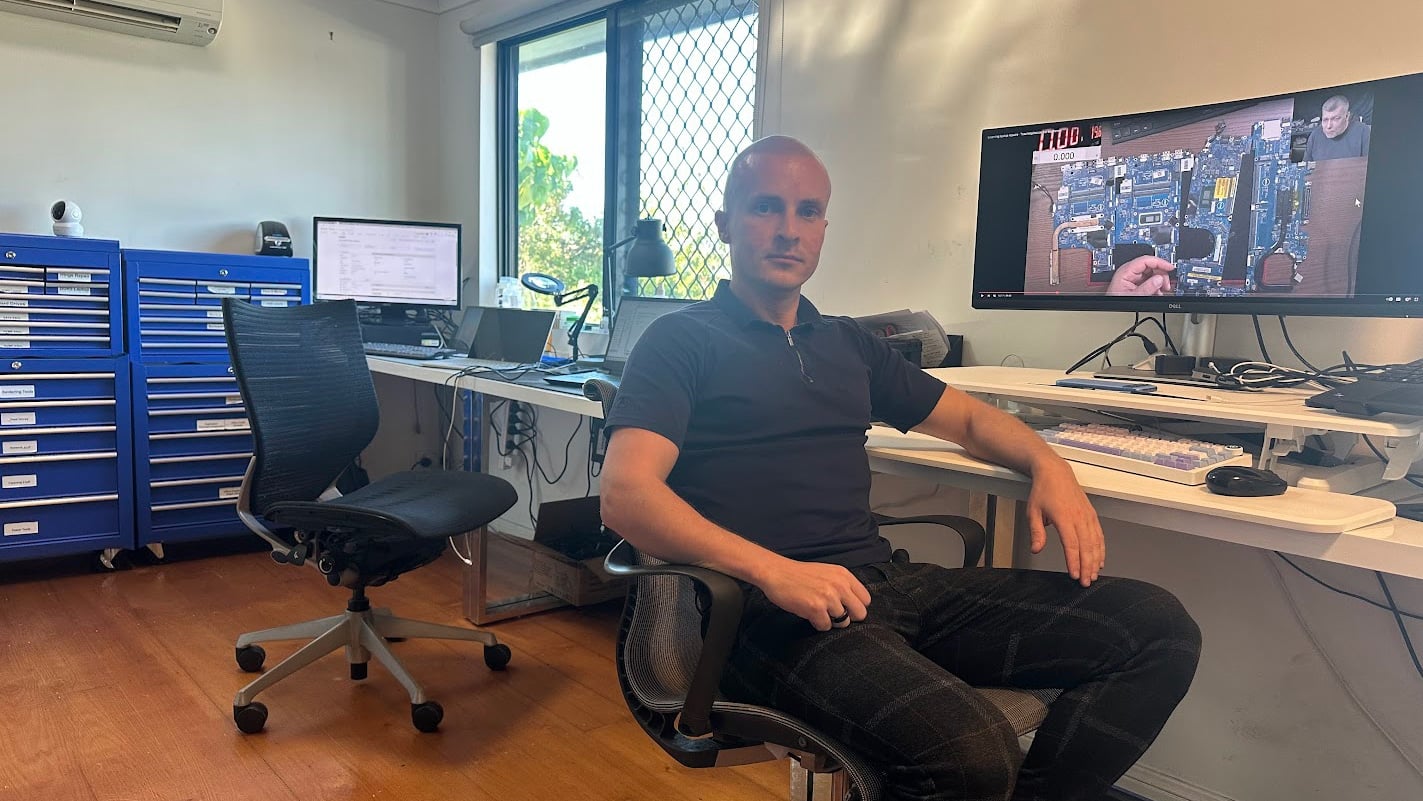
You deal directly with a technician who can explain the available options without unnecessary upselling.
★ 4.8
Google Rating
⚙ Over 50,000 Successful Repairs
✓ Trusted by Brisbane locals since 2009
Upgrades That Actually Improve Performance
A computer upgrade should solve a specific problem. Before recommending an upgrade, we consider:
Upgrade vs. Replacement: Where to Draw the Line
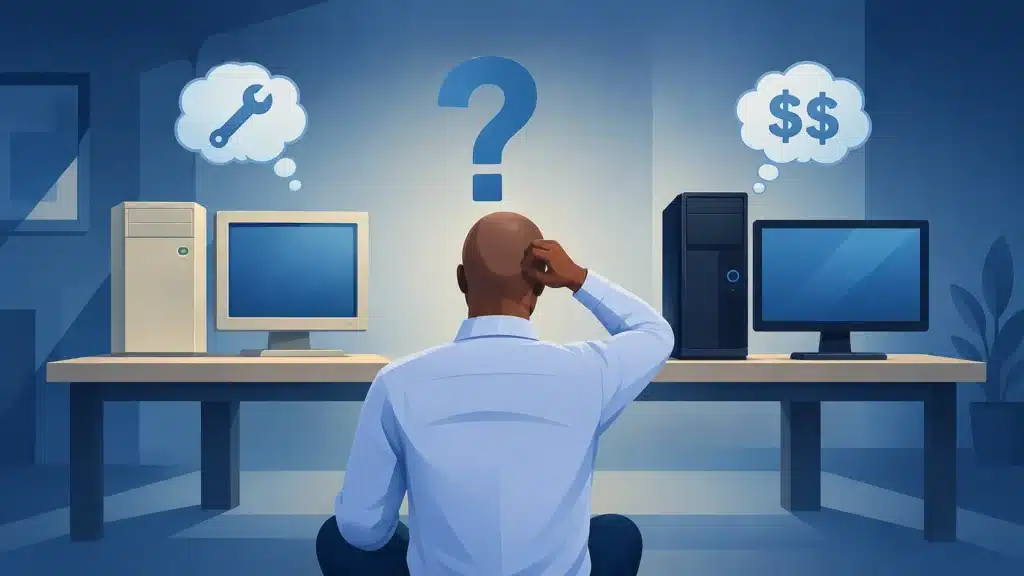
If your computer is less than five years old and does not have major issues, a computer upgrade makes more sense than replacing it. We can make it work better than it ever did, saving you money while acting as a green choice that reduces environmental impact.
Before making a decision, it helps to assess the current state of your machine. If your computer is like a decently modern car that occasionally stalls at stop signs, a quick upgrade or repair might be all you need. However, if it resembles a decades-old rust-bucket with holes in the floor, it is time for a replacement.
You Should Strongly Consider Buying a New Computer if:
- You are running an obsolete, unsupported operating system like Windows XP, Vista, 7, or 8, which leaves you vulnerable to security risks.
- Your hardware is so old you cannot remember when you bought it, such as an old beige tower or bulky laptop.
- The computer was very cheap to begin with; it is usually better to save for a new one than dump money into an economy machine.
- It has been repaired multiple times and still gives you grief.
- The required upgrades include the CPU (the brain of the computer) or the motherboard. At this point, replacing the system is more cost-effective.
Are You Asking Too Much From Your Computer?

Sometimes a computer feels slower because the workload has changed rather than because the hardware has deteriorated. We often keep many browser tabs open while simultaneously running email, video calls, cloud storage, security software and business applications. A computer that was perfectly adequate several years ago may struggle with this heavier workload today. Before spending money, try:
- Closing unused browser tabs
- Removing programs you no longer use
- Disabling unnecessary startup applications
- Restarting the computer regularly
- Checking available storage space
- Installing current operating-system and driver updates
If changing those habits is not enough, an SSD or RAM upgrade may allow the computer to handle your present workload more comfortably.
You should strongly consider buying a new computer instead of upgrading if:
- You are running an obsolete, unsupported operating system like Windows XP, Vista, 7, or 8, which leaves you vulnerable to security risks.
- Your hardware is so old you cannot remember when you bought it, such as an old beige tower or bulky laptop.
- The computer was very cheap to begin with; it is usually better to save for a new one than dump money into an economy machine.
- It has been repaired multiple times and still gives you grief.
- The required upgrades include the CPU (the brain of the computer) or the motherboard. At this point, replacing the system is more cost-effective.
Our Computer Upgrade Services
We upgrade SSDs and RAM to improve speed, reliability, and overall system performance. Note: While global pricing for RAM and SSDs is currently higher than usual, a targeted hardware upgrade is often still much more cost-effective than replacing your entire machine.
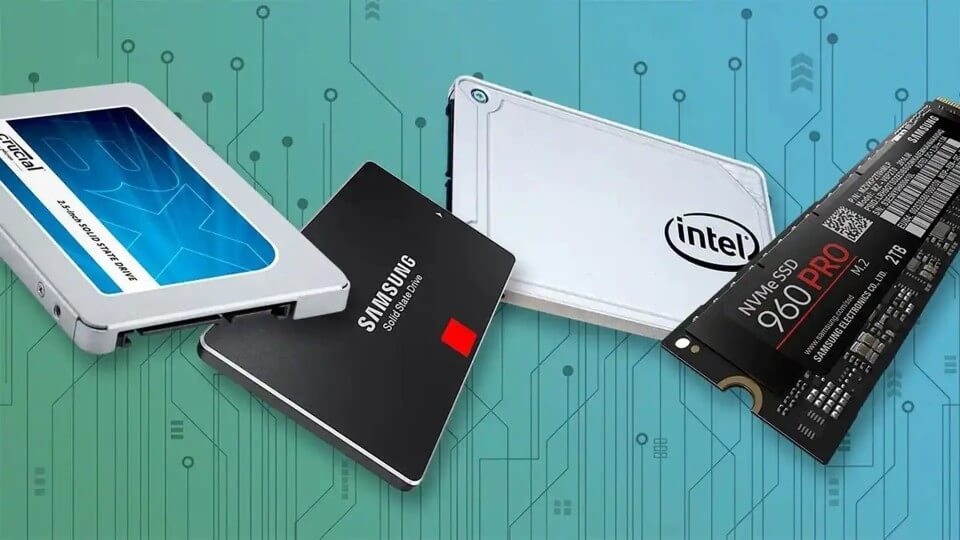
SSD Upgrade
Solid State Drives have zero moving parts, allowing them to find and transfer data in a flash. If your current SSD is a few years old and starting to slow down, it could be a warning sign of failure; upgrading to a larger, faster drive is one of the best upgrades you can do. You won’t lose your data. We can clone everything as is, or do a fresh install with your data transferred
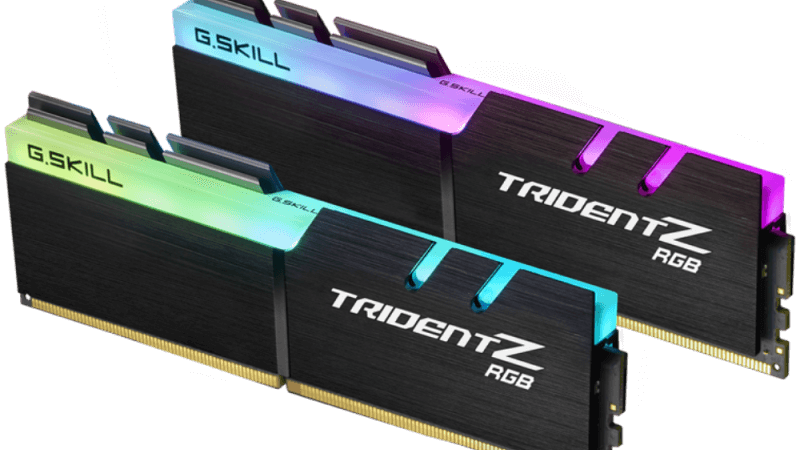
RAM Upgrade
8GB of RAM is often not enough if you keep several programs or dozens of browser tabs open. We typically recommend 16GB of RAM for smooth multitasking during typical office work. If your budget computer only came with 4GB, an upgrade will provide a massive, noticeable boost.
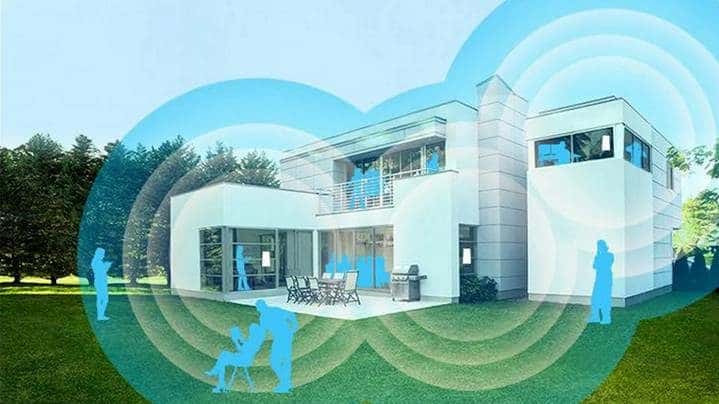
Connectivity Upgrade
Poor wireless range, dead zones, and persistent buffering can severely limit your internet experience. We can upgrade your desktop or laptop with high-speed Wi-Fi and Bluetooth capabilities, or upgrade your home network to a high-performance mesh router system. This eliminates dead spots and ensures fast, seamless coverage throughout your entire home or office.
Comprehensive Refresh & Tune-Ups
Complete Refresh
If your computer is experiencing major issues, we will back up your data, upgrade the drive to an SSD, reinstall Windows or Mac OS, and restore your data so it feels brand-new.
Windows 11 Upgrade
We can update your operating system to ensure your machine runs efficiently, securely, and continues receiving software support – even if Microsoft says your computer isn’t officially supported.
Tune-up and Cleaning
For computers needing maintenance, we remove useless programs, toolbars, temporary files, and cookies. We also install updates and thoroughly clean it inside and out to remove dust, grime, and fingerprints.
Come to Our Clayfield Workshop, Parking On-Site
Fix My Laptop is conveniently based in Clayfield, providing fast and quality repairs for customers across Brisbane Northside.
Most hardware problems require proper testing, the majority of our customers visit our workshop for hands-on diagnostics, repairs, and data recovery.
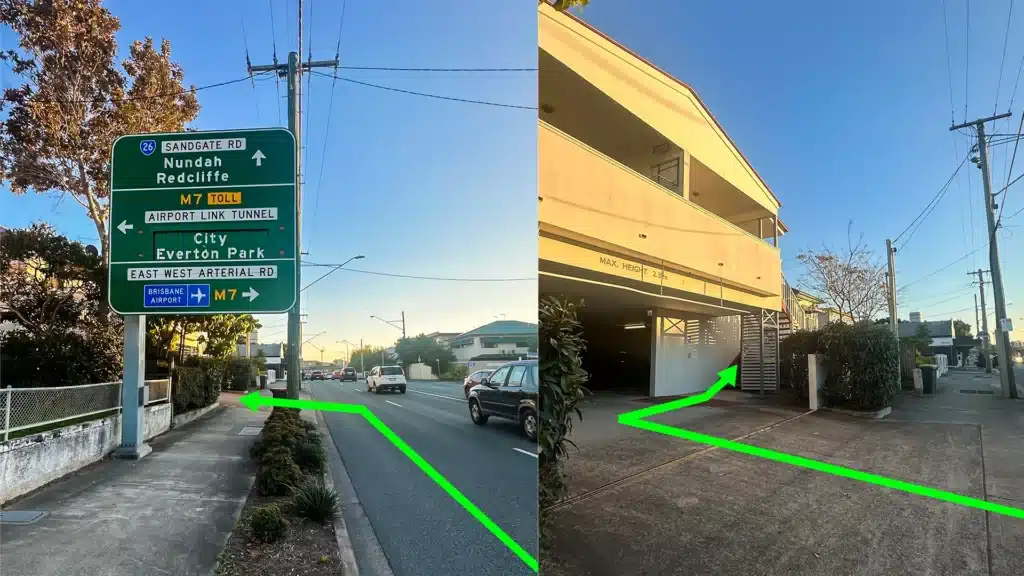
Our address is 2/890 Sandgate Road, Clayfield, QLD 4011
Easy visitor parking available on-site! Turn left into the units right after the Airport Link sign. Please use the guest parking spots. If not available, you can use parking on Kedron Street.
| Monday | 10:00 AM — 6:00 PM |
| Tuesday | 8:00 AM — 6:00 PM |
| Wednesday | 10:00 AM — 6:00 PM |
| Thursday | 8:00 AM — 6:00 PM |
| Friday | 10:00 AM — 4:00 PM |
| Saturday | 10:00 AM — 4:00 PM |
| Sunday | Closed |
See our updated hours on Google Maps before visiting. Appointments are preferred to ensure service on time.